39
Contents
Preparation/
Setup
Print Using a
Computer
Appendix
IndexPrint/SaveInput/Edit
Names of
Components
Maintenance/
Printer Settings
Trouble-
shooting
Entering Text
[Example] Input "Res7-1."
1
Input "Res7-1."
Enter [Shift]+[R], [E], [S], [7], [-], and [1] in this
order.
When entering capital letters, hold down [Shift]
and pr
ess the desired key.
If you make a mistake, use the [Back Space]
k
ey to delete the character, and then enter the
correct character.
(P.41)
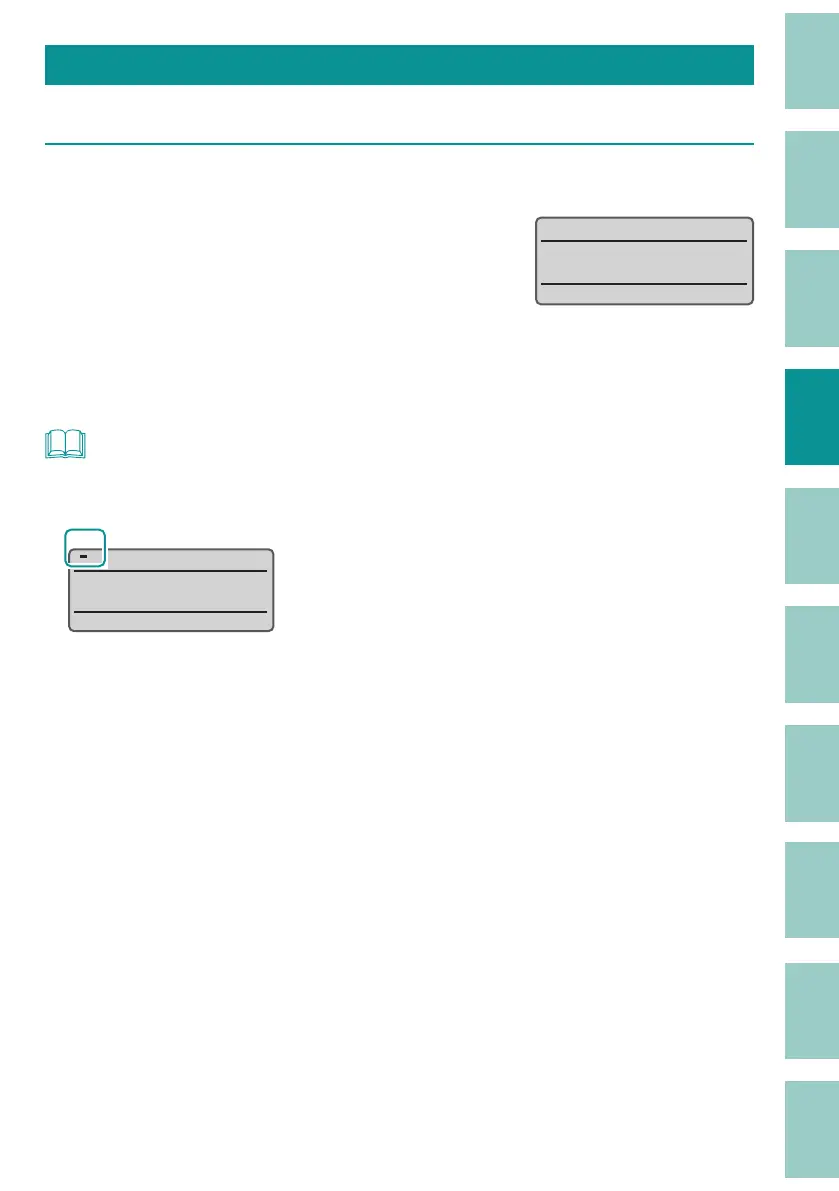
5HVʖ˛
NOT
• Press the [Caps Lock] key to switch to the uppercase alphabet input mode. To return to the previous
mode, press the [Caps Lock] key again.
Caps
ABC˛



 To Next Page