7
Contents
Preparation/
Setup
Print Using a
Computer
Appendix
IndexPrint/SaveInput/Edit
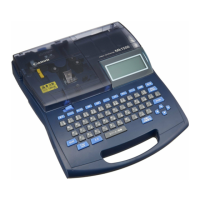
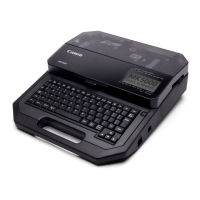
Names of
Components
Maintenance/
Printer Settings
Trouble-
shooting
11
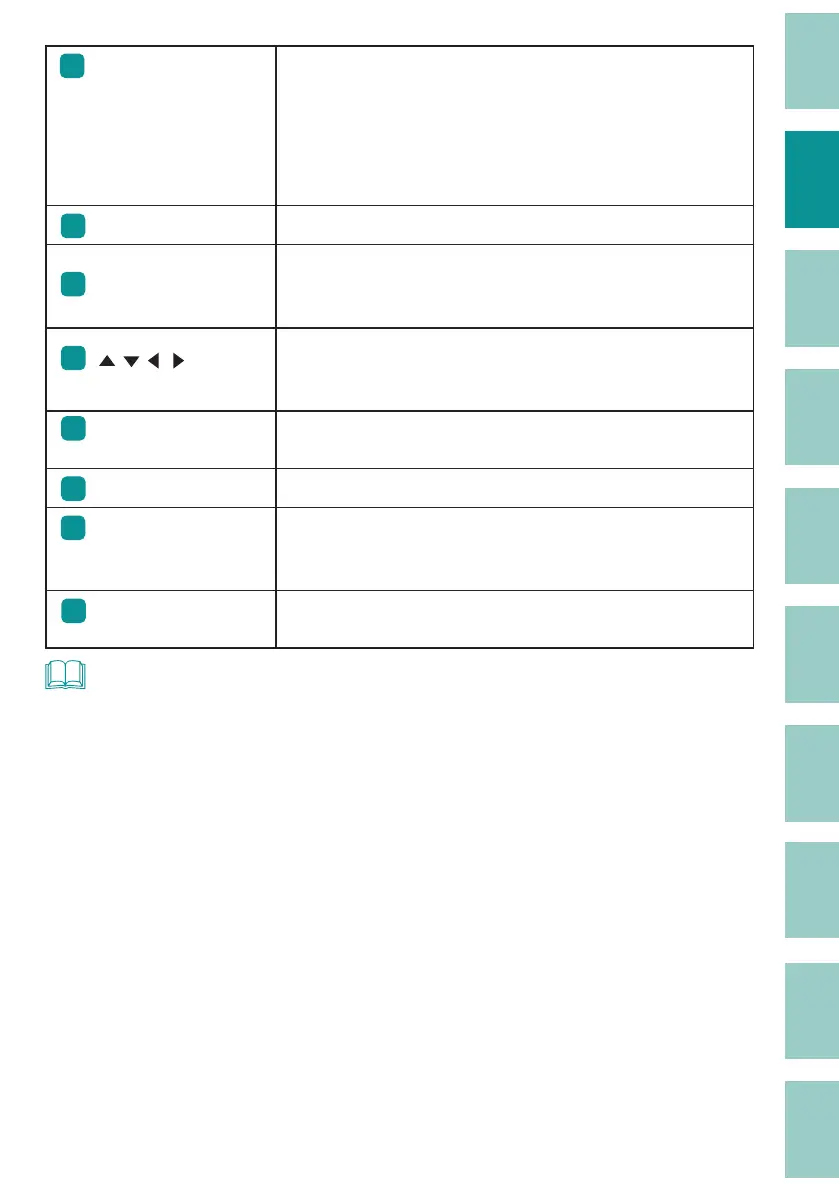
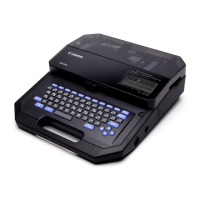
[Cancel] key
Press this key while printing to stop printing, and then stop
after cutting the print media. If you press and hold this key for
2 seconds or more, the printer will stop without cutting.
If pressed during the operation of a function, the operation will
be canceled. Also, pressing this key while holding down [Shift]
will return you to the character input display.
12
[Back Space] key Deletes the character to the left of the cursor position.
13
[Enter] key
Con rm the input of uncon rmed characters or selected items.
Pressing this key after nalizing text input will insert a page
break at the cursor position.
14
[ ][ ][ ][ ]
( Arrow keys)
Move the cursor or selected item up, down, left or right. If you
press this key while holding down [Shift] in the character input
display, you can move to the next or previous page.
(P.38)
15
[Print] key
Displays the printing preference display and allows you to
print the currently displayed data.
(P.72)
16
Space key
Enter a space.
17
[Alt] key
This key is used to input characters with diacritical marks by
holding down this key while pressing the corresponding
character key.
18
[Caps Lock] key
If you press this key and then enter alphanumeric characters,
they will be capitalized.
NOT
• In this manual, pressing and holding down the desired key while holding down [Shift] will perform the
following operations.
Example: [Shift]+[Cancel] keys


 To Next Page