~.~
Viewing
Images
in
Sets
of
Nine
(Index
Playback)
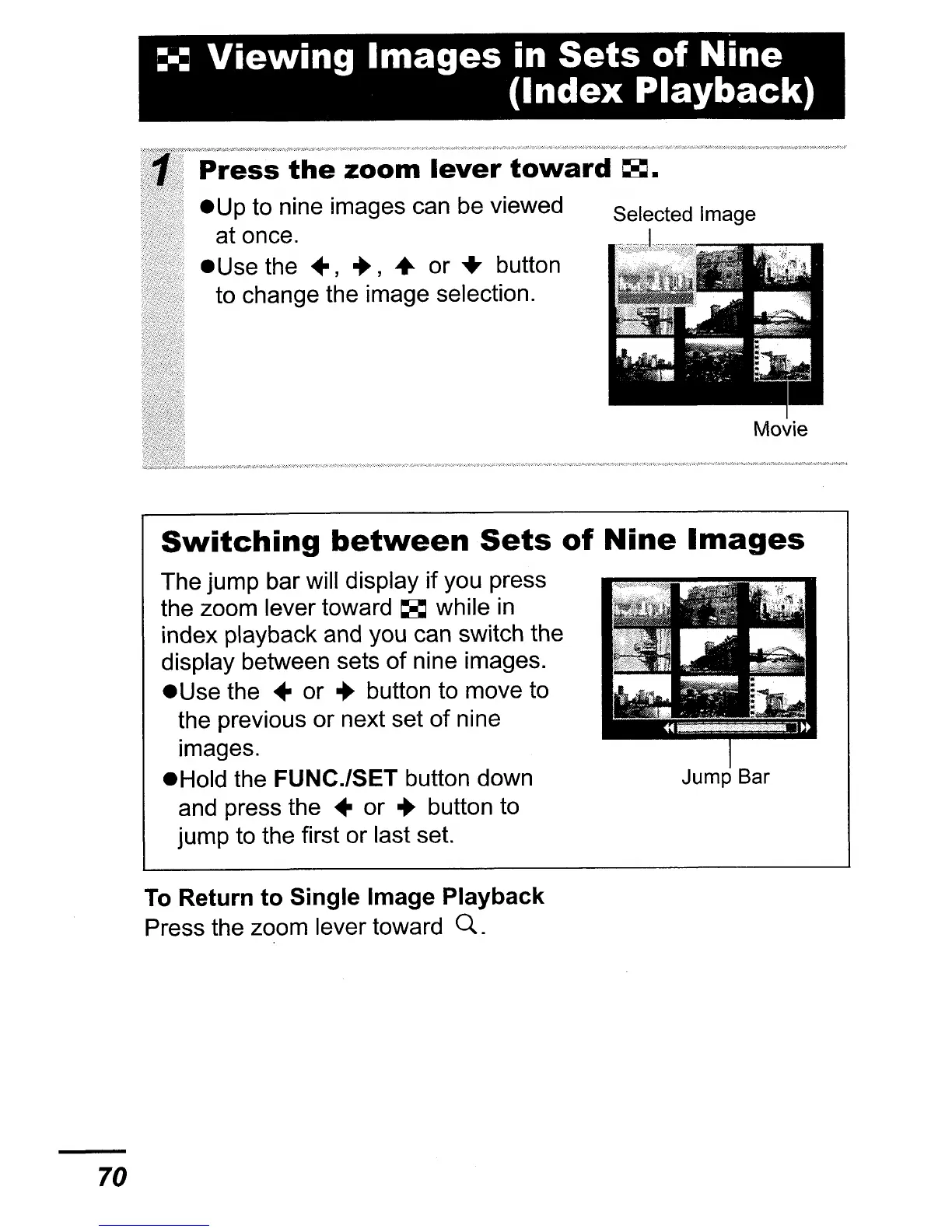
Selected Image
Press
the
zoom
lever
toward
~.
eup
to nine images can be viewed
at once.
eUse
the
..
,
.,
..
or
..
button
to change the image selection.
Movie
70
Switching
between
Sets
of
Nine
Images
The jump bar will display if you press
the zoom lever toward
~
while
in
index playback and you can switch the
display between sets of nine images.
e Use the
..
or • button to move to
the previous or next set of nine
images.
eHold the
FUNC./SET button down Jump Bar
and press the
..
or • button to
jump to the first or last set.
To Return
to
Single Image Playback
Press the zoom lever toward
Q.















 To Next Page