381
Using
the
Software on
the
Windows
Platform
-Advanced
Techniques
Merging
Panoramic
Images
•
PhotoStitch
You
can
create a wide panoramic image by merging several images. It
is
easier
to
merge
images
if
they are shot
with
the camera's Stitch Assist mode because PhotoStitch
can
automatically detect the image order and orientation.
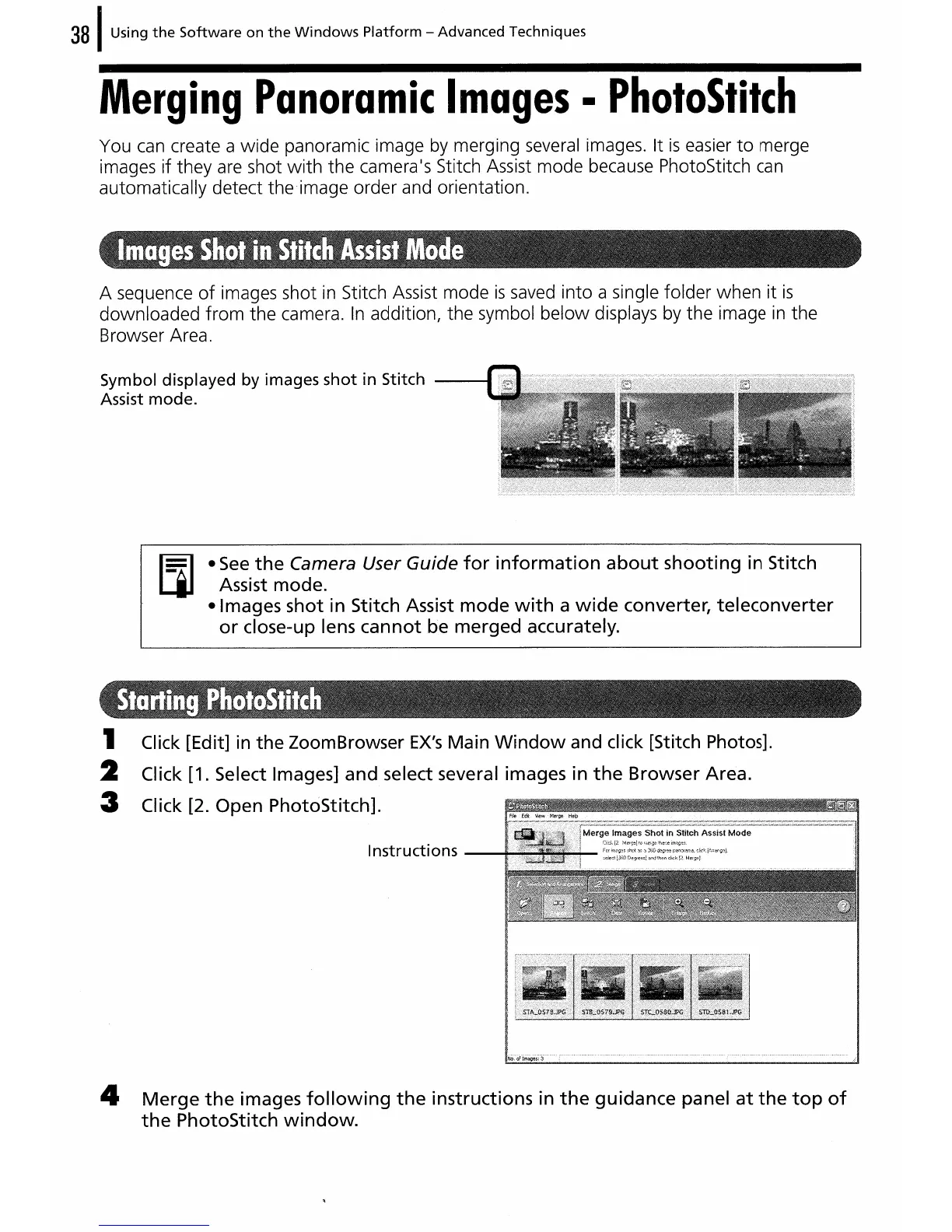
A sequence
of
images shot
in
Stitch Assist mode
is
saved into a single folder when
it
is
downloaded
from
the camera.
In
addition, the symbol
below
displays by the image
in
the
Browser Area.
Symbol displayed
by
images
shot
in
Stitch
Assist mode.
e
See
the
Camera User Guide
for
information
about
shooting
in Stitch
Assist mode.
elmages
shot
in Stitch Assist
mode
with
a
wide
converter,
teleconverter
or
close-up lens
cannot
be merged accurately.
1 Click [Edit] in
the
ZoomBrowser
EX's
Main
Window
and click [Stitch Photos].
2 Click [1. Select Images] and select several images in
the
Browser Area.
3 Click [2. Open PhotoStitch].
Instructions
4
Merge
the
images
following
the
instructions in
the
guidance
panel
at
the
top
of
the
PhotoStitch
window.















 To Next Page