Before
Using
the
Camera-Basic
Operations
Using
the
LCD
Monitor
.In
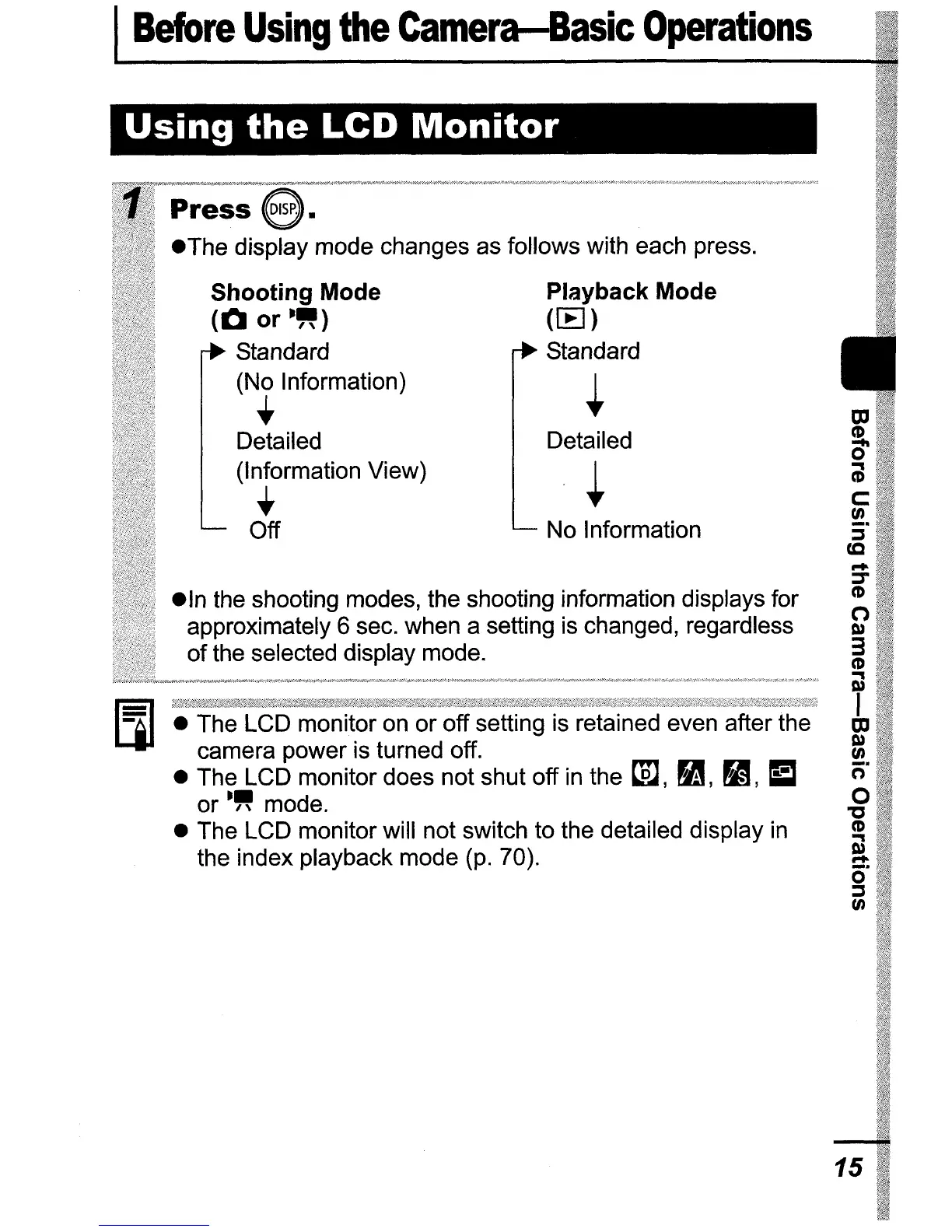
the shooting modes, the shooting information displays for
approximately 6 sec. when a setting is changed, regardless
of the selected display mode.
• The LCD monitor on or off setting is retained even after the
camera power is turned off.
• The LCD monitor does not shut off
in
the
t.m,
~,
~,
E
or'" mode.
• The LCD monitor will not switch to the detailed display
in
the index playback mode (p. 70).
Shooting Mode
(Q
or
''')
Standard
(No Information)
+
Detailed
(Information View)
+
Off
Playback Mode
HE)
Standard
~
Detailed
~
No Information
m
(1)
0'
(iJ
c:
en
5"
ta
...
:::T
(1)
o
C»
3
(1)
Cl
I
m
C»
en
n"
o
"C
(1)
Cl
...
0"
:::s
en
15















 To Next Page