Using
the
Digital
Zoom
.,...
.•
~
"
You can shoot zoomed images using the combined digital and
optical zooms.
eStills: zoom up to approximately 12 times
eMovies
(Standard): zoom up to approximately 12 times
.
L!J
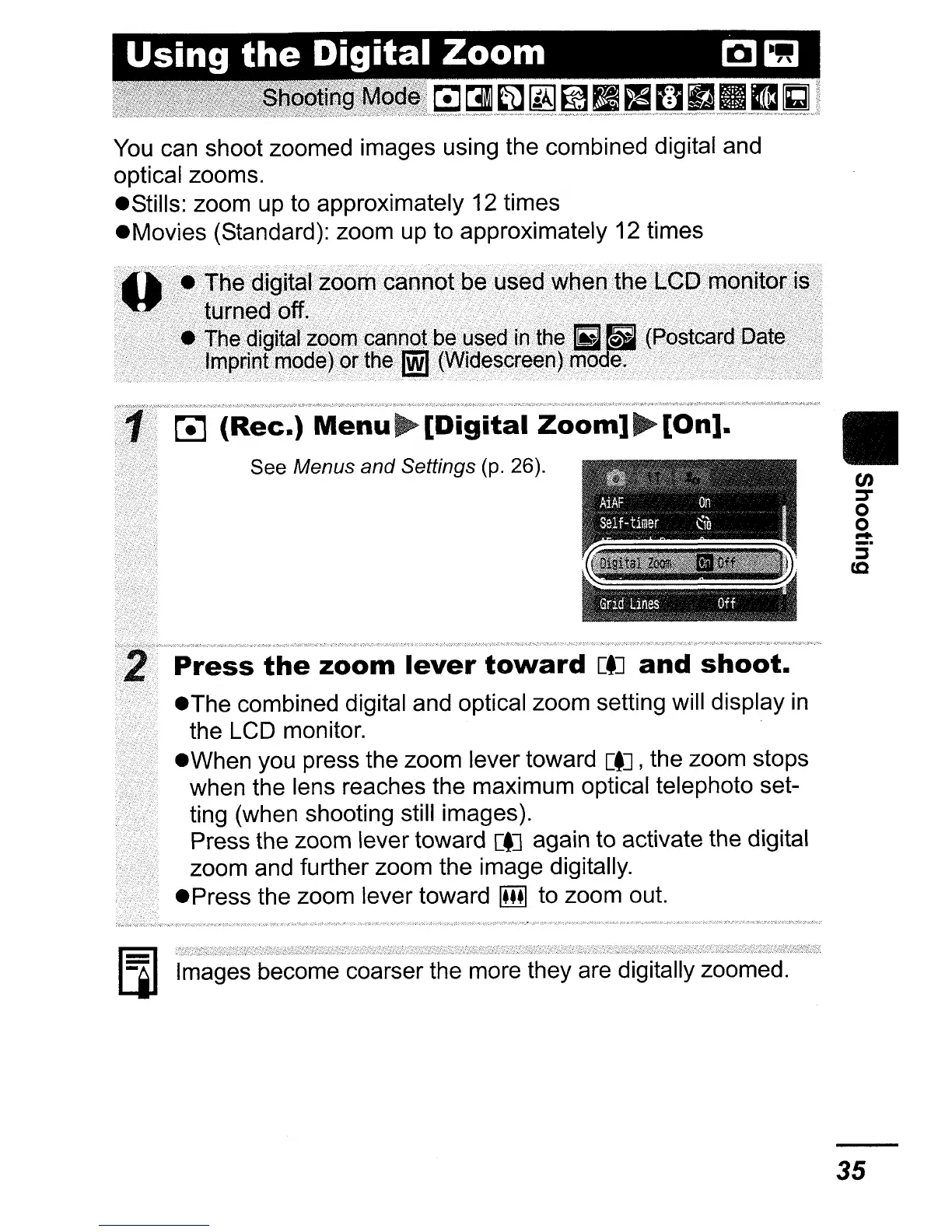
(Rec.)
Menu~[Digital
Zoom]~[On].
See Menus and Settings (p. 26).
Press
the
zoom
lever
toward
[tJ
and
shoot.
eThe
combined digital and optical zoom setting will display
in
the LCD monitor.
eWhen
you press the zoom lever toward
[tJ,
the zoom stops
when the lens reaches the maximum optical telephoto set-
ting (when shooting still images).
Press the zoom lever toward
[tJ
again
to
activate the digital
zoom and further zoom the image digitally.
ePress
the zoom lever toward
IillJ
to zoom out.
[]]
Images become coarser the more they are digitally zoomed.
II
35















 To Next Page