{O
Jumping
to
Images
When you have many images recorded onto a memory card, it is
handy to use the five search keys below to jump over images to find
the object
of
your search.
rim
Jump
10
Images
Jumps over 10 images at a time.
~
Jump
100
Images
Jumps over 100 images at a time.
rii
Jump
Shot
Date
Jumps to the first image of each shooting date.
rij
Jump
to
Movie
Jumps to a movie.
rli
Jump
to
Folder
Displays
the
first
image
in
each
folder.
In
single
image
playback
mode,
press
the
!C
button.
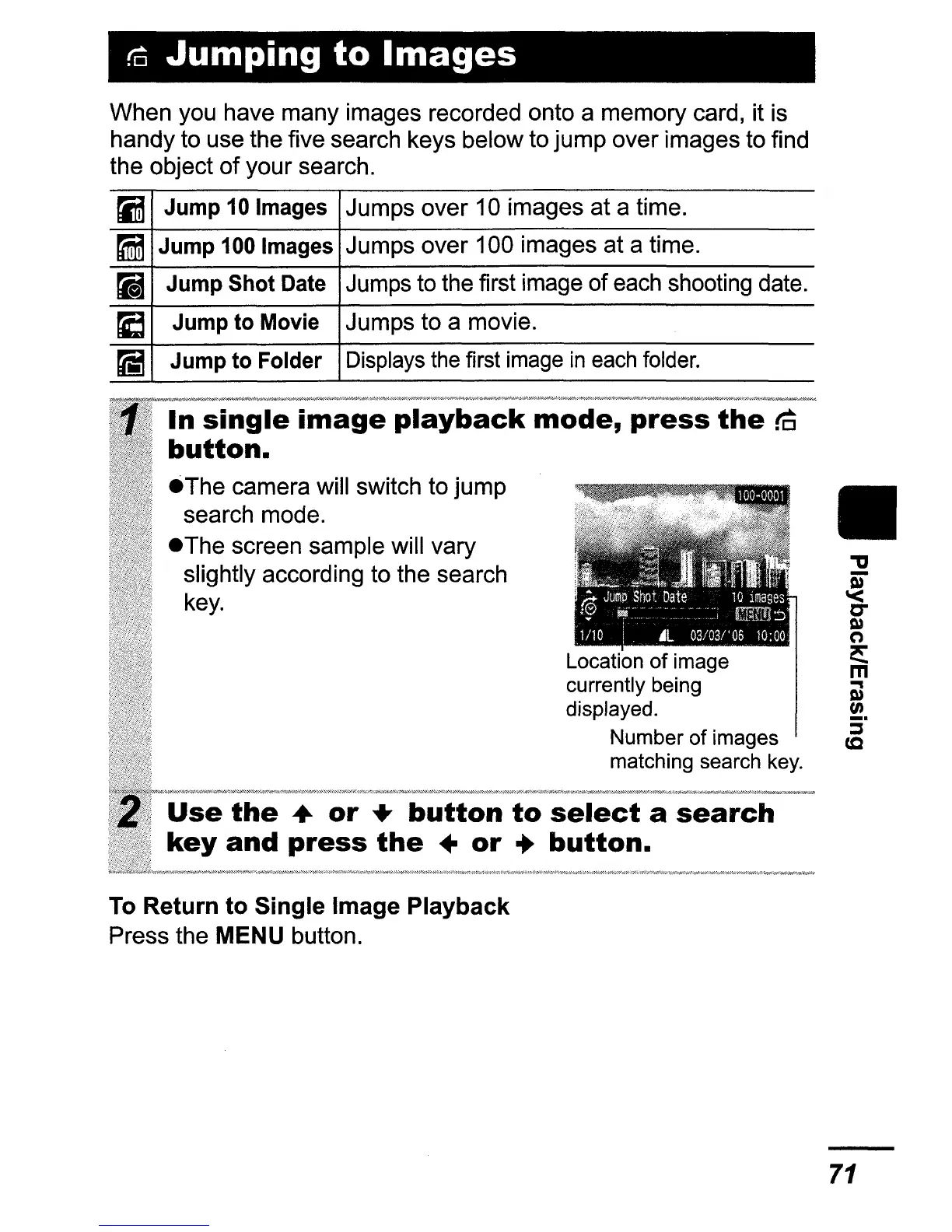
eThe
camera will switch to jump
search mode.
eThe
screen sample will vary
slightly according to the search
key.
Location
of
image
currently being
displayed.
Number
of
images
matching search key.
e
the
•
or
..
button
to
select
a
search
and
press
the
•
or
..
button.
To Return to Single Image Playback
Press the MENU button.
II
71















 To Next Page