eThis
completes the setting.
elf
you
press the
MENU
button at this point,
you
will return
to
the screen where
you
can
select a
My
Colors
mode.
Changing Colors
~
.•
....
"
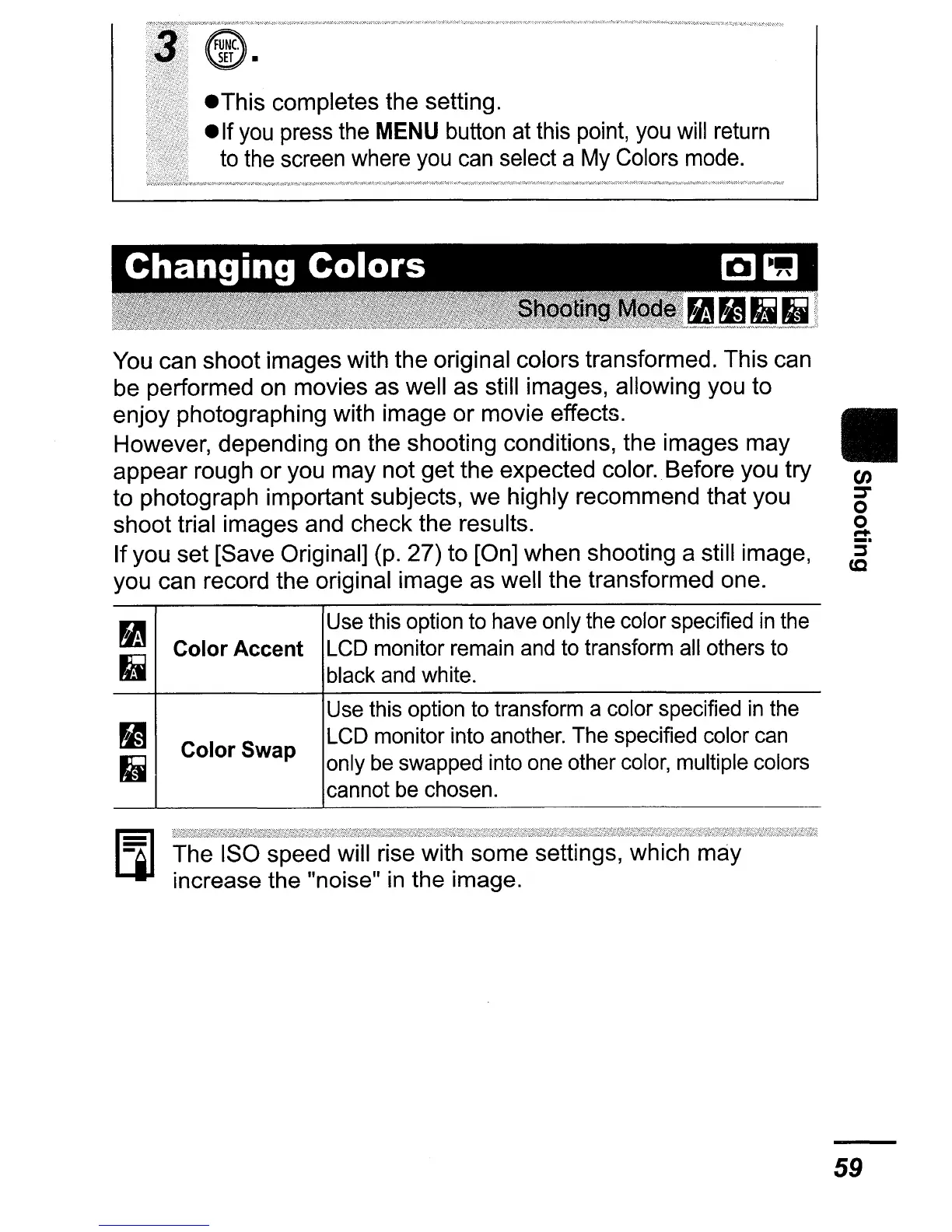
You can shoot images with the original colors transformed. This can
be performed on movies as well as still images, allowing you to
enjoy photographing with image
or
movie effects.
However, depending on the shooting conditions, the images may
appear rough
or
you may not get the expected color
..
Before you try
to photograph important subjects, we highly recommend that you
shoot trial images and check the results.
If you set [Save Original] (p. 27) to [On] when shooting a still image,
you can record the original image as well the transformed one.
~
Use this option to have only the color specified
in
the
~
,
Color
Accent
LCD monitor remain and to transform all others to
II
black and white.
Use this option to transform a color specified
in
the
~
LCD monitor into another. The specified color can
Color
Swap
1.1
only be swapped into one other color, multiple colors
cannot be chosen.
The ISO speed will rise with some settings, which may
increase the "noise"
in
the image.
II
en
::::r
o
o
r+
5°
(Q
59















 To Next Page