Shooting
in
the
Color
Accent
Mode
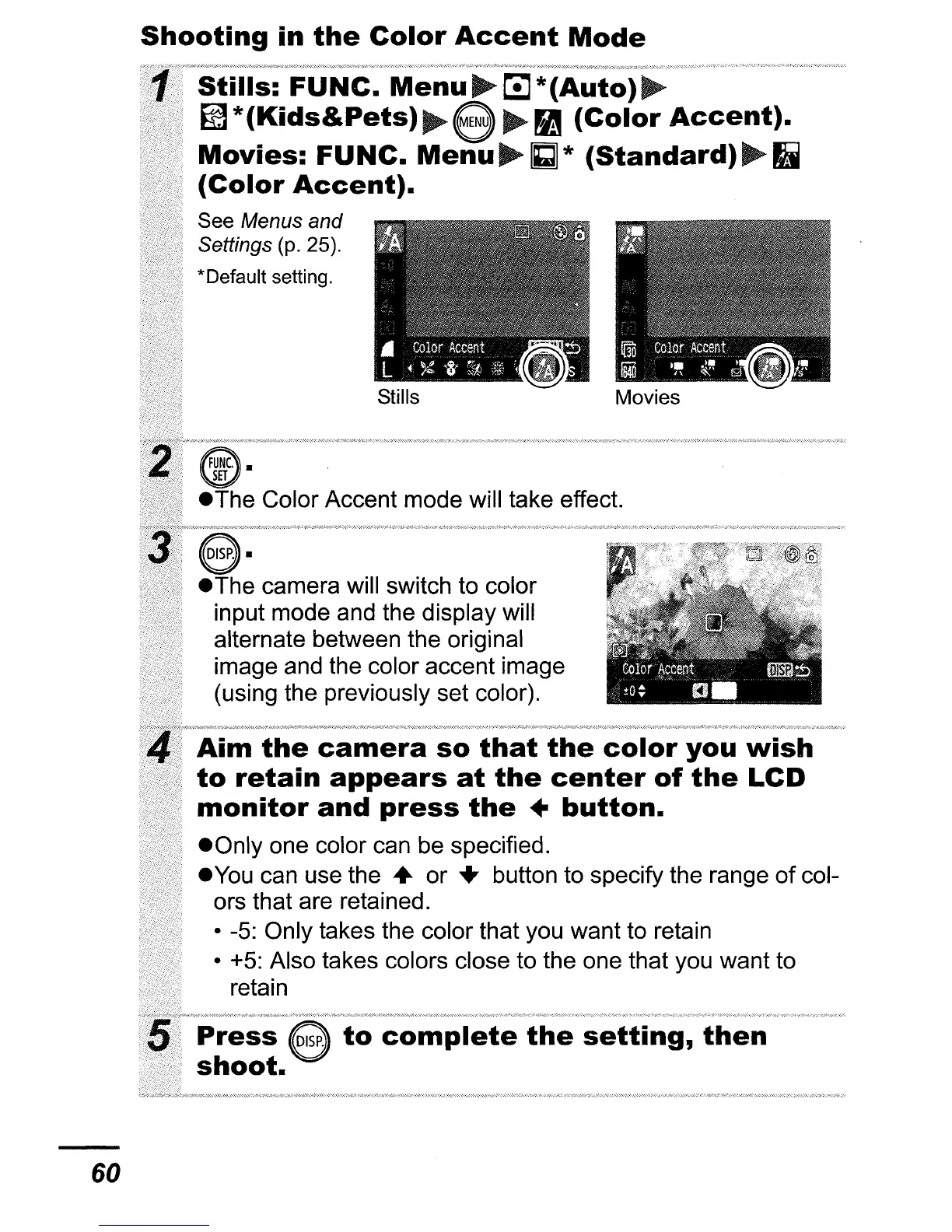
Color Accent mode will take effect.
camera will switch to color
input mode and the display will
alternate between the original
image and the color accent image
(using the previously set color).
Stills:
FUNe.
Menu~
*(Auto)~
~*(Kids&Pets)~e
~
(Color
Accent).
Movies:
FUNC.
Menu~GJ*
(Standard)~1i
(Color
Accent).
See Menus and
Settings
(p. 25).
*Default setting.
Aim
the
camera
so
that
the
color
you
wish
to
retain
appears
at
the
center
of
the
LCD
monitor
and
press
the
•
button.
eOnly
one color can be specified.
e
You
can use the
..
or
...
button to specify the range
of
col-
ors that are retained.
• -5: Only takes the color that you want to retain
• +5: Also takes colors close to the one that you want to
retain
to
complete
the
setting,
then
60















 To Next Page