fa
Printing
with
Non-Canon,
PictBridge Compliant Printers
52
Printing
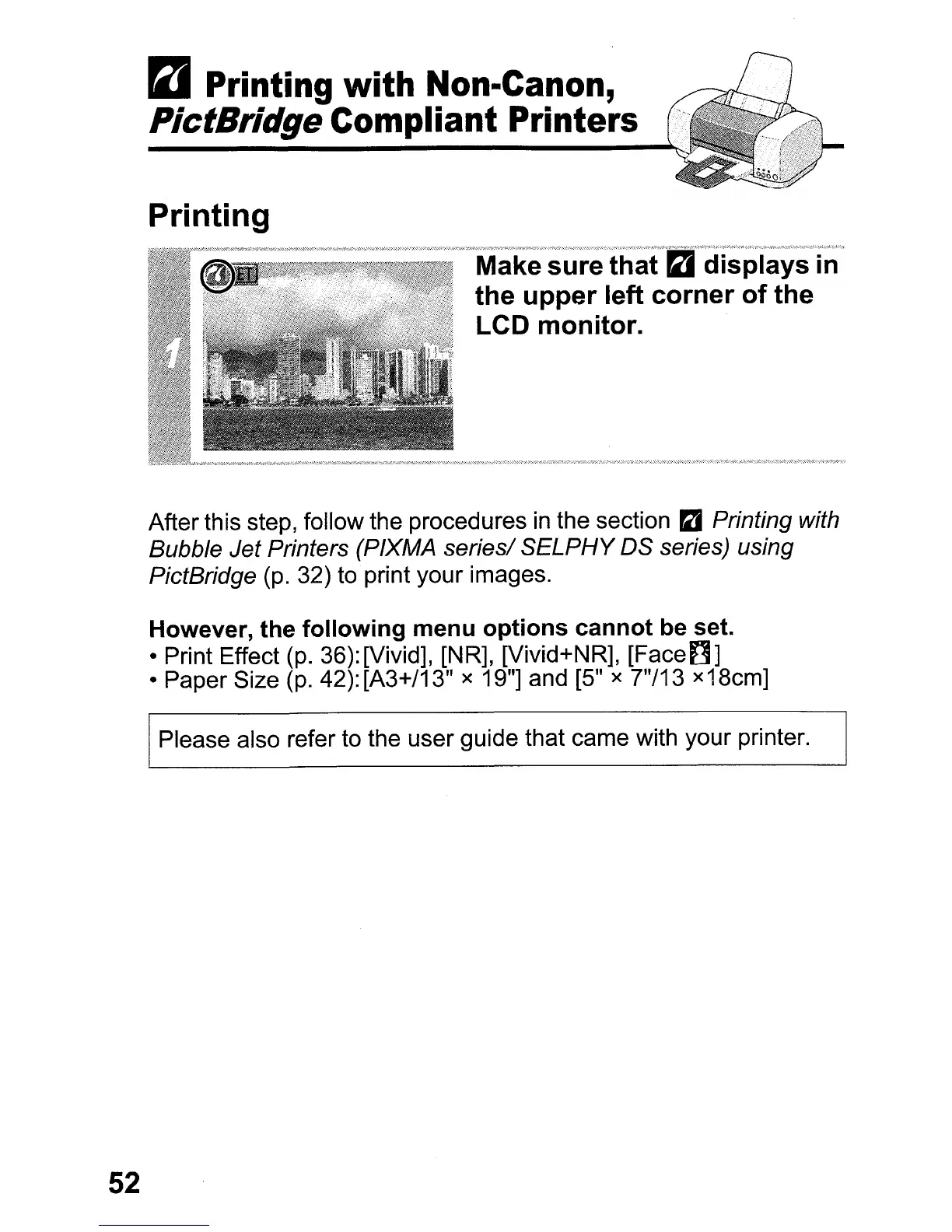
After this step, follow the procedures
in
the section
ra
Printing with
Bubble Jet Printers (PIXMA series/
SELPHY
OS series) using
PictBridge
(p.
32) to print your images.
However, the following menu options cannot be set.
• Print Effect
(p.
36): [Vivid], [NR], [Vivid+NR],
[Face~]
• Paper Size
(p.
42): [A3+/13" x 19"] and [5" x 7"/13 x18cm]
Please also refer to the user guide that came with your printer.















 To Next Page