Adjusting
the
Exposure
Compensation
[!]
Adjust the exposure compensation setting to avoid making the
subject too dark when it is backlit or shot against a bright background
or to avoid making lights appear too bright in night shots.
FUNC.
Menu~E!l*
(Exposure
Compensation).
See Menus and Settings (p. 25).
*Default setting.
eUse
the • or
..
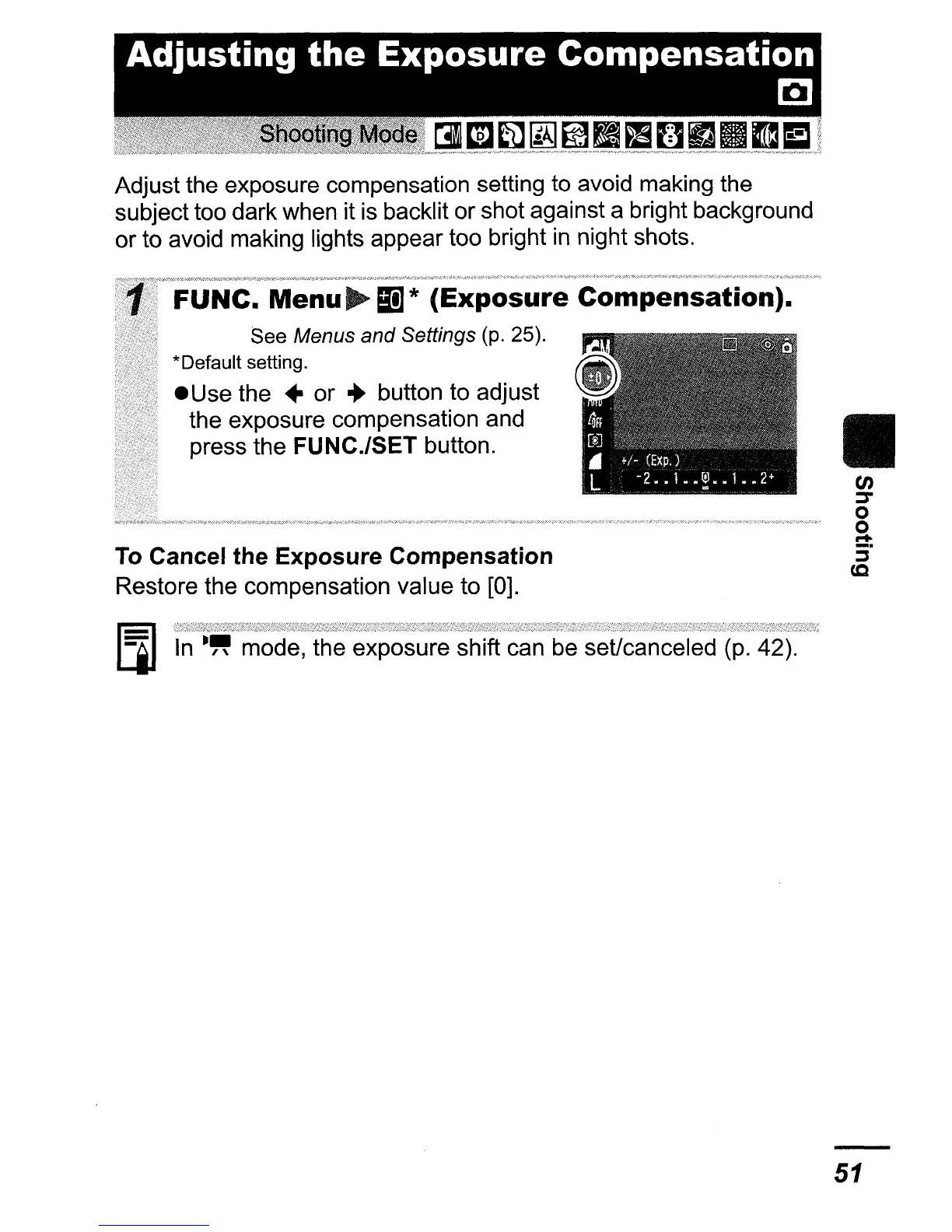
button to adjust
the exposure compensation and
press the FUNC./SET button.
To Cancel the
Exposure
Compensation
Restore the compensation value to [0].
II
en
::::T
o
o
r+
5·
(,Q
[j]
In
mode, the exposure shift can be seUcanceled (p. 42).
51















 To Next Page