I
Table
of
Contents
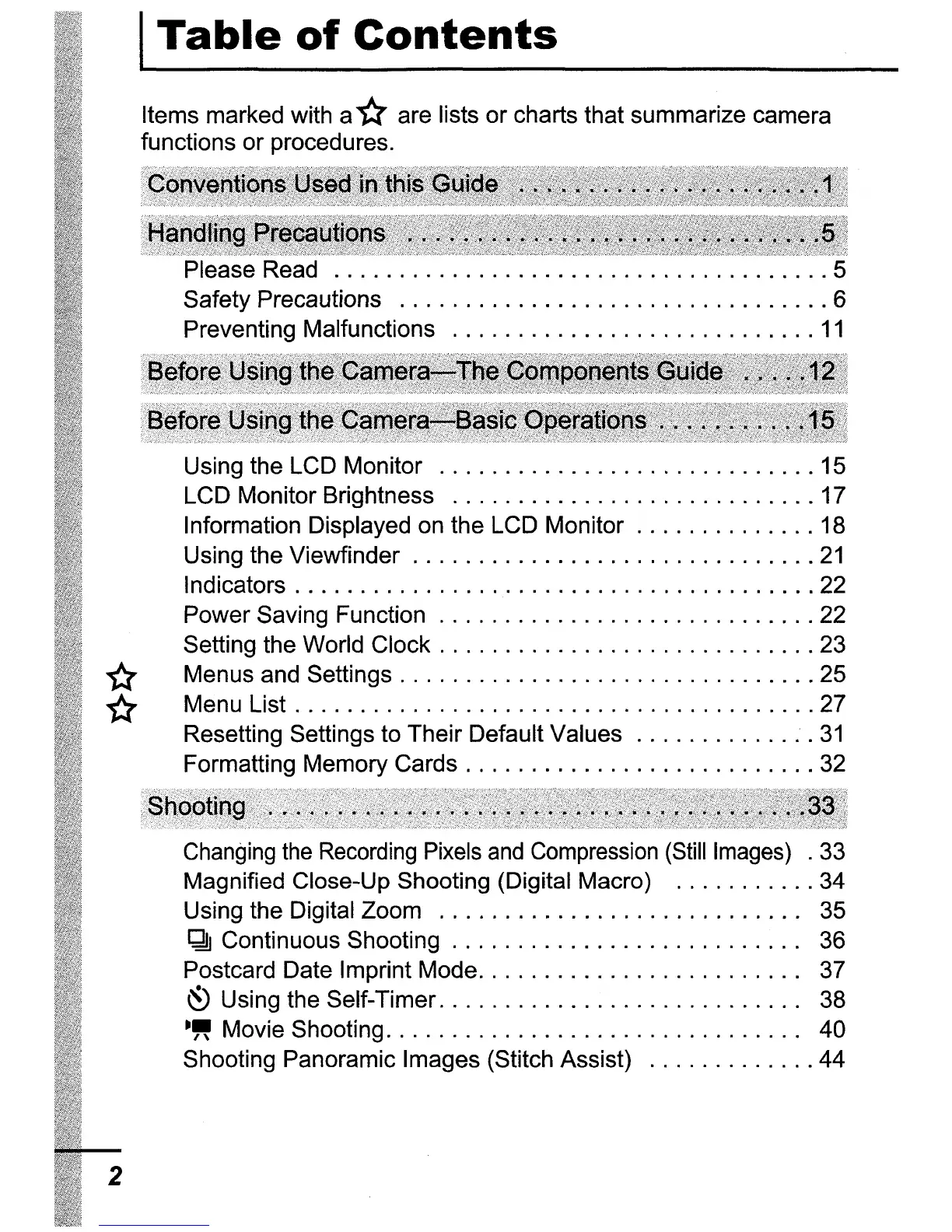
Items marked with a*are lists or charts that summarize camera
functions or procedures.
Read 5
Safety Precautions 6
Preventing Malfunctions
11
Using the LCD Monitor 15
LCD Monitor Brightness 17
Information Displayed on the LCD Monitor 18
Using the Viewfinder
21
Indicators 22
Power Saving Function 22
Setting the World Clock 23
* Menus and Settings 25
* Menu List 27
Resetting Settings to Their Default Values
31
Formatting Memory Cards 32
Changing
the
Recording Pixels
and
Compression (Still Images)
.33
Magnified Close-Up Shooting (Digital Macro) 34
Using the Digital Zoom 35
~
Continuous Shooting . . . . . . . . . . . . . . . . . . . . . . . . .
..
36
Postcard Date Imprint Mode. . . . . . . . . . . . . . . . . . . . . . .
..
37
~
Using the Self-Timer. . . . . . . . . . . . . . . . . . . . . . . . . .
..
38
-"
Movie Shooting. . . . . . . . . . . . . . . . . . . . . . . . . . . . . .
..
40
Shooting Panoramic Images (Stitch Assist) 44
2















 To Next Page