You
Can
Also
Perform
the
Following
Printing
Operations
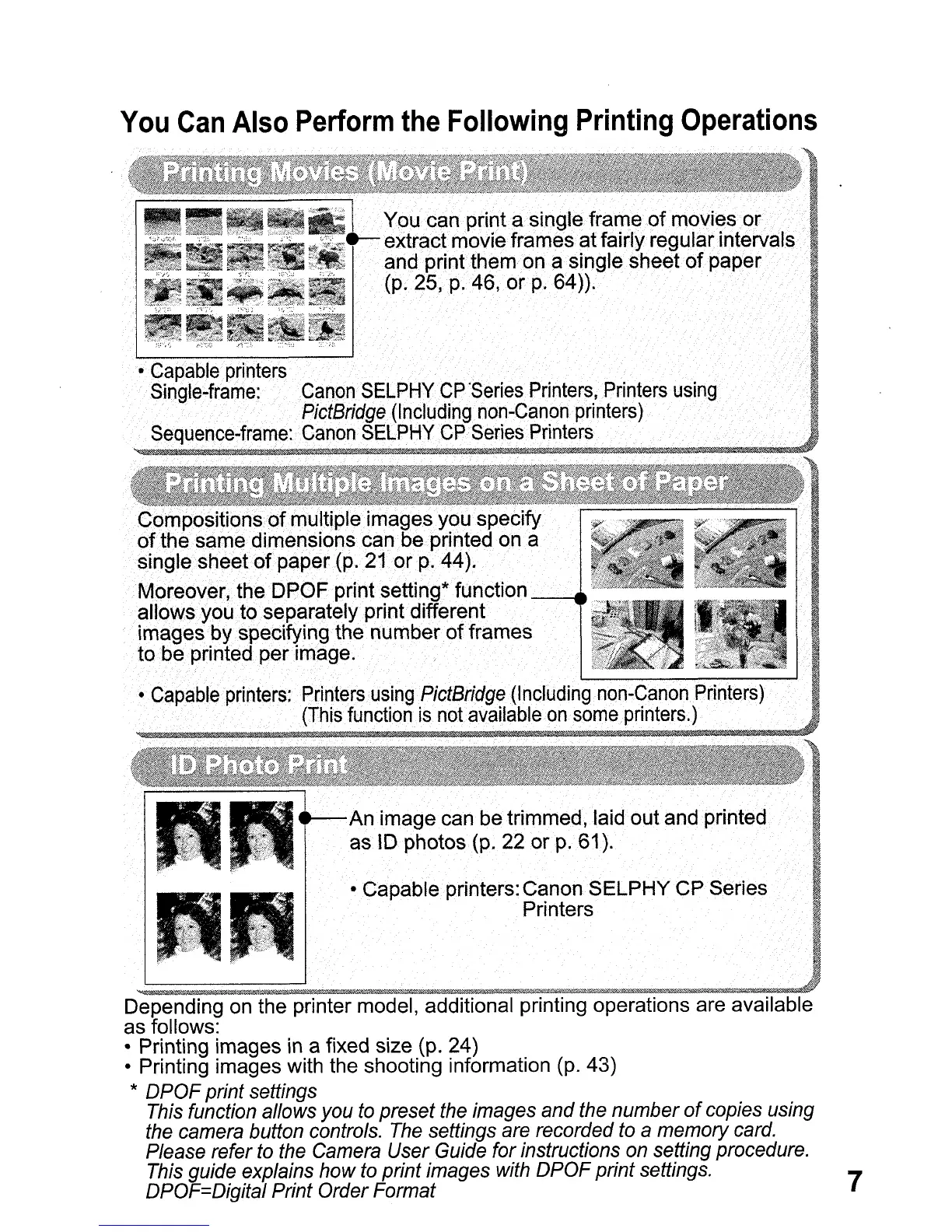
Col1lPositionsofmultiple images. you·specify
ofthesarnedimensions
can be printed on. a
sin
g
lesheetof.
p
a
p
er.(p
.•
21or.
p
.44)
•.
Moreover,the.DPOF.print setting* function
allows
you
to separately
print
different
images
by
speCifying the
numberof
frames
to
be
printed per image.
An image can be trimmed,
laid
out and printed
aslD
photos(p. 22
orp.
61).
• Capable printers: Canon SELPHY
CPSeries
Printers
Depending on the printer model, additional printing operations are available
as follows:
• Printing images
in
a fixed size (p. 24)
• Printing images with the shooting information (p. 43)
*
DPOF
print settings
This function allows you to preset the images
and
the number
of
copies using
the camera button controls. The settings are recorded to
a memory card.
Please refer to the Camera User Guide for instructions on setting procedure.
This guide explains
how
to print images with
DPOF
print settings. 7
DPOF=Digital Print Order Format















 To Next Page