Playback/Erasing
Please
also
see the
Basic
Camera
User
Guide
(po
11).
Q
Magnifying
Images
Press
the
zoom
lever
toward
Q •
•
eD~
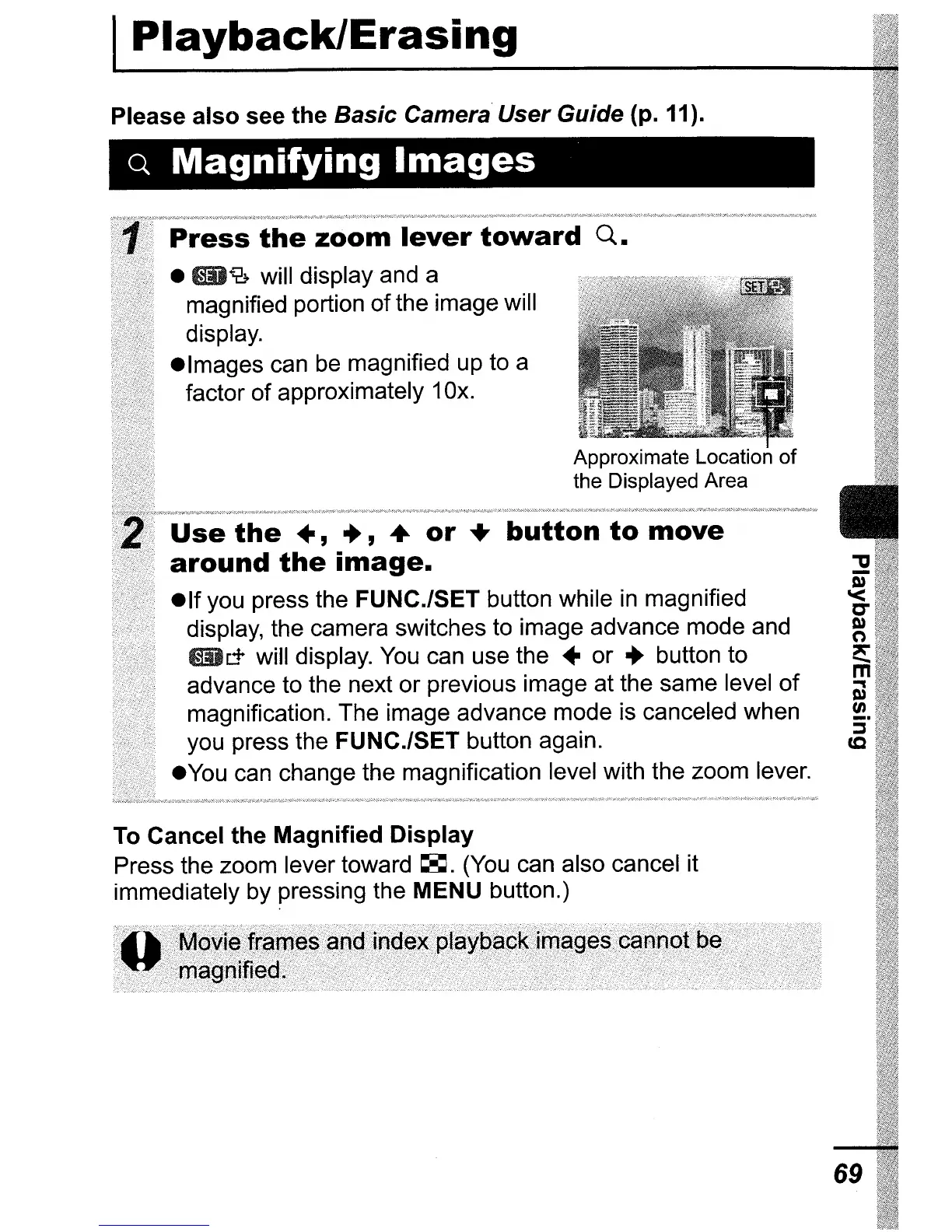
will display and a
magnified portion ofthe image will
display.
• Images can
be
magnified up to a
factor of approximately 10x.
Approximate Location of
the Displayed Area
Use
the
.,
..
, •
or
+
button
to
move
around
the
image
•
• If you press the FUNC.lSET button while
in
magnified
display, the camera switches to image advance mode and
_IT
will display.
You
can use the • or
..
button to
advance to the next or previous image at the same level
of
magnification. The image advance mode is canceled when
you press the FUNC./SET button again.
•
You
can change the magnification level with the zoom lever.
To Cancel the Magnified
Display
Press the zoom lever toward
~.
(You
can also cancel it
immediately by pressing the MENU button.)
69















 To Next Page