EasyManua.ls Logo

Canon PowerShot SD600 - Locking the Flash Exposure Setting (FE Lock)

Canon PowerShot SD600
347 pages
Print Icon
To Next Page IconTo Next Page
To Previous Page IconTo Previous Page
Loading...
e AE lock can also be set and released
in
mode (p. 42).
e You can use the
FE
lock when using the flash.
Locking
the
Flash
Exposure
Setting
(FE
Lock)
[!]
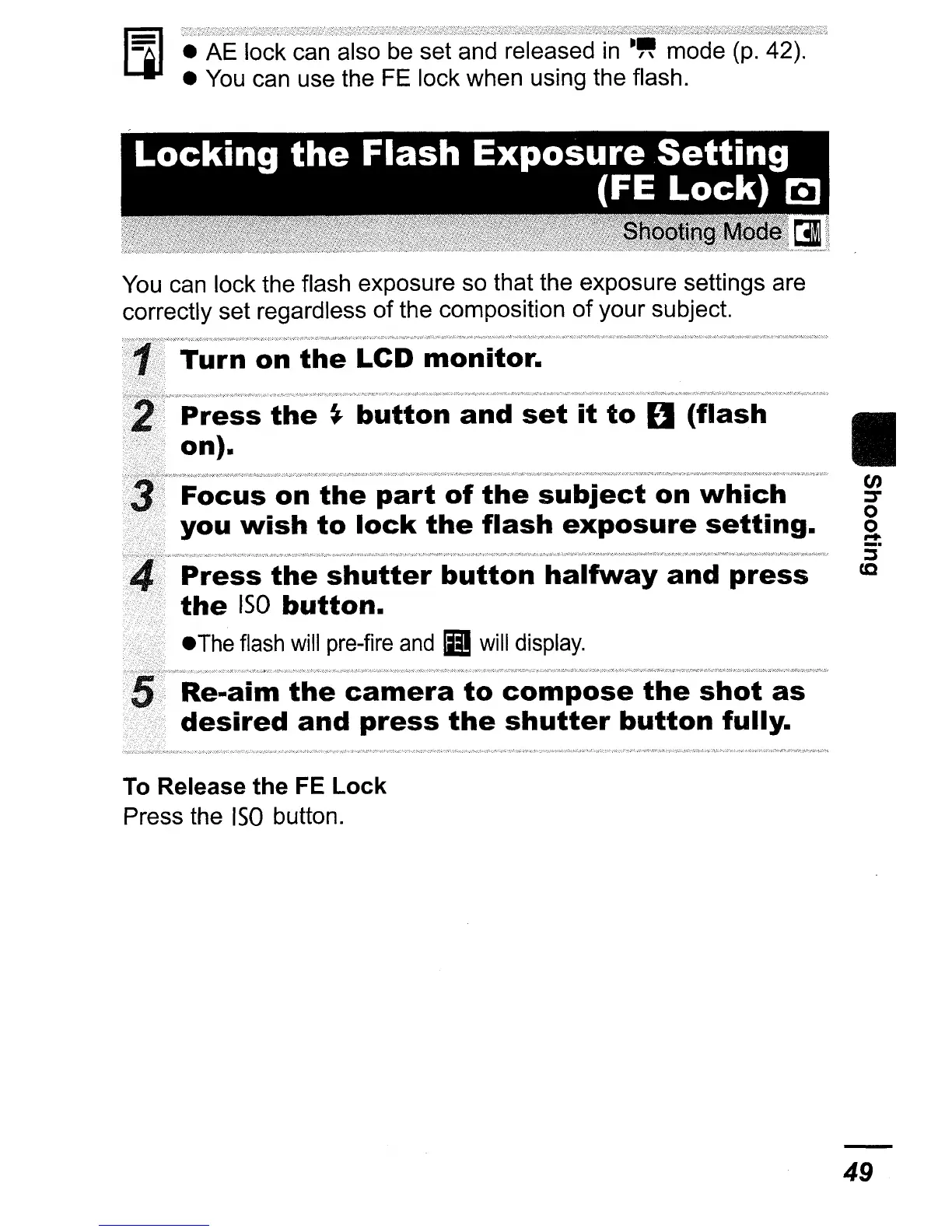
You can lock the flash exposure so that the exposure settings are
correctly set regardless
of
the composition
of
your subject.
i
c
?
Turn
on
the
LCD
monitor.
?
>
Press
the
~
button
and
set
it
to
U
(flash
II
on).
Focus
on
the
part
of
the
subject
on
which
you
wish
to
lock
the
flash
exposure
setting.
Press
the
shutter
button
halfway
and
press
the
ISO
button.
eThe
flash
will
pre-fire
and
II
will
display.
?~
Re-aim
the
camera
to
compose
the
shot
as
desired
and
press
the
shutter
button
fully.
To Release
the
FE
Lock
Press the
ISO
button.
49

Table of Contents

Related product manuals