46
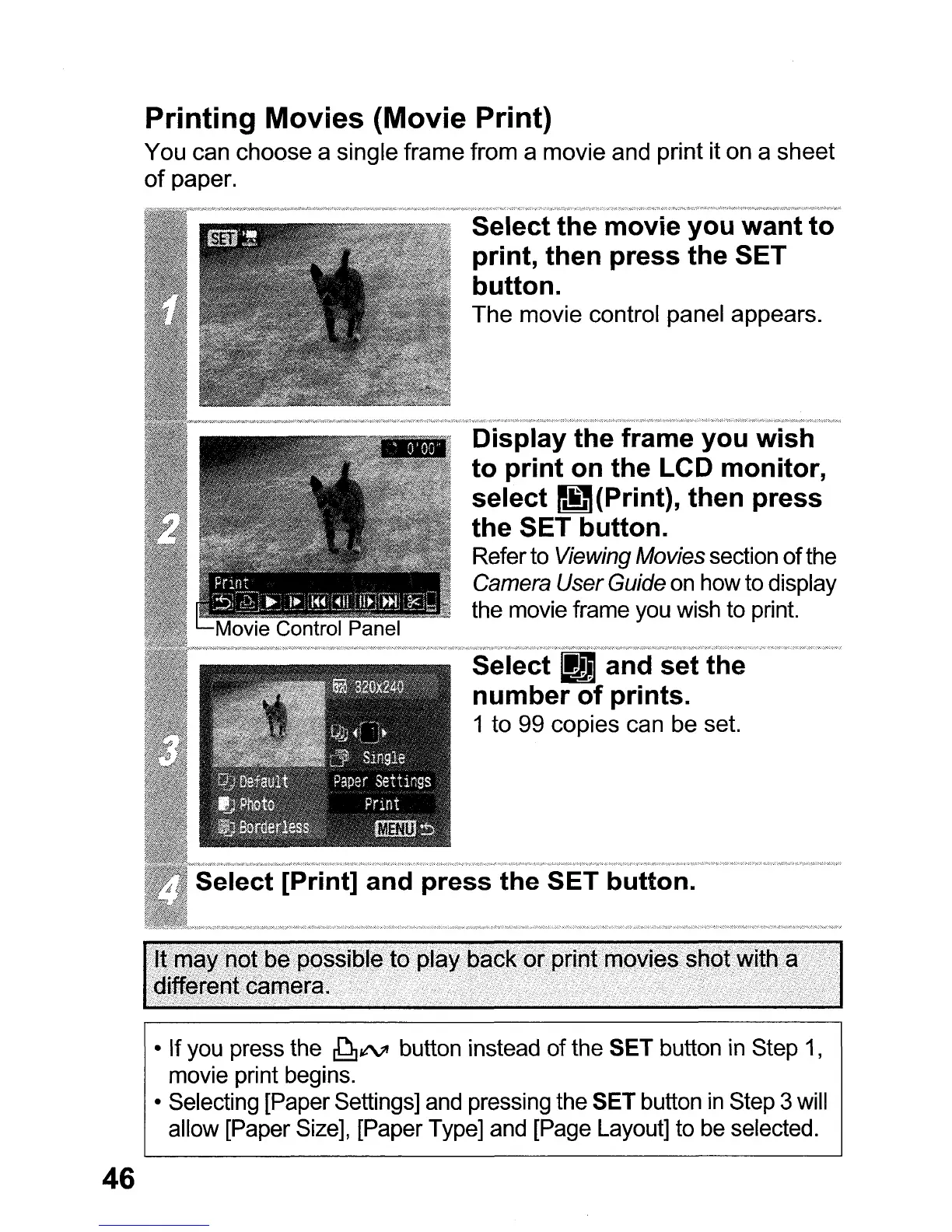
Printing Movies (Movie Print)
You can choose a single frame from a movie and print it on a
sheet
of
paper.
Select the movie you want to
print, then press the SET
button.
The
movie control panel appears.
Display the frame you wish
to print on the LCD monitor,
select
m(Print),
then press
the SET button.
Referto Viewing Movies section
of
the
Camera
User
Guide
on
how to display
the movie frame you wish to print.
• If you press the
~¢VI
button instead of the SET button in Step
1,
movie print begins.
• Selecting [Paper Settings] and pressing the SET button
in
Step 3 will
allow [Paper Size], [Paper Type] and [Page Layout] to be selected.















 To Next Page