List
of
Messages
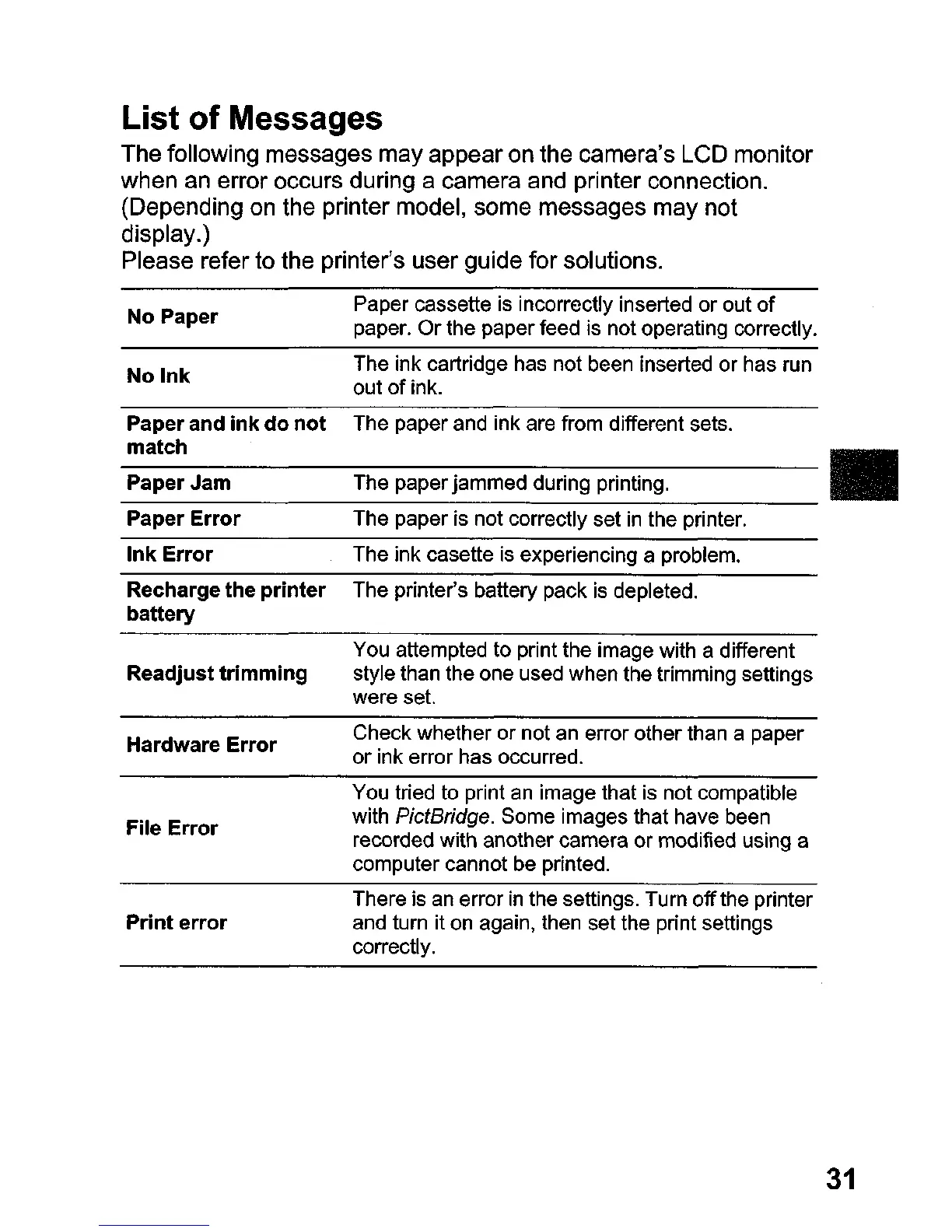
The following messages may appear on the camera's LCD monitor
when an error occurs during a camera and printer connection.
(Depending on the printer model, some messages may not
display.)
Please refer to the printer's user guide for solutions.
No
Paper
No
Ink
Paper cassette is incorrectly inserted
or
out
of
paper.
Or
the paper feed is not operating correctly.
The ink cartridge has not been inserted or has run
out
of
ink.
The paper and ink are from different sets.
Paper
and
ink
do
not
match
_P_a_p_e_r_J_a_m
T_h_e_p_a_p_e_r_ja_m_m_ed_d_u_rin_9_
p
r_in_t_in_g_,
•
Paper
Error
The paper is not correctly set
in
the printer.
Ink
Error
The ink casette is experiencing a problem.
Recharge
the
printer
The printer's battery pack is depleted.
battery
Readjust
trimming
Hardware
Error
File
Error
Print
error
You attempted to print the image with a different
style than the one used when the trimming settings
were set.
Check whether or not an error other than a paper
or
ink error has occurred.
You tried to print an image that is not compatible
with
PictBridge. Some images that have been
recorded with another camera or modified using a
computer cannot be printed.
There is an error
in
the settings. Turn
off
the printer
and turn it on again, then set the print settings
correctly.
31















 To Next Page