34
Approximate
Values
for
Compression
Settings
Compression
Purpose
rn
Superfine
High Quality
Shoot higher quality images
!:l
Fine
t
Shoot normal quality images
!:J
Normal
Normal
Shoot more images
• See Image Data Sizes (Estimated) (p. 120).
• See
Memory Cards and Estimated Capacities (p. 119).
Magnified
Close-Up Shooting
(Digital
Macro)
[!]
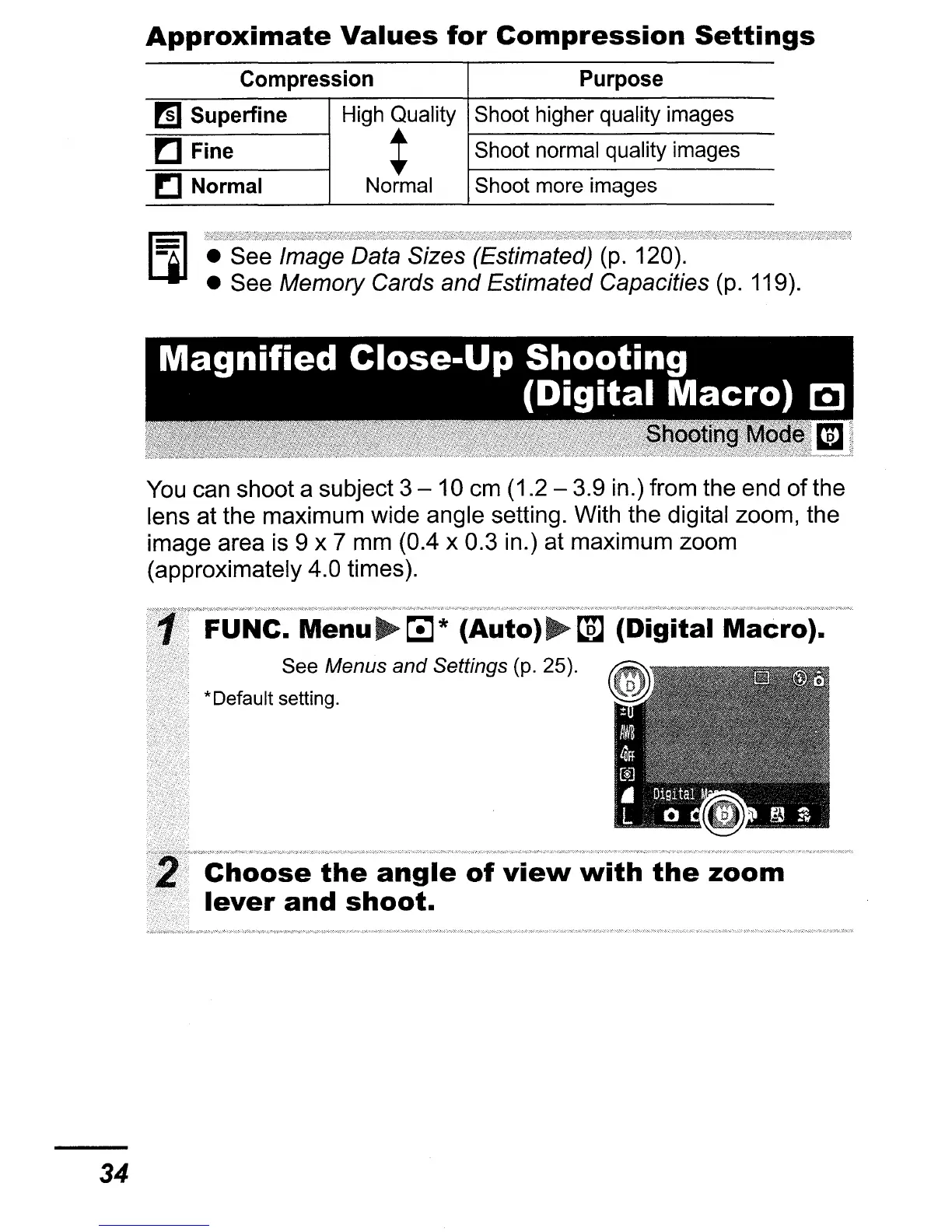
You can shoot a subject 3 - 10 cm (1.2 - 3.9 in.) from the end
of
the
lens at the maximum wide angle setting. With the digital zoom, the
image area is 9 x 7 mm (0.4 x 0.3 in.) at maximum zoom
(approximately 4.0 times).
FUNC.
Menu~~*
(Auto)~t.m
(Digital
Macro).
See Menus and Settings (p. 25).
*Default setting.
Choose
the
angle
of
view
with
the
zoom
lever
and
shoot.















 To Next Page