FUNC.
Menu
II
*
(My
Colors
Off).
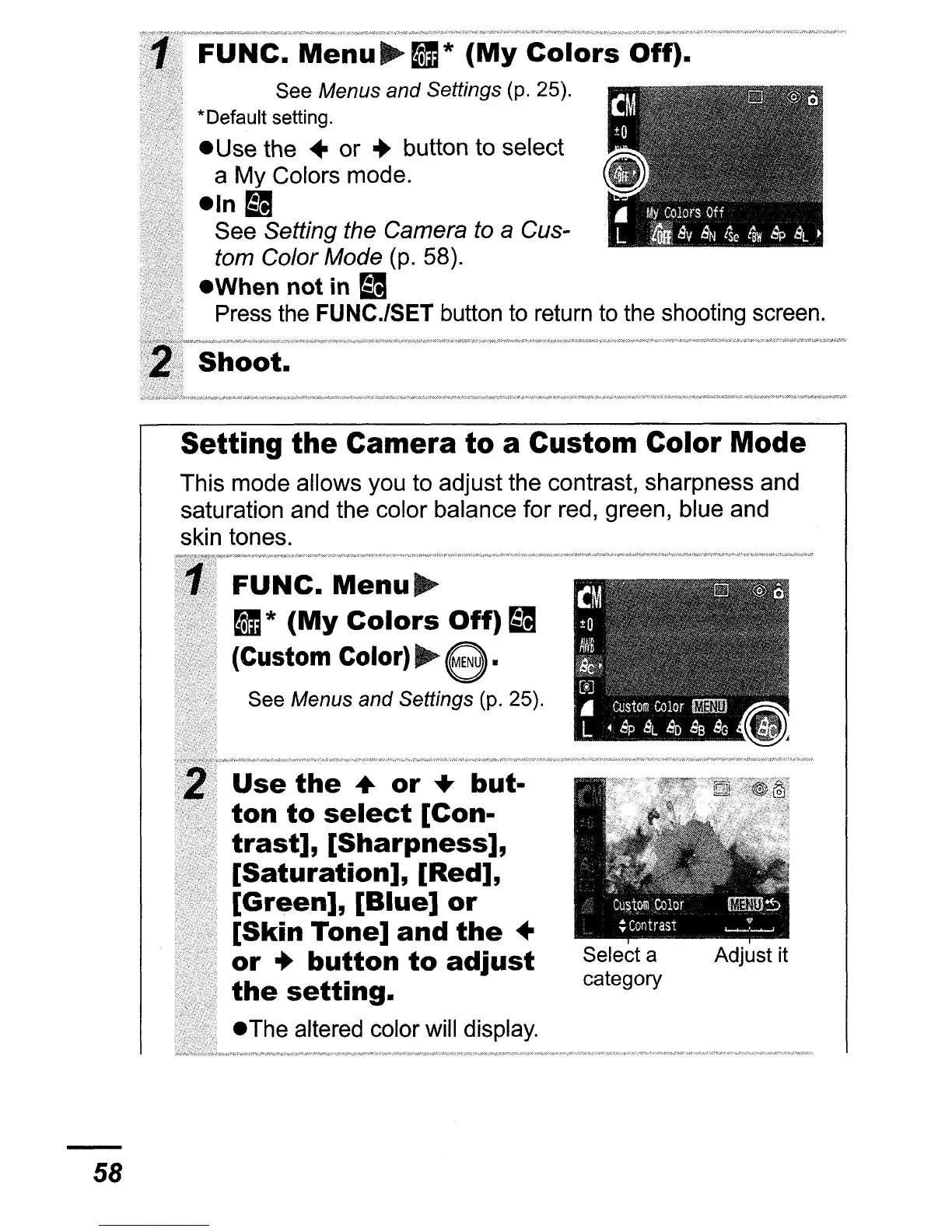
See Menus and Settings (p. 25).
*Default setting.
e Use the
..
or
..
button to select
a
My
Colors mode.
eln~
See Setting the Camera to a Cus-
tom Color Mode
(p. 58).
eWhen
not
in
mI
Press the
FUNC.lSET
button to return to the shooting screen.
Shoot.
Setting the Camera to a Custom Color Mode
This mode allows you to adjust the contrast, sharpness and
saturation and the color balance
for
red, green, blue and
skin tones.
58
FUNC.
Menu~
II
*
(My
Colors
Off)
~
(Custom
COlor)~e.
See Menus and Settings (p. 25).
Use
the
....
or
+
but-
ton
to
select
[Con-
trast],
[Sharpness],
[Saturation],
[Red],
[Green],
[Blue]
or
[Skin
Tone]
and
the
..
or
..
button
to
adjust
the
setting.
eThe altered color will display.
Select a
category
Adjust it















 To Next Page