16
Using
the
Clock
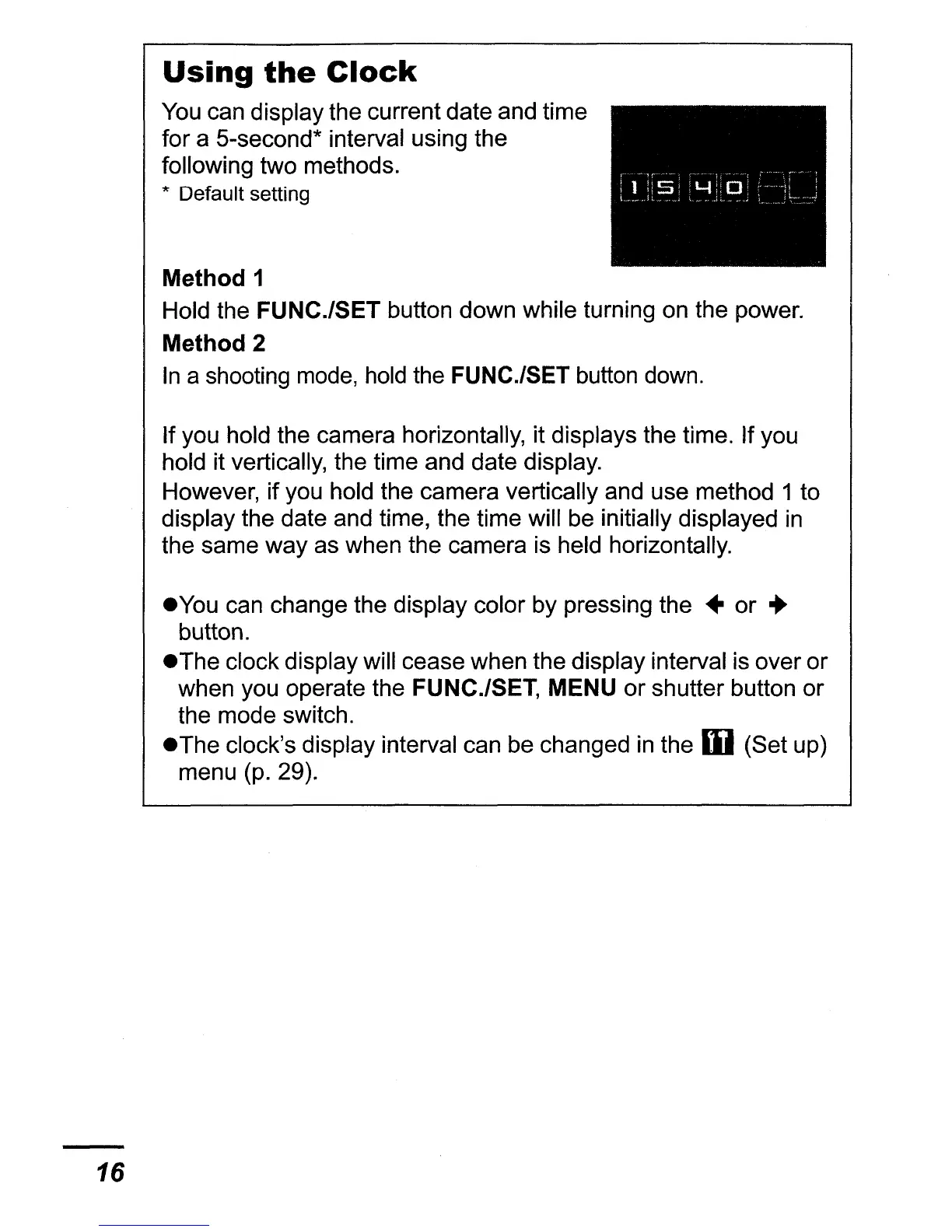
You
can display the current date and time
for a 5-second* interval using the
following two methods.
* Default setting
Method 1
Hold the FUNC.lSET button down while turning on the power.
Method 2
In
a shooting mode, hold the FUNC.lSET button down.
If you hold the camera horizontally, it displays the time. If you
hold it vertically, the time and date display.
However, if you hold the camera vertically and use method 1 to
display the date and time, the time will be initially displayed
in
the same way as when the camera is held horizontally.
eyou
can change the display color by pressing
the"
or
..
button.
eThe
clock display will cease when the display interval is over or
when you operate the FUNC.lSET, MENU or shutter button or
the mode switch.
eThe
clock's display interval can be changed
in
the W (Set up)
menu (p. 29).















 To Next Page