86
•
lm
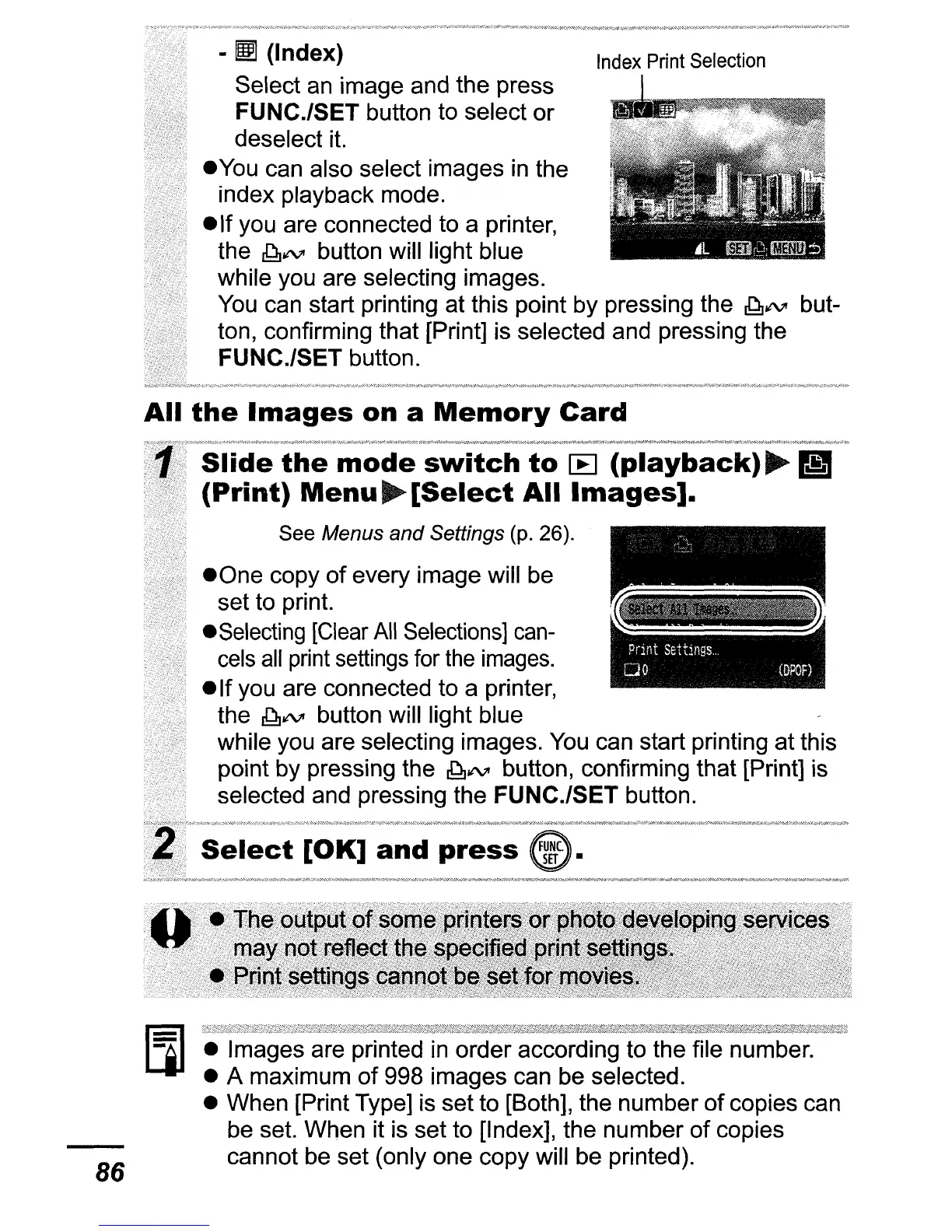
(Index)
Index
Print
Selection
Select
an
image and the press
FUNC.lSET button to select or
deselect
it.
.You
can also select images
in
the
index playback mode.
• If you are connected to a printer,
the
~~
button will light blue
while you are selecting images.
You
can start printing at this point by pressing the
~~
but-
ton, confirming that [Print] is selected and pressing the
FUNC./SET button.
All
the
Images
on
a
Memory
Card
Slide
the
mode
switch
to
[B
(playback)
~
~
(Print)
Menu
~
[Select
All
Images].
See Menus
and
Settings (p. 26).
• One copy
of
every image will be
set to print.
.Selecting
[Clear
All
Selections]
can-
_~
,
cels
all
print
settings for
the
images.
. • ·
...
• If you are connected to a printer,
the
~~
button will light blue
while you are selecting images.
You
can start printing at this
point by pressing the
~~
button, confirming that [Print] is
selected and pressing the FUNC.lSET button.
• Images are printed
in
order according to the file number.
• A maximum
of
998 images can be selected.
• When [Print Type] is set to [Both], the number
of
copies can
be set. When it is set to [Index], the number
of
copies
cannot be set (only one copy will be printed).















 To Next Page