-
Preparing
to
Download
Images
Ensure
that
you
install the
software
first
before
connecting
the
camera
to
the
computer
.
•
Items
to
Prepare
• Camera and computer
• Canon Digital Camera Solution Disk supplied with the camera
• Interface cable supplied with the camera
1.
Install the software.
1.
Place the Canon Digital Camera
Solution
Disk
in the
cOlmputE~r"S
CD-ROM drive.
~
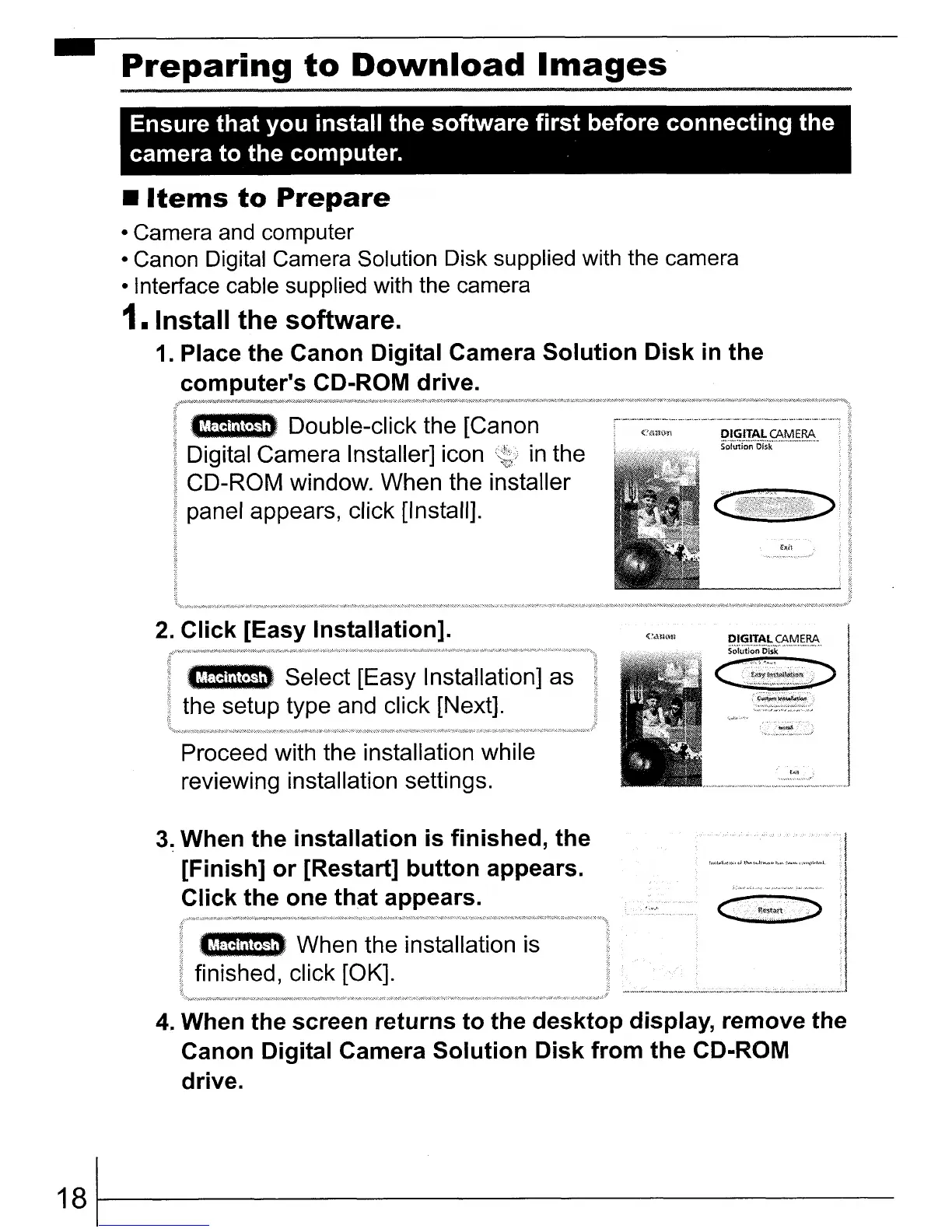
Double-click the [Canon
Digital Camera Installer] icon
in
the
CD-ROM window. When the installer
panel appears, click [Install].
2.
Click
[Easy Installation].
~.
Select [Easy Installation] as
the setup type and click [Next].
Proceed with the installation while
reviewing installation settings.
3~
When
the
installation
is
finished,
the
[Finish]
or
[Restart]
button
appears.
Click
the one
that
appears.
~
When the installation is
finished, click [OK].
4.
When the screen
returns
to
the
desktop
display, remove the
Canon Digital Camera
Solution
Disk
from
the
CD-ROM
drive.
181~----------















 To Next Page