EasyManua.ls Logo

Canon PowerShot SD600 - Page 49

Canon PowerShot SD600
347 pages
Print Icon
To Next Page IconTo Next Page
To Previous Page IconTo Previous Page
Loading...
If the indicator blinks orange and the camera shake icon
displays, it indicates there is insufficient illumination and a
slow shutter speed will be selected. Raise the ISO speed
(p. 64) or select a setting other than
U (flash off), or attach
the camera to a tripod
or
other device.
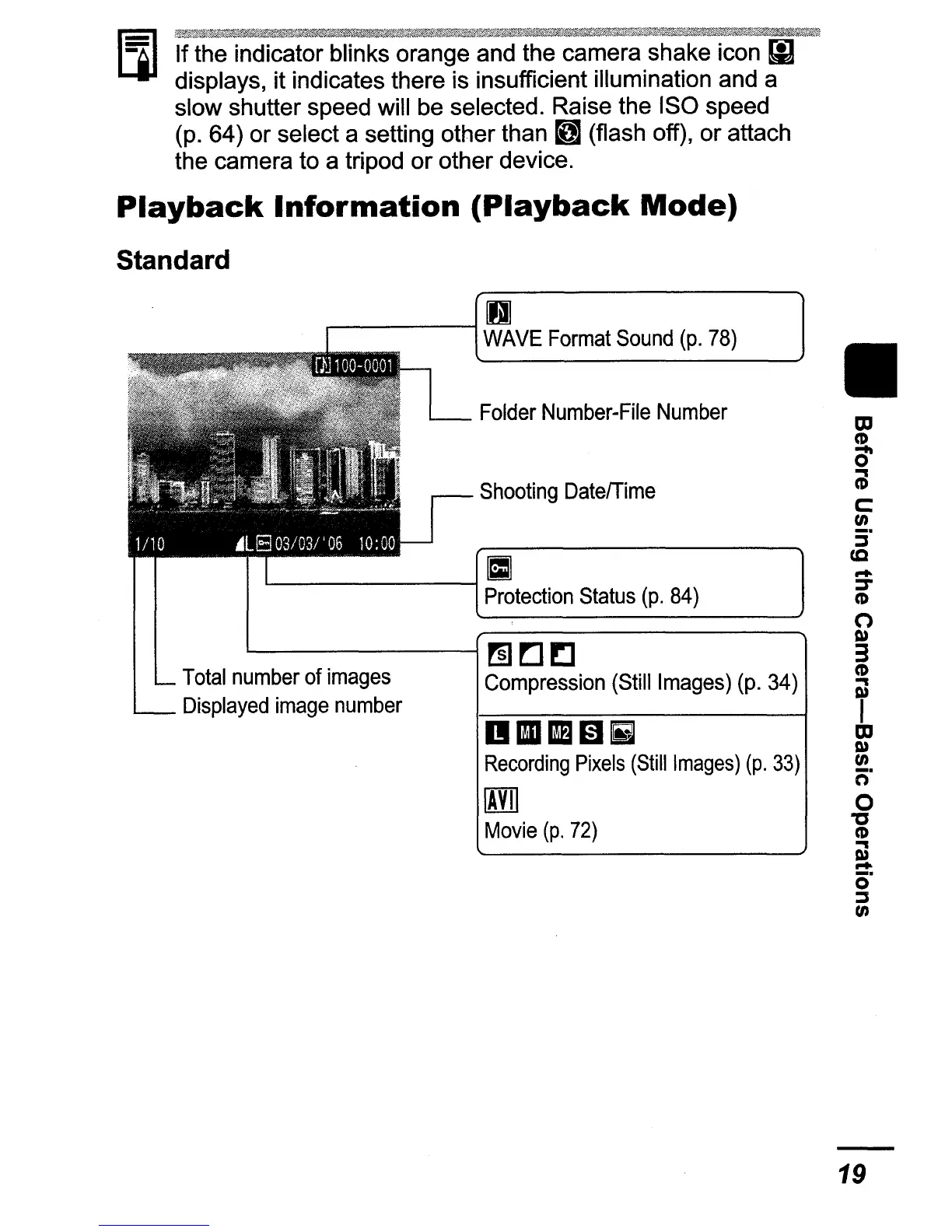
Playback
Information
(Playback
Mode)
Standard
II
Shooting
Date/Time
Folder
Number-File
Number
.--
--10
WAVE
Format
Sound
(p.
78)
DIlIilBJEJ
Recording
Pixels
(Still
Images)
(p.
33)
m
Movie
(p.
72)
'--------I
[I]
Protection
Status
(p.
84)
~------;
rn
~!:l
Compression
(Still
Images)
(p.
34)
Total
number
of
images
Displayed
image
number
19

Table of Contents

Related product manuals