,~~~"~,~,~,,~,g~,~,~,,g~,~,,~,r;,~,"~,,~,~"~ji
You can set a 10 sec. (11) or 2 sec. (II]) delay,
or
a custom delay
time and the number
of
shots
(~
Custom Timer), for shooting after
the shutter button is pressed.
"'»ressihe~'buttonio'displayif~"i'or"'i":
Shoot.
eWhen
the shutter button is pressed fully, the self-timer will
activate and the self-timer lamp will blink. When using red-
eye reduction, the self-timer lamp will blink and then stay lit
for the last 2 seconds.
To Cancel
the
Self-Timer
Press the
~
button to display Ii).
Ij]
You can change the self-timer sound (p. 30).
38
Changing the Self-Timer Countdown Time (11/11])
L!J
(Rec.)
Menu~[Self-timer]~11
or
11].
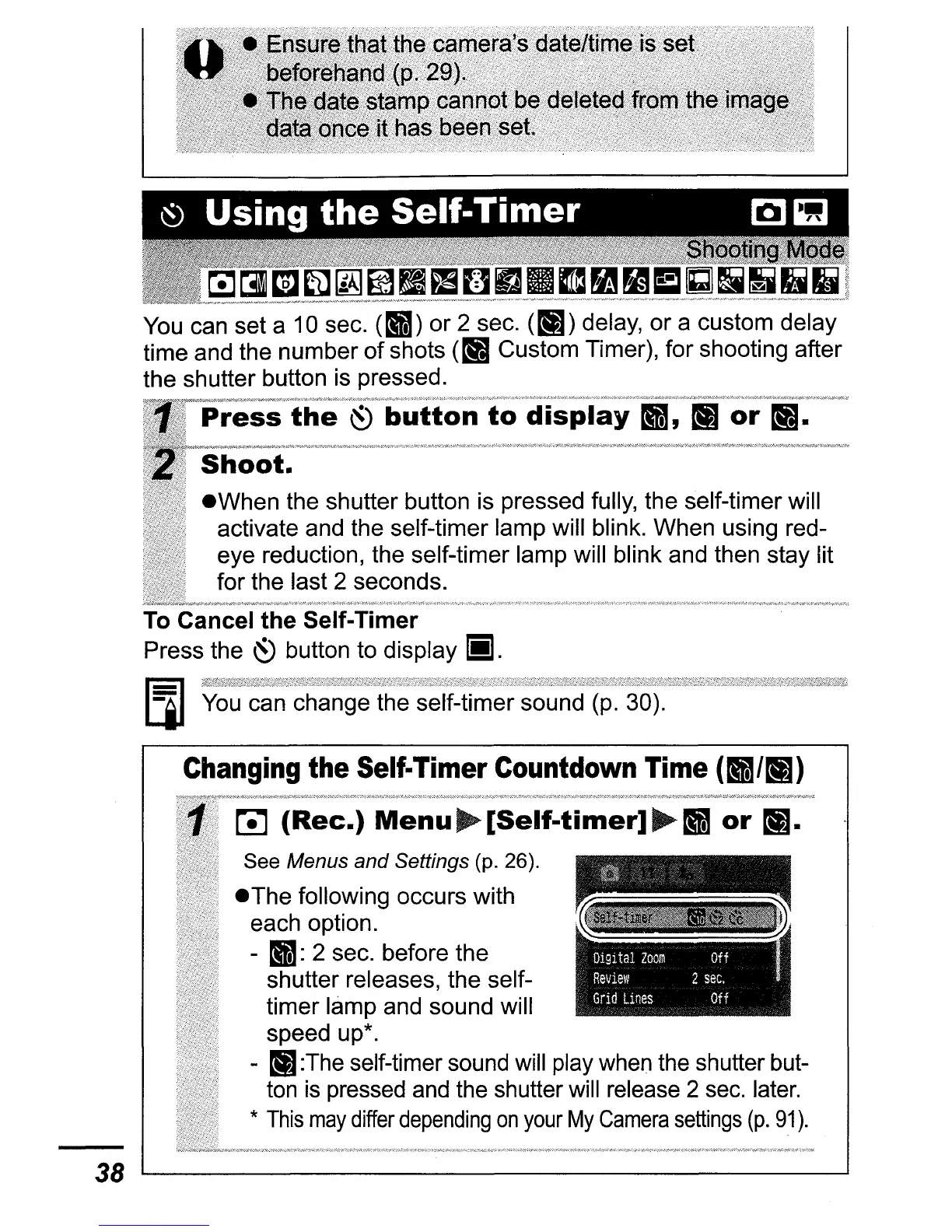
See Menus and Settings (p. 26).
eThe
following occurs with
each option.
- 11: 2 sec. before the
shutter releases, the self-
timer lamp and sound will
speed up*.
- II]:The self-timer sound will play when the shutter but-
ton
is
pressed and the shutter will release 2 sec. later.
*
This
may
differ
depending
on
your
My
Camera
settings
(p.
91).















 To Next Page