• The recording time will vary according to the capacity of the memory card
you use (p. 119).
• Recording will stop after one hour of continuous recording even if the
recorded data volume has not reached 1 GB.
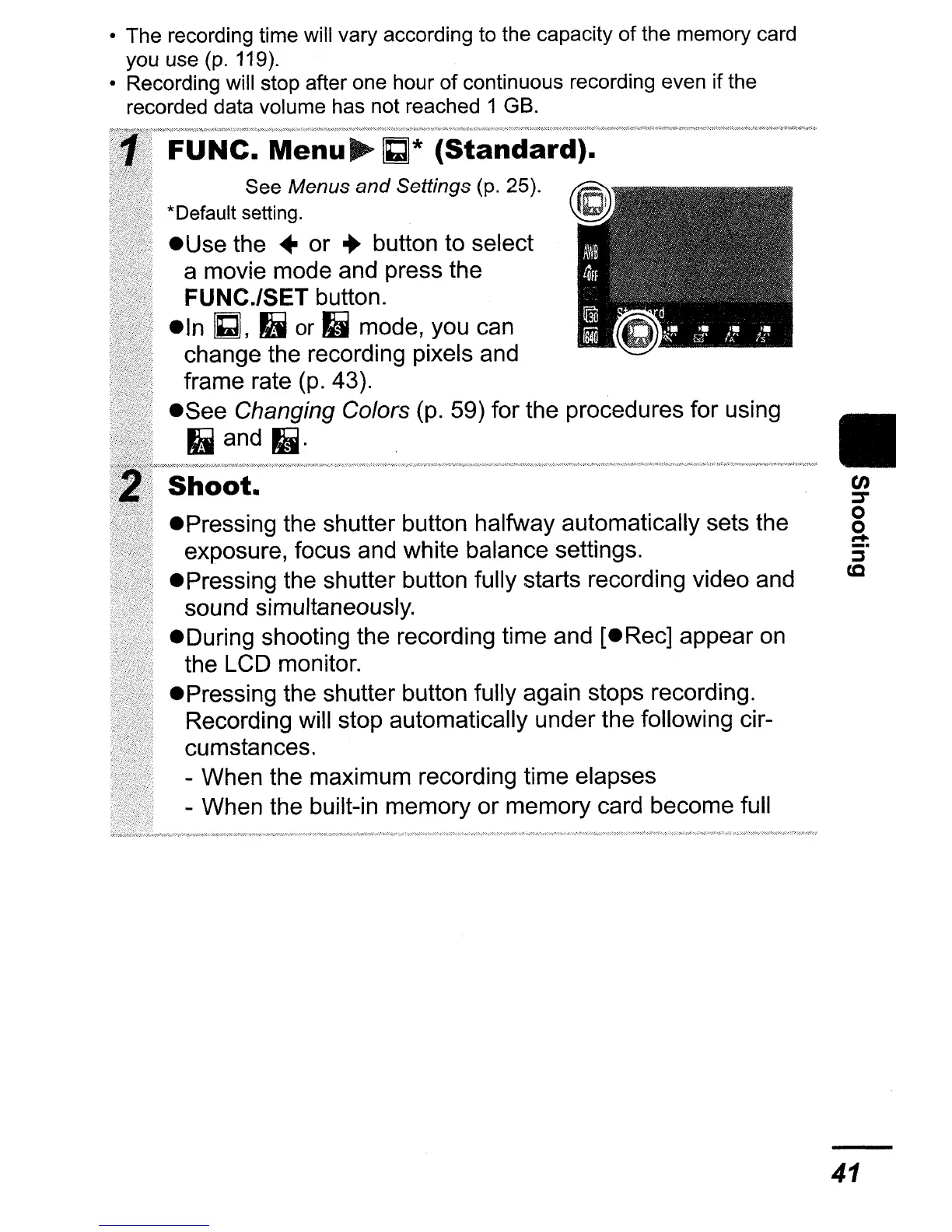
FUNe.
Menu
~
C]*
(Standard).
See Menus
and
Settings (p. 25).
*Default setting.
e Use the
..
or
..
button to select
a movie mode and press the
FUNC./SET button.
eln
C], II
or
II mode, you can
change the recording pixels and
frame rate
(p.
43).
eSee
Changing Colors (p. 59) for the procedures for using
II and II·
Shoot.
ePressing the shutter button halfway automatically sets the
exposure, focus and white balance settings.
e Pressing the shutter button fully starts recording video and
sound simultaneously.
eDuring shooting the recording time and [eRec] appear
on
the LCD monitor.
ePressing the shutter button fully again stops recording.
Recording will stop automatically under the following cir-
cumstances.
- When the maximum recording time elapses
- When the built-in memory or memory card become full
II
en
:::s-
o
o
.....
:i"
(Q
41















 To Next Page