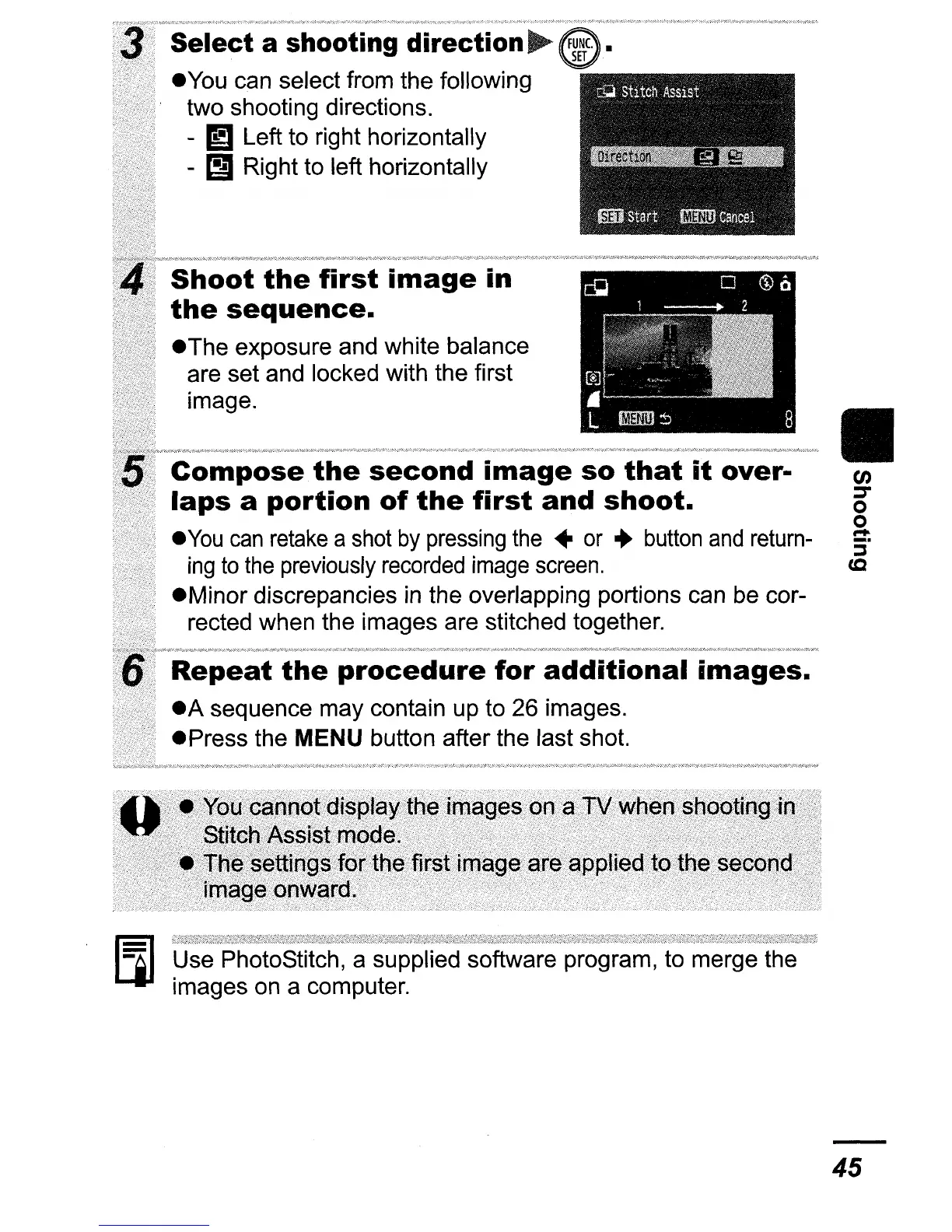
Select a shooting direction
~
eyou
can select from the following
two shooting directions.
- IJ Left to right horizontally
-
1:1
Right to left horizontally
Shoot
the
first
image
in
the
sequence.
eThe
exposure and white balance
are set and locked with the first
image.
Compose.
the
second
image
so
that
it
over-
laps
a
portion
of
the
first
and
shoot.
e
You
can
retake
a shot
by
pressing
the
•
or
..
button
and
return-
ing
to
the
previously
recorded
image
screen.
eMinor
discrepancies in the overlapping portions can be cor-
rected when the images are stitched together.
Repeat
the
procedure
for
additional
images.
eA
sequence may contain up to 26 images.
ePress
the MENU button after the last shot.
D
~;=~=:1~~~images
ona
l1i
when
sI:1ooling?in
.....
·,eThese
..
sforthe
first image are applied tothe
second
image
onward.
. . .
..
Use PhotoStitch, a supplied software program, to merge the
images on a computer.
II
en
:::T
o
o
....
:i"
cc
45















 To Next Page