•
AIAF
On
Self-tlmer
an
AF-aSslst
Beam
On
Changing
the
Save
Method
for
the
Original
Image
When shooting still images
in
the Color Accent or Color
Swap mode, you can set whether or not to save the original
image (pre-transformation) as well as the transformed one.
L!J
(Rec.)
Menu~[Save
Original]
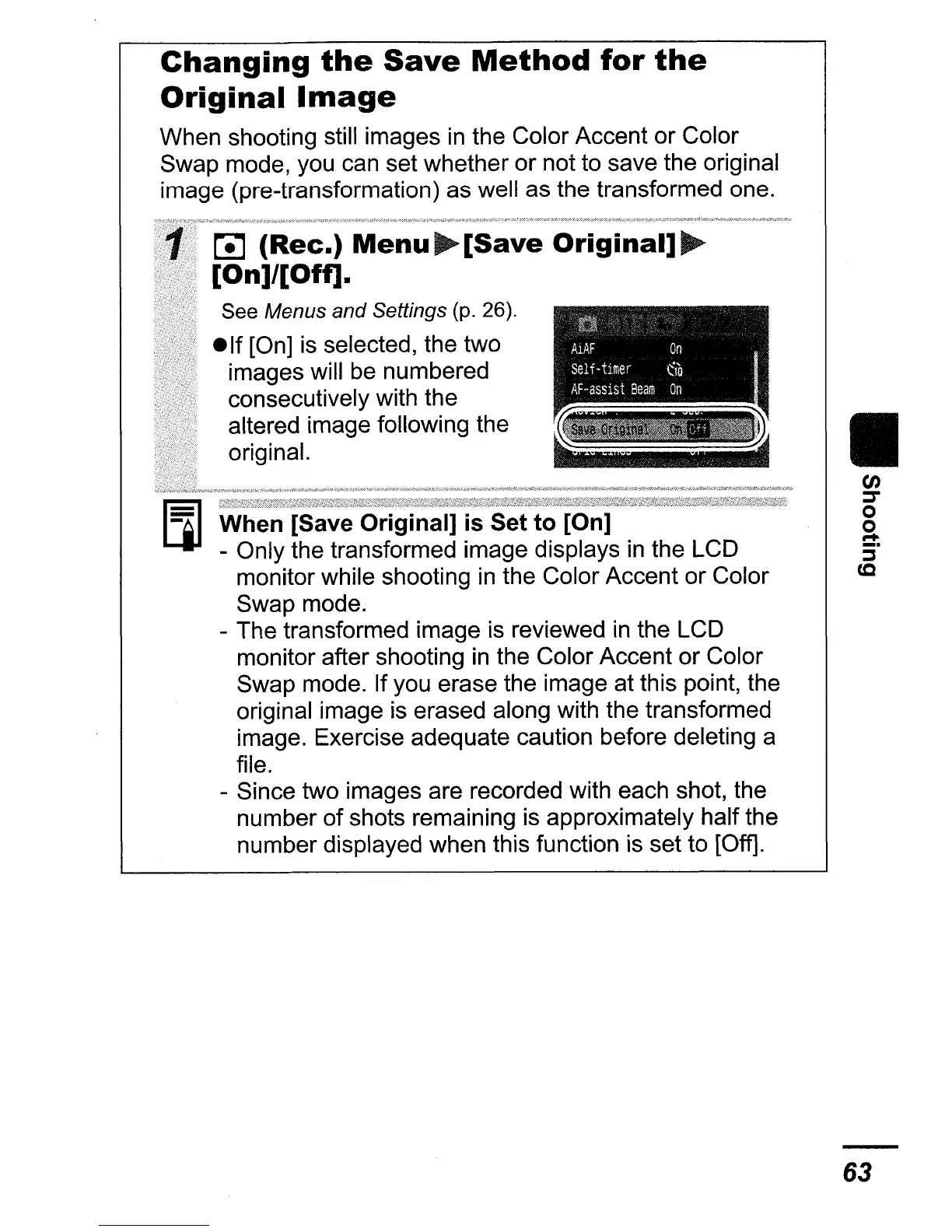
[On]/[Off].
See Menus and Settings (p. 26).
elf
[On] is selected, the two
images will be numbered
consecutively with the
altered image following the
original.
When [Save Original]
is
Set to [On]
- Only the transformed image displays
in
the LCD
monitor while shooting
in
the Color Accent or Color
Swap mode.
- The transformed image is reviewed
in
the LCD
monitor after shooting
in
the Color Accent or Color
Swap mode. If you erase the image at this point, the
original image is erased along with the transformed
image. Exercise adequate caution before deleting a
file.
- Since two images are recorded with each shot, the
number
of
shots remaining is approximately half the
number displayed when this function is set to [Off].
II
en
:::r
o
o
....
:i"
(Q
63















 To Next Page