Printing
from
the
Memory
Card
4 Select the paste method.
(1) Use
the'"
..
buttons
to
select
the
paste method and then press
the
OK button.
Paste
all
All
the
photos in
the
memory card are pasted automatically in
the
selected layout.
Print confirmation screen is displayed. Proceed
to
step 6.
Paste one
by
one
Paste photos one by one on
the
specified layout. Proceed
to
step
5.
W Note
You can
do
•••
•
You
can zoom
in/out
on
the
photo
on the
LCD
using
the
~
~
buttons.
• See "Searching
for
Photos
with
the
Shooting
Date-
Search" on page 32.
• See
"Printing
a Specified
Area-Trimming"
on page 34.
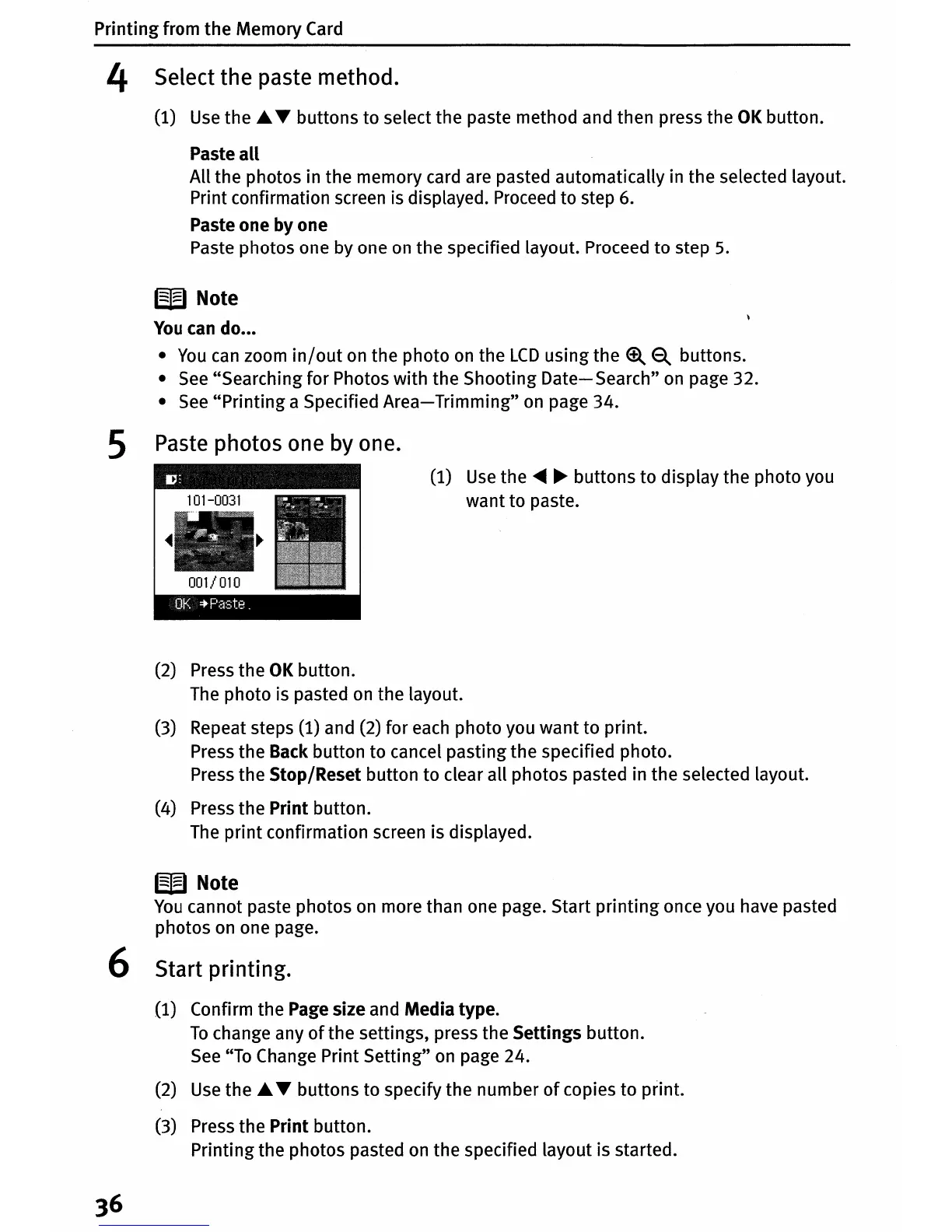
5 Paste photos one
by
one.
(1)
Use
the
~ ~
buttons
to
display
the
photo you
want
to
paste.
(2) Press
the
OK
button.
The
photo
is pasted on
the
layout.
(3) Repeat steps (1) and (2)
for
each
photo
you
want
to
print.
Press
the
Back button
to
cancel
pasting
the
specified photo.
Press
the
Stop/Reset
button
to
clear all
photos
pasted in
the
selected layout.
(4) Press
the
Print
button.
The
print
confirmation screen is displayed.
W Note
You
cannot paste photos on more than one page. Start
printing
once you have pasted
photos
on one page.
6 Start printing.
(1) Confirm
the
Page size and
Media
type.
To
change any
of
the
settings, press
the
Settings
button.
See "To Change Print
Setting"
on page 24.
(2) Use
the'"
..
buttons
to
specify
the
number
of
copies
to
print.
(3) Press
the
Print
button.
Printing
the
photos pasted on
the
specified layout is started.












 To Next Page