Printing from the Memory
Card
• Printing Stickers from a Photo-Sticker Print
You
can
print your favorite photo
on
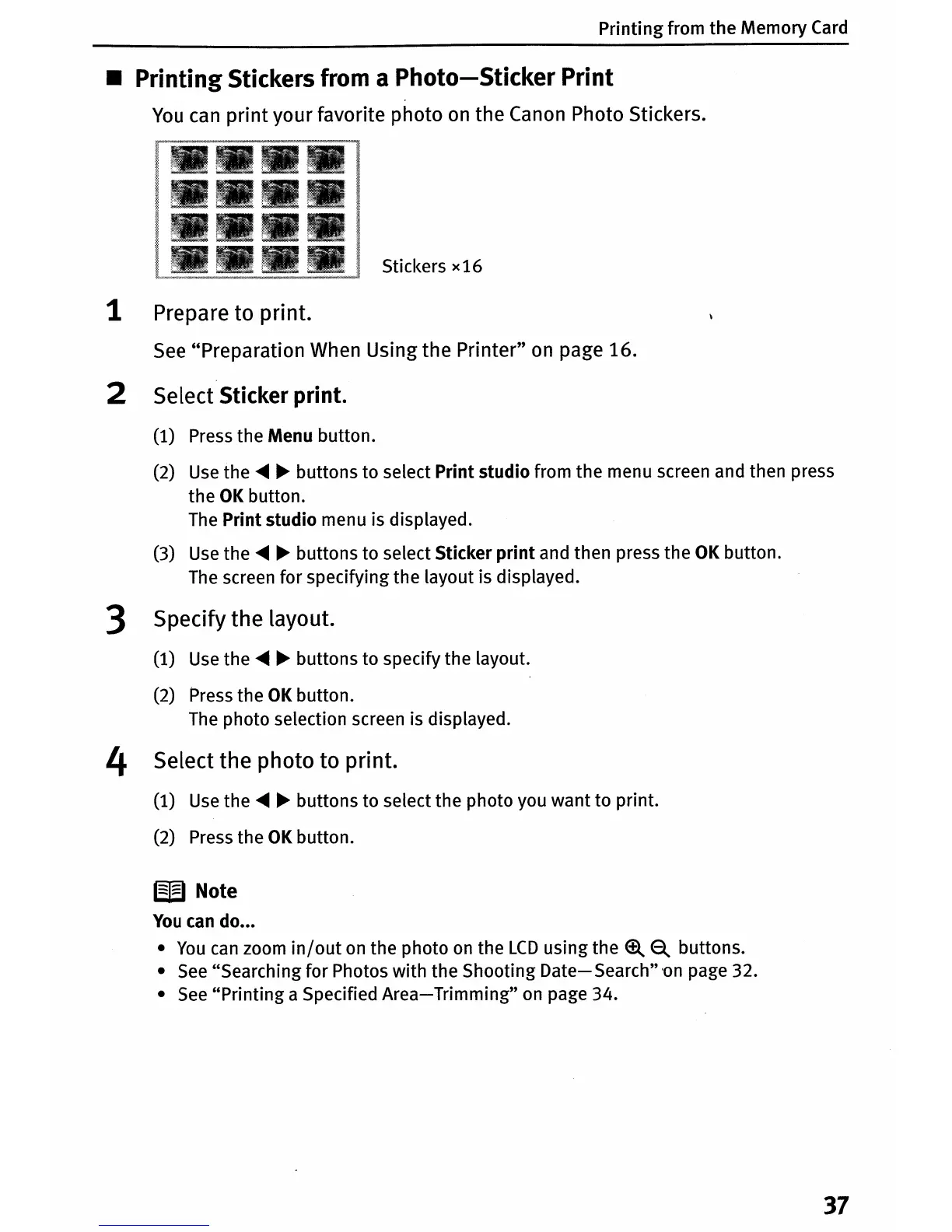
the Canon Photo Stickers.
Stickers
x16
1 Prepare to print.
See
"Preparation When Using the Printer"
on
page 16.
2 Select Sticker print.
(1) Press the Menu button.
(2)
Use
the
.....
~
buttons to select Print studio from the menu screen and then press
the
OK
button.
The
Print studio menu is displayed.
(3)
Use
the
.....
~
buttons to select Sticker
print
and then press the
OK
button.
The
screen for specifying the layout is displayed.
3 Specify the layout.
(1)
Use
the
.....
~
buttons to specify the layout.
(2) Press the
OK
button.
The
photo selection screen is displayed.
4 Select the photo to print.
(1)
Use
the
.....
~
buttons to select the photo you want to print.
(2) Press the
OK
button.
W Note
You
can
do
•••
•
You
can
zoom
in/out
on
the photo
on
the
LCD
using the
~ ~
buttons.
•
See
"Searching for Photos with the Shooting
Date-Search"
'on
page 32.
•
See
"Printing a Specified
Area-Trimming"
on
page 34.
37












 To Next Page