EasyManua.ls Logo

CARRARO COMPACT Vigneto - Page 160

CARRARO COMPACT Vigneto
296 pages
Print Icon
To Next Page IconTo Next Page
To Previous Page IconTo Previous Page
Loading...


 

 
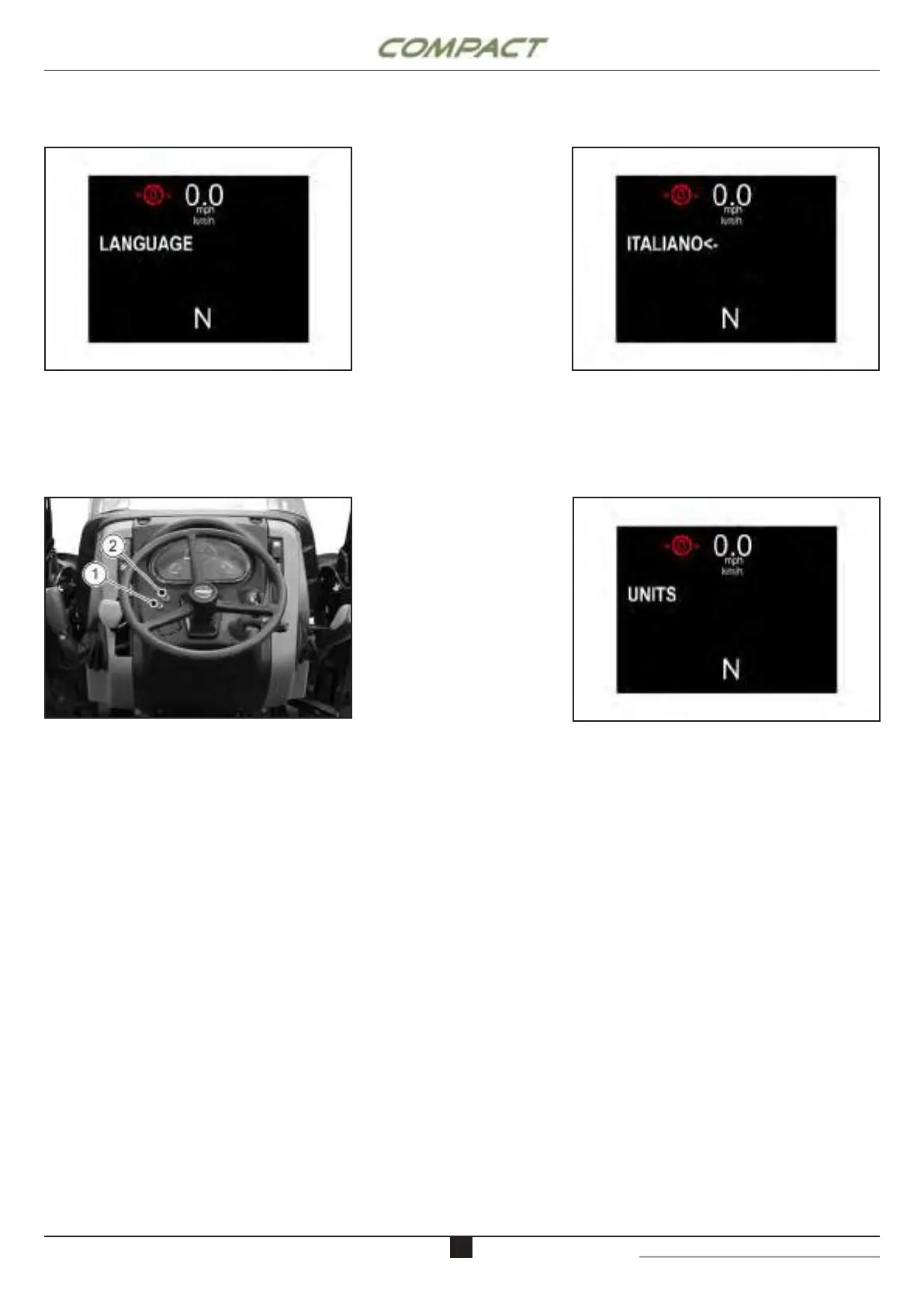
- Press the button (2) to select either needed
modes.
- Press on the the button (1) to conrm setting.


UNIT
 













- Press the button (1) for 1 second for enter
in the UNIT menu of selection of the unit of
measurement. Press the button (2) for 1 second
for access the sub menu.
Use buttons (1) and (2) to switch between the units.
Select unit to be changed by pressing (1) for one
second. An arrow appears next to the unit to mark the
current selection. Select unit with button (1) or (2).
Press button (1) for one second to conrm the input.
Repeat procedure for all other units.
To exit the page, press button (2) for one second.
UNIT
LANGUAGE LAGUAGE
5

revision 0 date: 07/19 doc. AG525990

Table of Contents

Related product manuals