13 610 02 1018
27
Operation
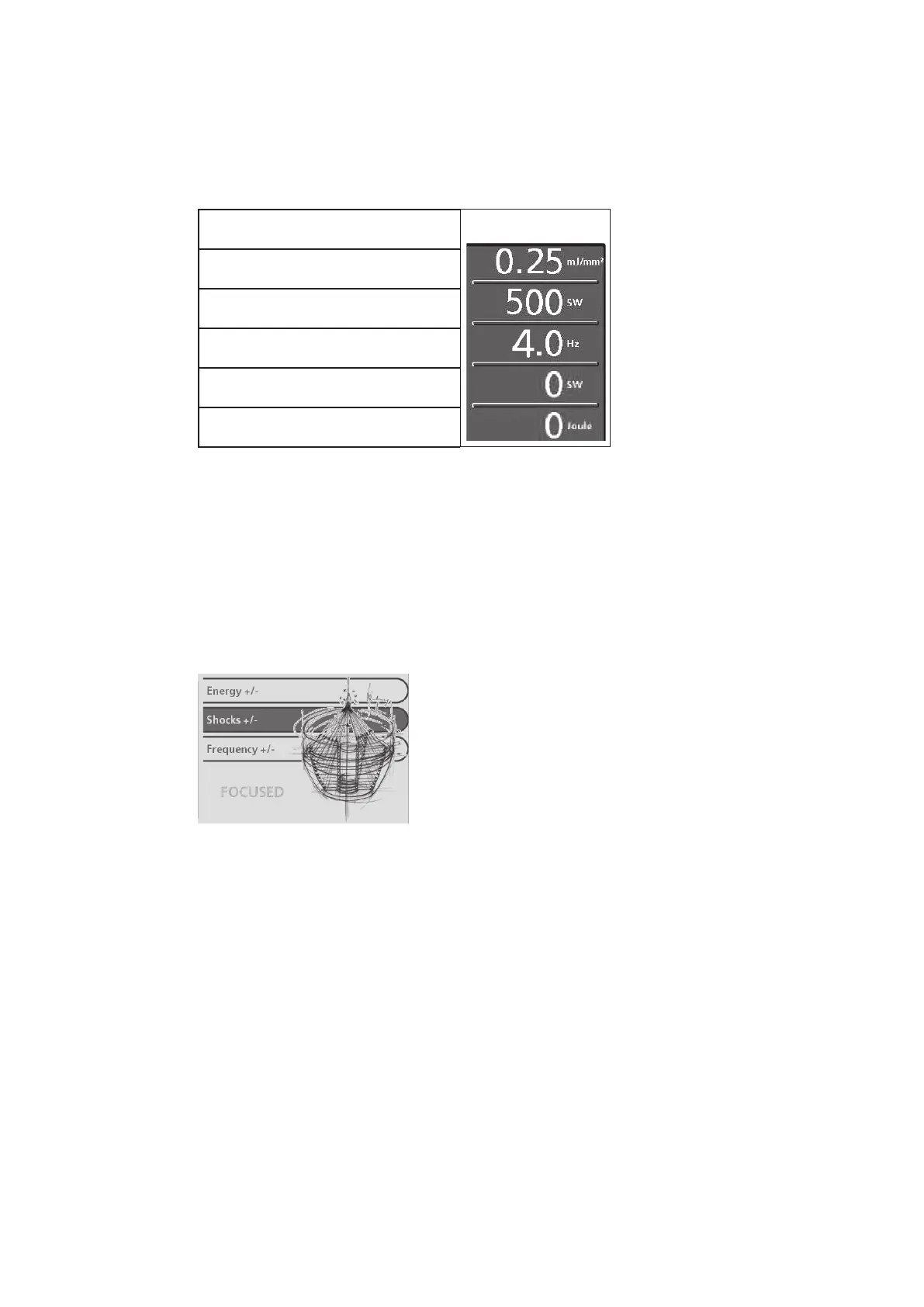
Parameter display:
The treatment parameters are displayed in the parameter display eld
(Fig. 5-12/9) in the following sequence:
F-SW
Actual energy level in mJ/mm
2
or in MPa
Nominal number of shocks or nominal total
energy
Actual frequency
Actual number of shocks
Actual total energy in J
After the rst start-up of the unit as well as after operating mode change,
conguration loading and parameter change, the display ashes and must be
conrmed by touching the display eld or a parameter.
Selection area:
– The selection area (see picture below) of the parameter entry screen contains
the nominal value selection elds “Energy level”, “Number of shocks” and
“Frequency”
Fig. 5-13 Parameter entry screen
– When you open a menu, the name of the opened menu appears in the top line
against a dark blue background. The sub-menu items are indented.
– A sub-menu item is selected by touching the corresponding display area.
– The selected sub-menu item appears against a dark blue background.
– Sub-menu items that themselves have an additional sub-menu are identied by
a green arrow to the right (Fig. 5-14/2).
– If there are more than 4 menu items, they can be selected using the arrow keys
(Fig. 5-14/1). If one of the arrow keys disappears, this means no more selec-
tions can be made in this direction.
– Once a sub-menu has been selected, it is opened using the “OK” button.











 To Next Page