13 610 02 1018
30
Operation
Parameter entry win-
dow
- Determining the treatment parameters
Main menu
Reset counter - Resetting the actual values in the selected operating mode
(treatment shock counter, total energy, close patient record)
Save conguration - Saving indication-specic (preceded by *) or patient-specic
treatment parameters
Load conguration - Loading already stored treatment parameters, opening the
patient record.
The keyboard window in the 2nd sub-menu enables you to
make your own text entries. However, you can also do this by
connecting a separate USB keyboard.
Warnings - List of current warnings
Data transfer - Export treatment data (using this sub-menu, it is possible to
transfer the treatment data as les onto a USB memory stick
and open them in Excel)
- Backup settings (backup)
- Restore settings (backup)
1
st
sub-menu
Setup See 1
st
sub-menu
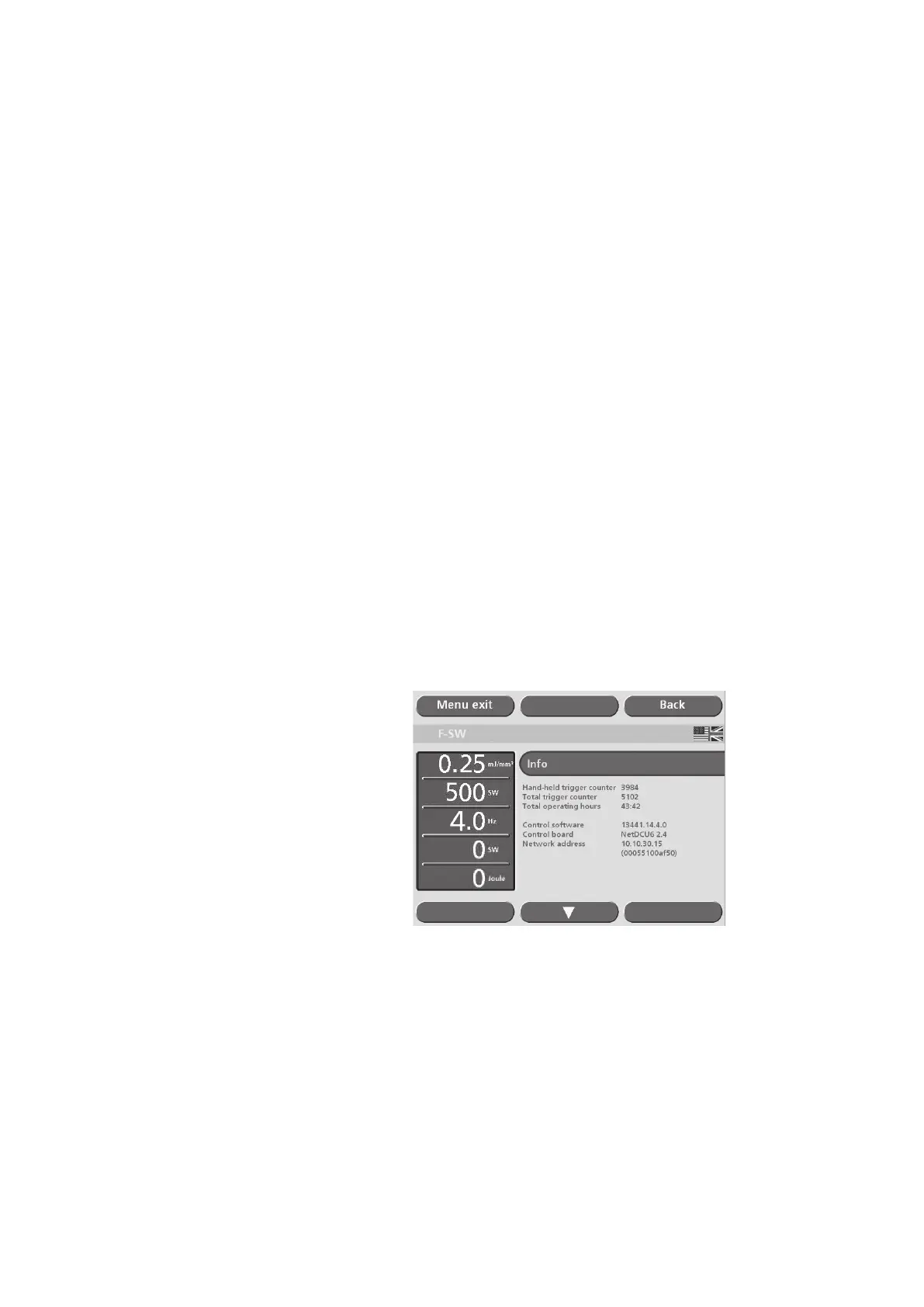
Info - Total shock count and instrument operating hours (depending
on operating mode selected)
- Total number of shocks of the respective handpiece, data on
monitoring software, operating system, hardware serial num-
bers and modication status
- Information about modules: To view serial numbers and
indexes of the modules, scroll to the second page of the Info
window by using the arrow key.











 To Next Page