Navigating Between Screens
All of the screens in the Fusion Series GUI exist in a hierarchy, with the Mode Selection screen
at the top. Entering a new screen is performed simply by activating, or tapping, a button or icon
that opens the new screen.
To return to the previous screen, tap or activate the red “X” button in the top right of
the screen. This will “close” the current screen, and return to the screen that was
used to enter the closed screen. This can also be accomplished by pressing the Stop key on
the front of the instrument when the pump is not running.
Entering Values
Entering Numbers
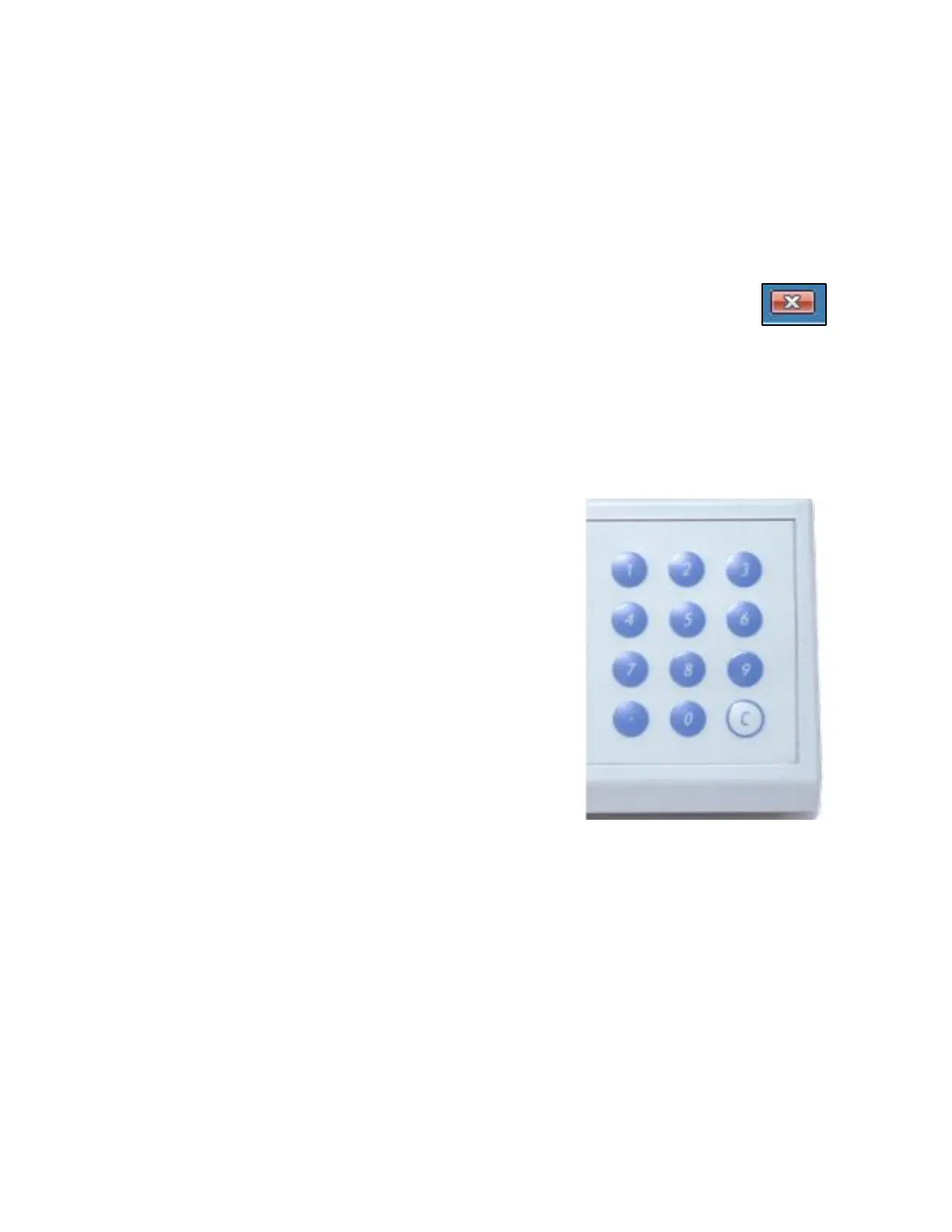
Most editable fields will require the user to enter numbers,
which is done using the numeric keypad on the front of the
instrument.
Upon first selecting an editable field, pressing any number
will first clear the old value and replace it with the new value.
This only applies when first selecting the field. On a field that
has already been selected and edited, any further edits will
just append the number to the end. In such a case, to clear
the current value in the field, press the white C key on the
numeric keypad.
Values entered in an editable field are accepted upon
pressing the ENTER key, selecting a new element, or
pressing the Start key. Values that exceed the limits of the
editable field (shown in the blue bar at the top of the screen)
are automatically corrected to be within the limits upon accepting the value.



 To Next Page