Pump Accessories
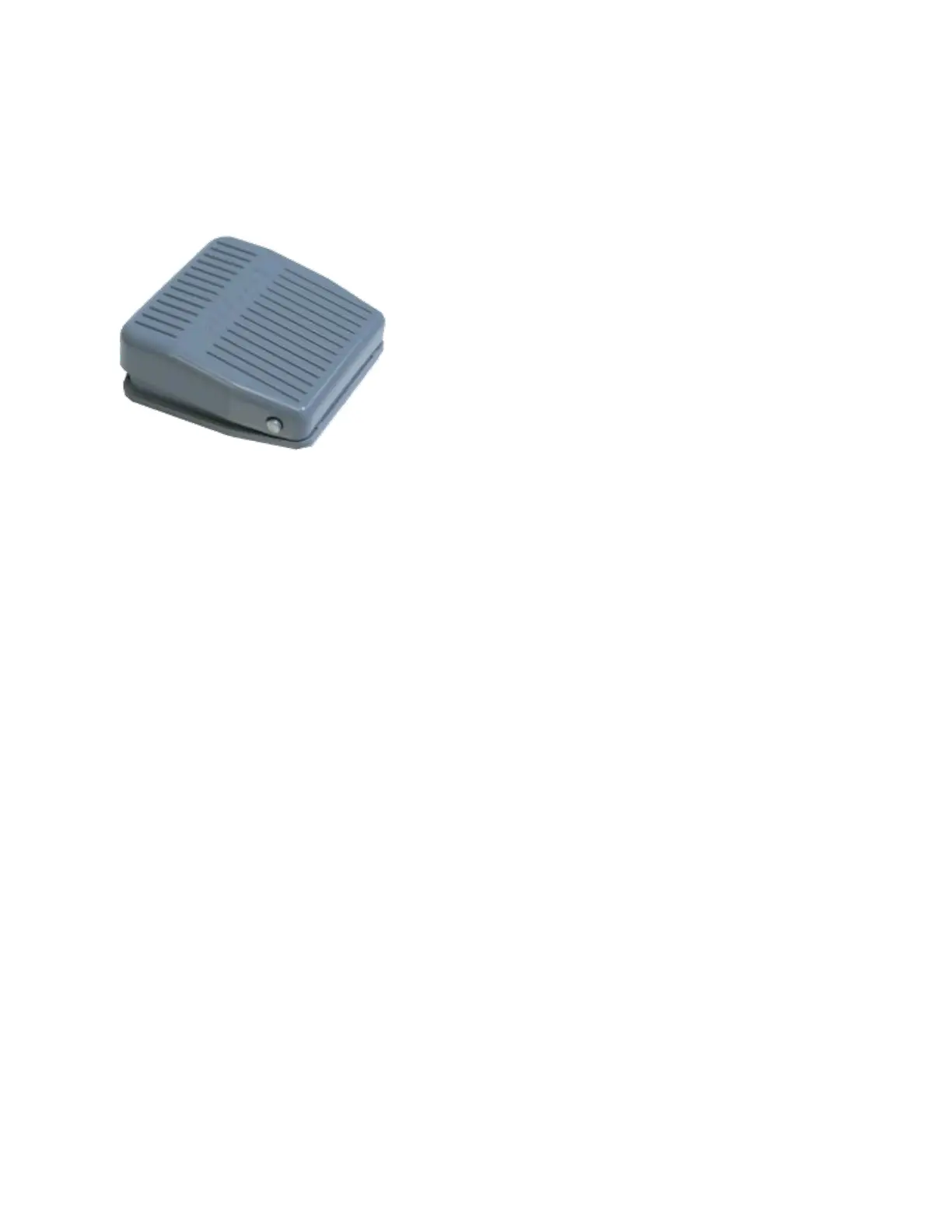
Foot Switch
Foot Switch
The Chemyx Foot Switch provides users the ability to start, pause, or stop the pump from a
short distance with the tap of a foot.
Connecting the Foot Switch
The Chemyx Foot Switch for Fusion Series pumps has a USB-B cable that plugs into the TTL
port on the back of the pump.
Using the Foot Switch
To use the foot switch, the pump must be in either the Basic Mode or Multi-Step Mode
screens. The basic commands are given by a certain number of clicks of the foot switch.
A single click of the foot switch will start the pump run or pause the pump run depending on
whether the pump is currently running.
A quick double click of the foot switch will completely stop the pump run.



 To Next Page