Pump Control by Computer
The Fusion Series syringe pumps can be controlled with an external computer using an RS232
serial connection.
Cable Requirements
Two types of connections are available for external computer control: DB9 and USB, cables for
each are available for purchase through Chemyx (call 1-281-277-5499 or visit
www.chemyx.com/contact-us).
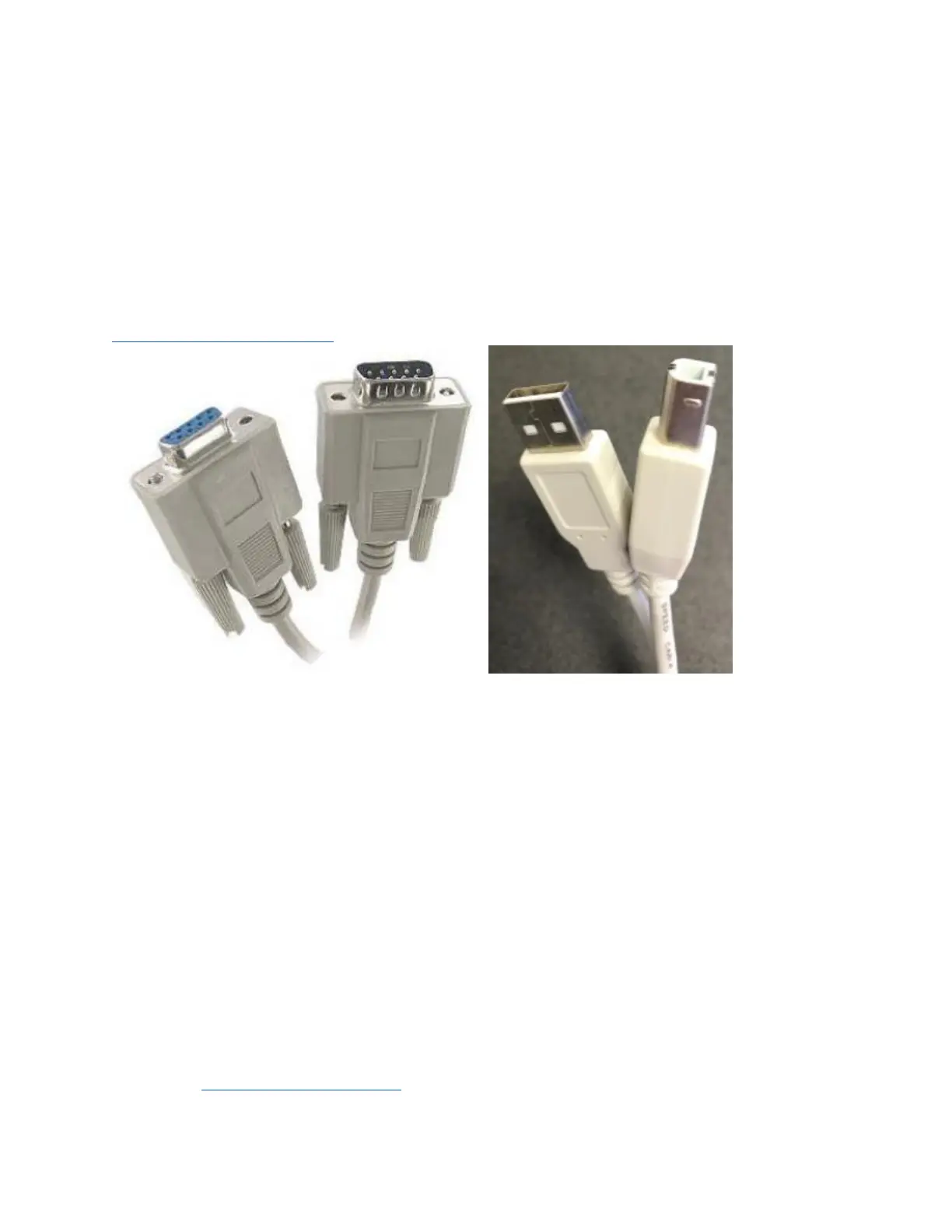
DB9 Serial Cable (Male-to-Female) USB-A to USB-B cable
For the DB9 serial connection, a Male-to-Female DB9 cable must be used. Do not use any “null
modem,” “crossover”, or “crossed-over” cables. The cable can be of any length up to 50 ft;
however, the speed of the connection is often detrimentally affected at lengths over 15 ft.
For a USB serial connection, a USB-A to USB-B cable should be used. The maximum possible
length of a single USB cable is 15 ft; however, USB cables should be less than 10 ft for
optimum performance. Multiple USB cables can be chained together to make a longer
connection as long as the hub connecting each individual cable is connected to a power supply.
A USB-to-DB9 serial adapter can be used to connect a DB9 serial connection to the USB port
on a computer.
All of these connections require the proper drivers to be installed on the computer. Typically,
most current operating systems already contain drivers for the USB serial connection. They may
also already have drivers for the DB9 serial connection. USB-to-DB9 adapters typically need to
have a USB-to-serial driver installed. For more information on downloading and installing drivers
please visit www.chemyx.com/support.



 To Next Page