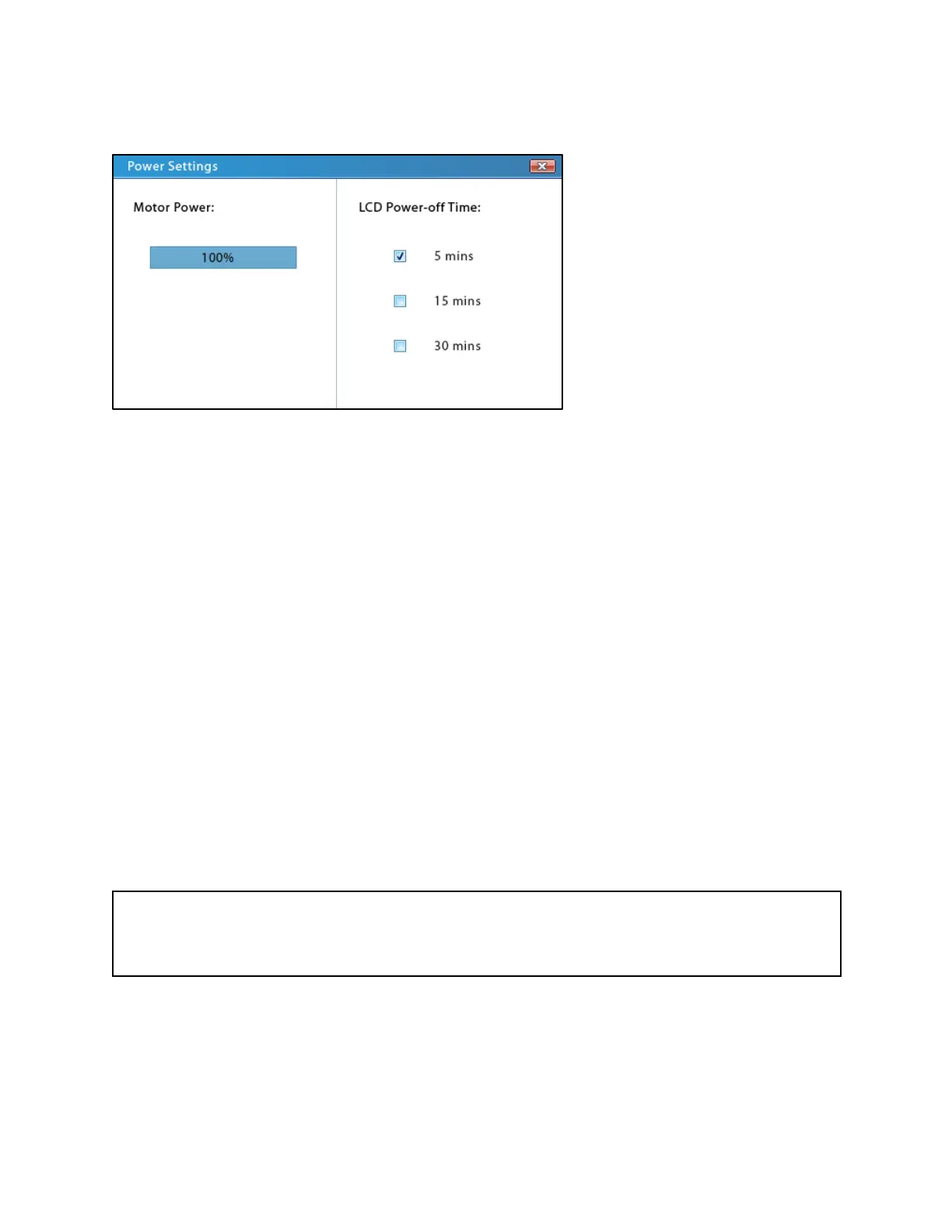
Power Settings
Power Settings screen
The Power Settings screen can be reached by tapping on the Power icon on the Mode
Selection screen.
Motor Power
The Fusion Series pumps can generate up to a maximum of 50 lbs (35 lbs for the Fusion 100)
of linear force. Some syringes made of more fragile materials may not be able to withstand the
full linear force of the pump. On the Fusion Series pumps, the motor power, and thus the linear
force, can be decreased in the Power Settings screen.
To adjust this setting by touch, tap the section of the percentage bar that represents the desired
motor power percentage (0% on far left and 100% on far right). To more precisely adjust the
percentage, users should slowly drag their finger over the percentage bar.
To adjust this setting using the keypad, select the motor-power percentage bar with the
navigational keypad or by touch. The percentage bar should be blue in color when selected.
Press the clear key (“C” on the numpad) to clear the current value, and then use the numeric
keypad to type in the desired percentage; the percentage bar will update as values are added.
Important Note
Decreasing the motor power may cause the pump to stall more readily. If possible, syringes of
sturdier material should be used instead of lowering the motor power.



 To Next Page