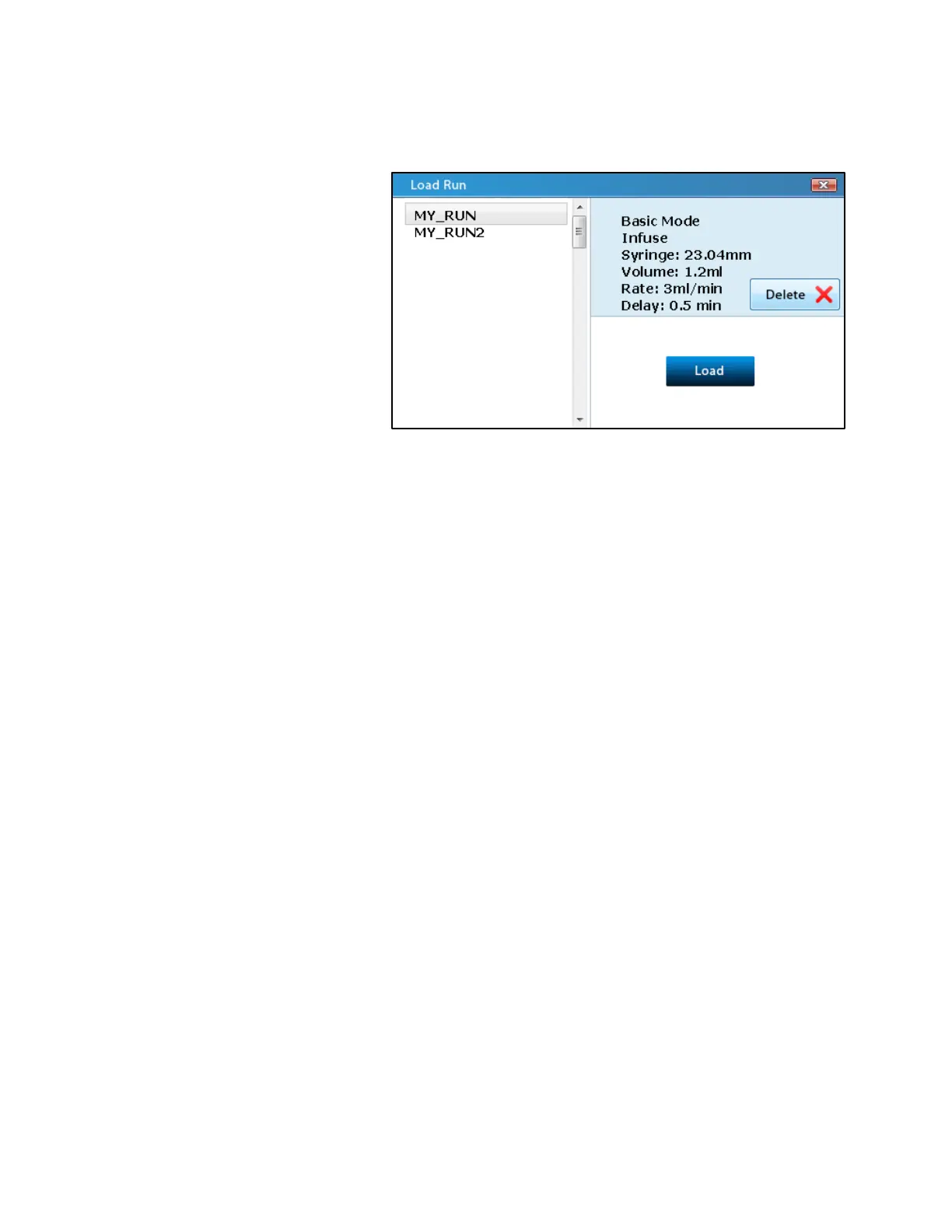
Load Run
The Load Run screen allows
users to recall Basic Mode
methods that were saved in the
Options screen.
The Load Run screen can be
reached by tapping on the Load
folder icon on the Mode Selection
screen.
The left side of the screen shows a
list of all the saved methods (a
maximum of 20). Tapping and
selecting a method in this list will display the parameters for the method in the top right of the
screen.
To load a method, select the method and then press the Load button on the bottom right of the
screen. The screen will immediately change to the Basic Mode main screen with all of the
parameters of the saved method.
To delete a method, select the method and then press the Delete button on the right side of the
screen. A pop-up screen will ask the user to confirm deletion, and upon pressing Yes, the
method will be removed from the system’s memory and from the list on the left.



 To Next Page