Multi-Step Mode
Multi-Step Mode is used for more advanced applications that may require numerous steps,
multiple different volume and rate settings, step looping, or ramping rates.
The Multi-Step Mode screen can be reached by tapping on the Multi-Step icon on the Mode
Selection screen.
The pump can only be started in Multi-Step Mode when the Multi-Step Mode screen is
showing. This also holds true for computer control of the pump through a serial connection; the
pump must be switched to the Multi-Step Mode screen on the pump interface first.
Setup
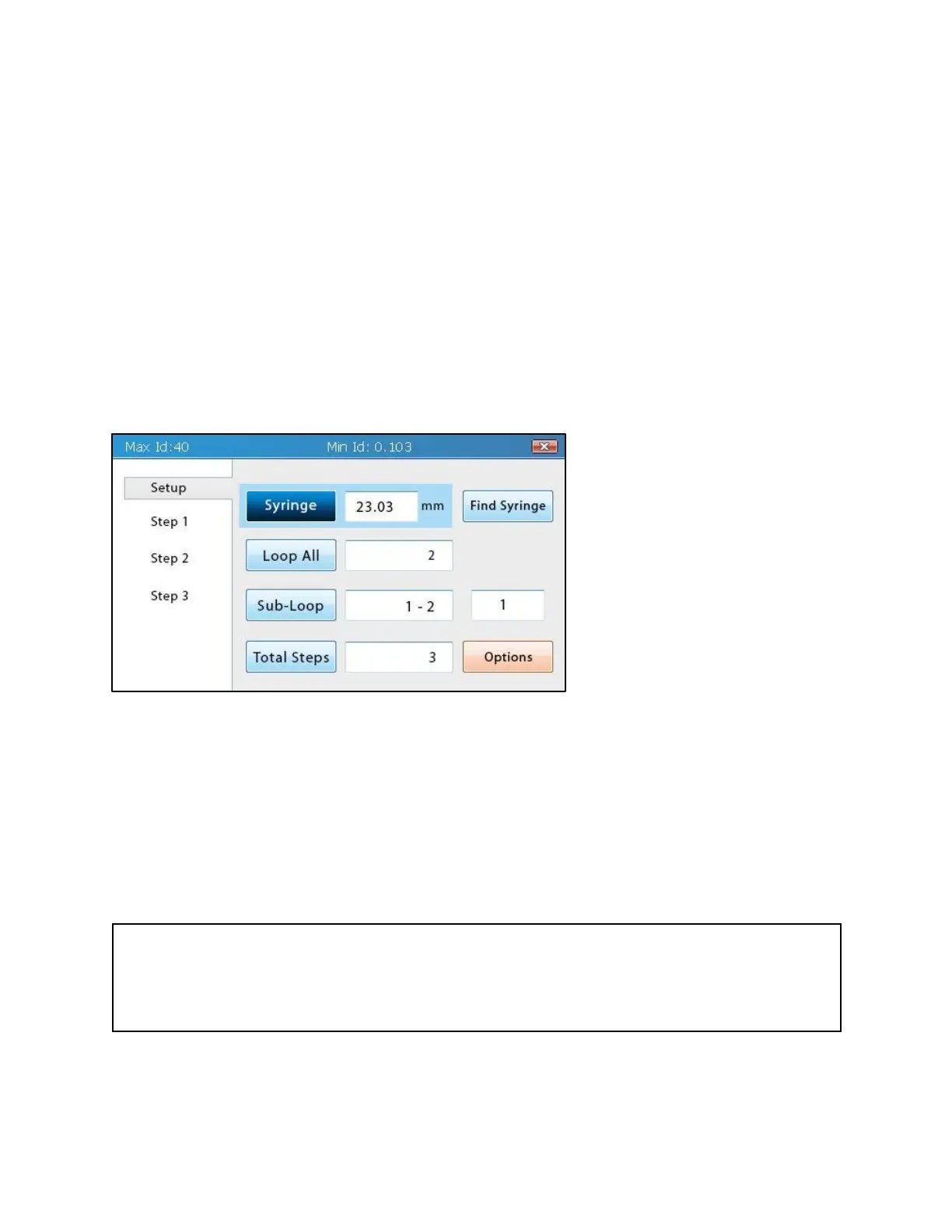
In Multi-Step Mode, the left side
of the screen shows a list of
selectable items. The first
(topmost) item in this list is Setup.
Tapping Setup will take users to
the Multi-Step Method Setup
screen, where the syringe inner
diameter (ID), total number of
steps, number of loops, and flow-
rate units can be set.
Syringe Selection
Syringe selection for Multi-Step
Mode works in much the same manner as seen in Basic Mode.
Changes in the syringe ID will affect the min/max values for the Volume field in all steps.
However, unlike Basic Mode, importing a syringe from the Syringe Library will not change the
volumes in each step to the volume of the syringe unless they exceed the volume limits of the
new syringe. All values in each step that are outside these new limits will be adjusted to be
within the limits.
Tip
Because changing the values of the syringe ID may possibly change the values and units for
volume and rate, selecting a syringe or entering the syringe ID should always be the first step
when setting up a multi-step method.



 To Next Page