System Settings
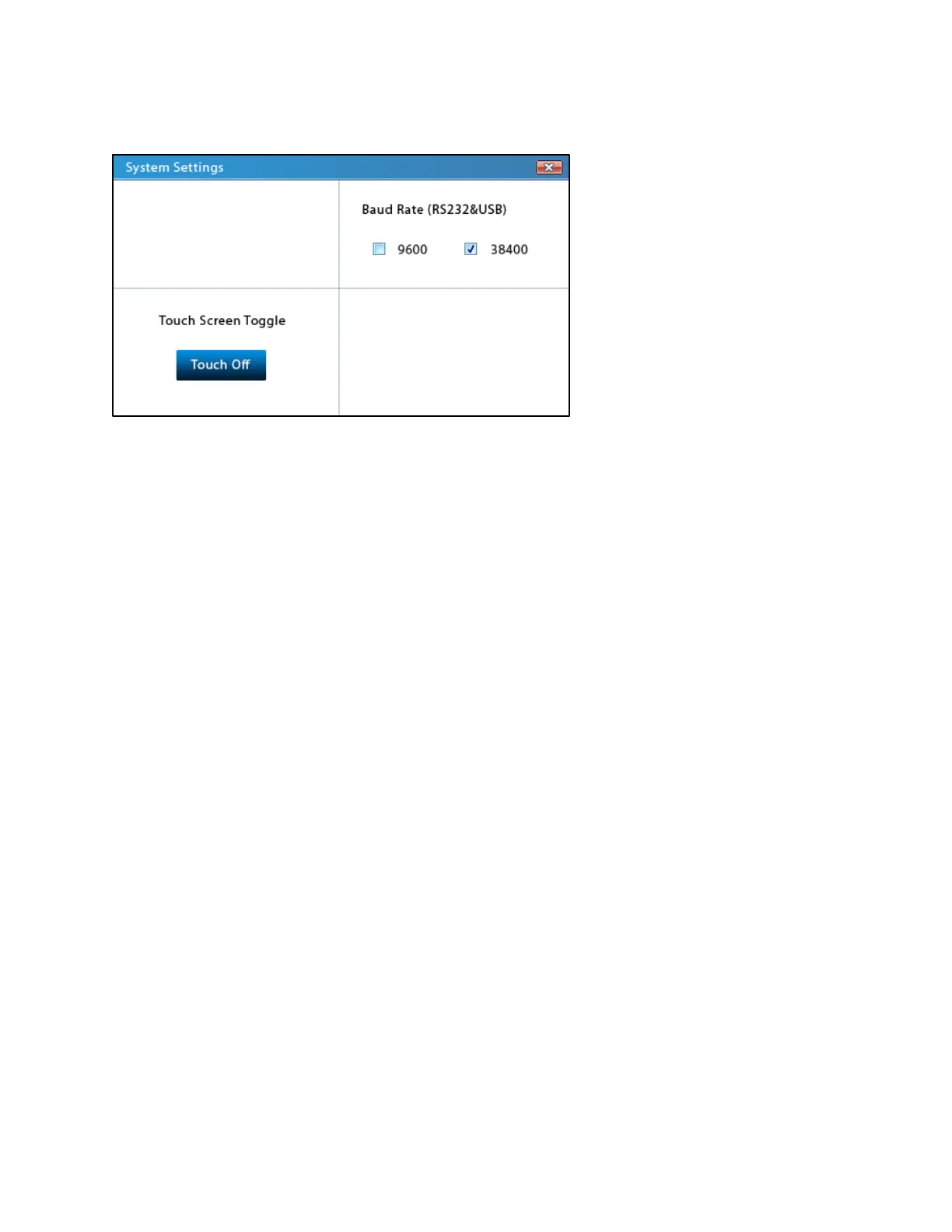
System Settings screen
The System Settings screen can be reached by tapping on the Settings icon on the Mode
Selection screen.
Touchscreen Toggle
Pressing the Touch On/Off toggle button will enable/disable the touchscreen capabilities of the
LCD display, respectively. If the touchscreen is off, only the physical arrow keys can be used to
select items on the screen. Conversely, the Touch On/Off toggle button is always selectable by
touch regardless of the current state of the toggle, so that you may return to using the
touchscreen capabilities.
Baud Rate
The baud rate is the rate at which information is transferred through the serial connection. This
rate is often limited by the type of serial connection used.
The Fusion Series pumps provide two possible baud rates: 9600 and 38400.
Serial connections using the USB-B port on the back of the pump should use the faster baud
rate of 38400.
Serial connections using the DB9 port on the back of the pump will need to use the slower baud
rate of 9600.
See Pump Control by Computer for more information.



 To Next Page