Fusion Series User Manual
Flow-Rate Units
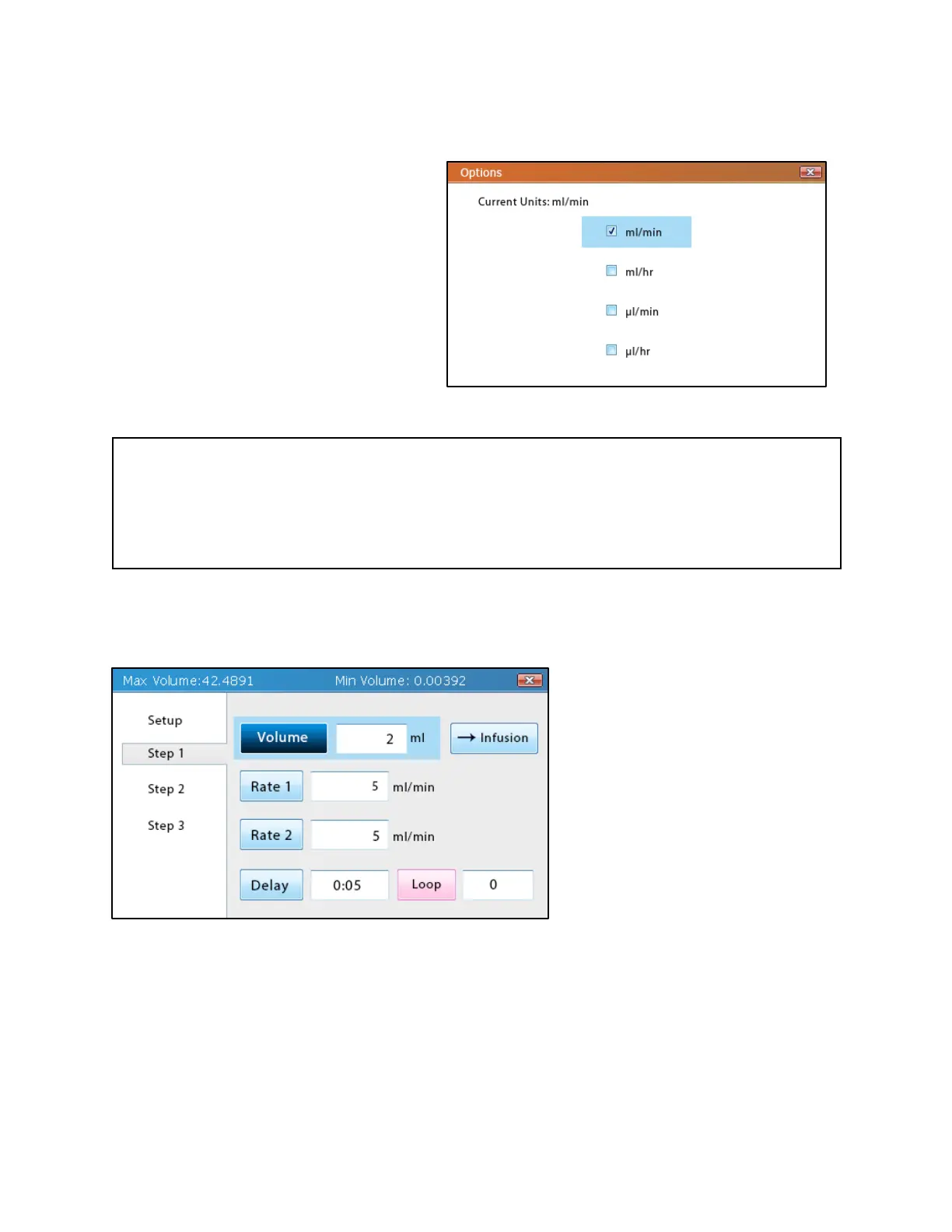
Tapping the Options button opens a
screen that allows flow-rate units to be
set. The flow-rate unit determines which
unit of volume and time will be used for
the Volume and Rate fields for all of the
steps. This setting in Multi-Step Mode
also changes the units for Basic Mode.
Important Note
Even if the units have changed, the values within the Volume and Rate fields will not change,
which will result in significant changes in the flow rate and volume transferred. Additionally,
the min/max limits for these fields will also change, so if the current values for volume and rate
exceed the new limits, they will be adjusted to be within the limits.
Step Parameters
Every step in the multi-step method
will have a selectable entry in the
list on the left side of the screen
after Setup. Tapping the step will
bring users to the Step Parameters
screen for that step. In this screen,
the transfer volume, flow rate, time
start delay, and number of loops
can be set.
Target Transfer Volume
The Volume field represents the total volume of liquid that the pump will attempt to transfer
(infusion or withdrawal) before completing the step. The amount of time that the pump will
attempt to run with the set volume can be determined by dividing the volume by the flow rate (as
long as the flow rate is static).
Multi-Step Mode Options screen



 To Next Page