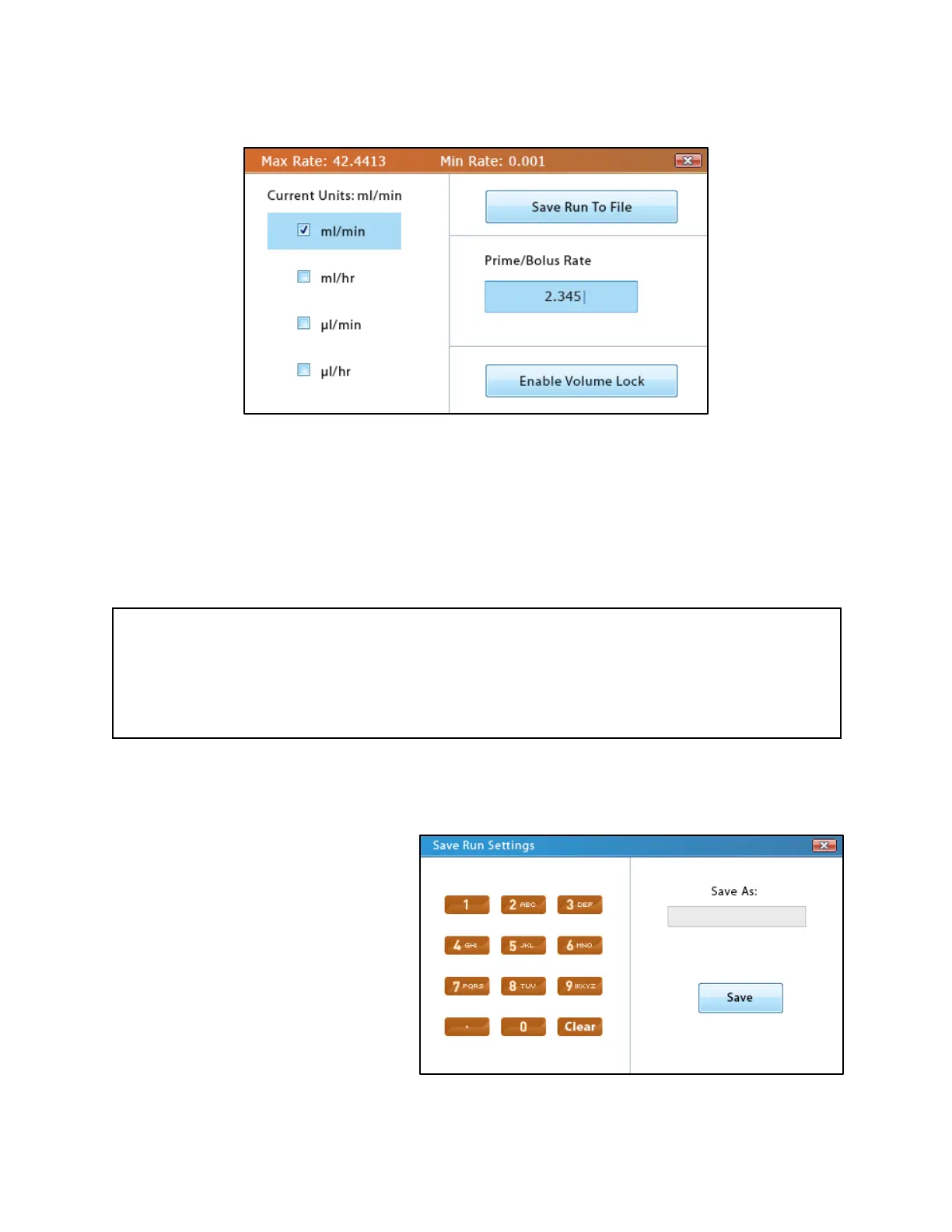
Options
Flow-Rate Units
The flow-rate units determines which units of volume and time will be used for the Volume and
Rate fields. It also determines the units for the Priming/Bolus Rate. This setting in Basic Mode
also changes the units for Multi-Step Mode.
Note
Even if the units have changed, the values within the Volume and Rate fields will not change,
which will result in significant changes in the flow rate and volume transferred. Additionally,
the min/max limits for these fields will also be changed, so if the current values for volume and
rate exceed the new limits, they will be adjusted to be within those set limits.
Saving Run Parameters
All of the current settings in Basic
Mode can be saved for future use.
The name can be any combination of
the alphanumeric characters, up to a
max of eight characters. If a name
already exists in memory, the user will
be asked to overwrite the previous
method. If the user enters a unique
name or selects “Yes” to the overwrite
question, the settings will be saved to
the pump, and the screen will return to
the Basic Mode main screen. If the



 To Next Page