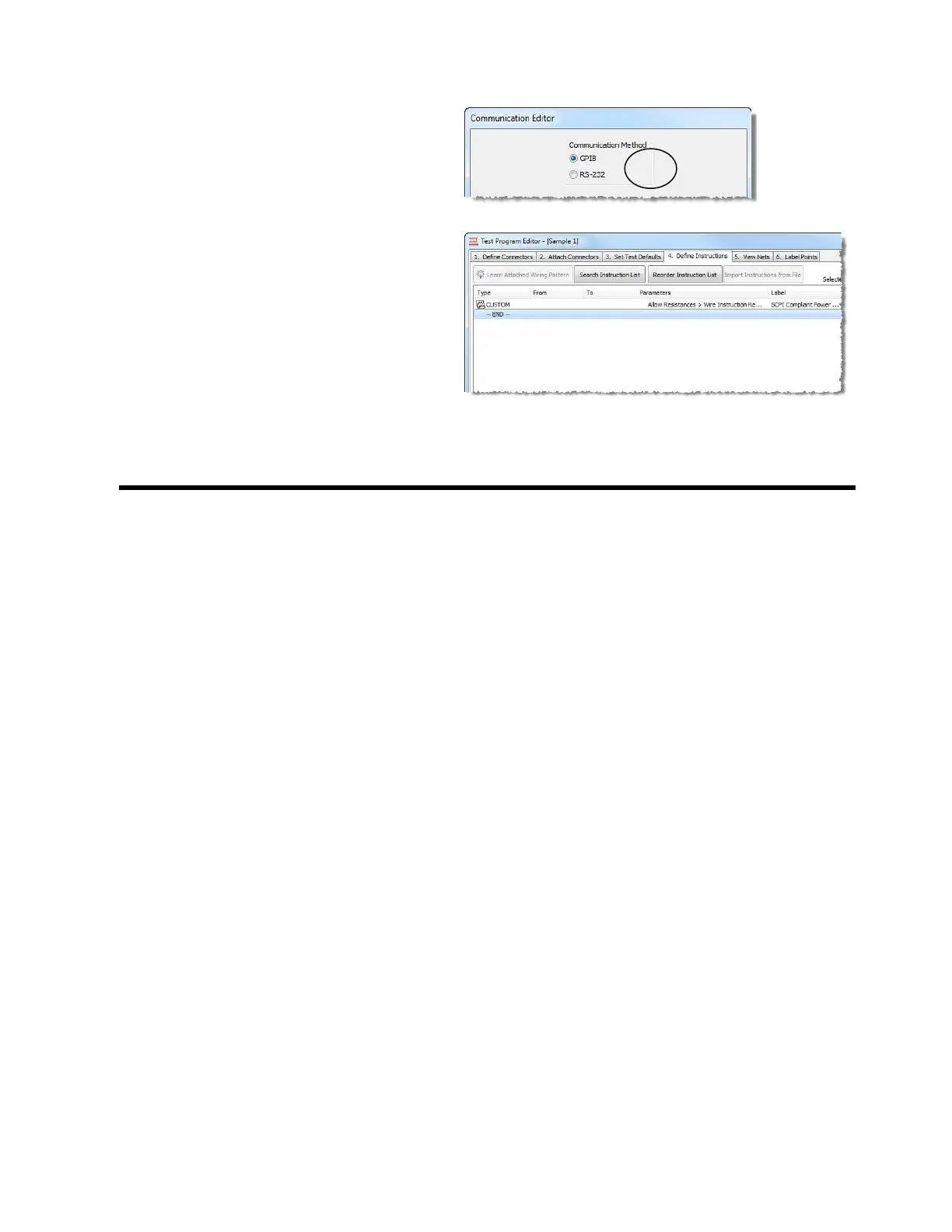
6. Select the Cable you attached
from your Power Supply to your
PC. If necessary, edit the
parameters to match your Power
Supply and click OK.
7. The “Custom Instruction” window
will be open on your screen,
click OK. Verify that the custom
instruction has been added to the
“Define Instructions” list.
8. Add additional EBox Instructions to
create your test program, see “EBox
Instructions” starting on page 54.



 To Next Page