1-33
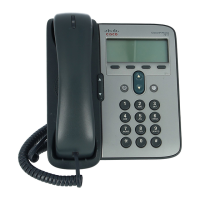
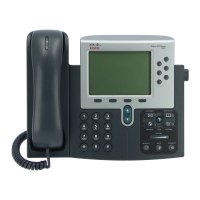
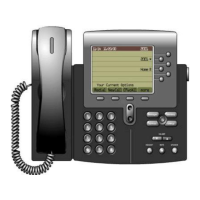
Cisco Unified IP Phone 7961G/7961G-GE and 7941G/7941G-GE for Cisco Unified Communications Manager 6.0
OL-11953-01
Chapter 1 An Overview of the Cisco Unified IP Phone
Overview of Configuring and Installing Cisco Unified IP Phones
Table 1-7 Checklist for Installing the Cisco
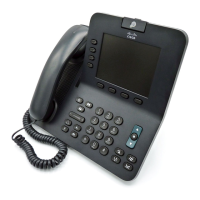
Unified IP Phone 7961G/7961G-GE/7941G/7941G-GE
Task Purpose For More Information
1. Choose the power source for the phone:
• Power over Ethernet (PoE)
• External power supply
Determines how the phone
receives power.
See the “Providing Power
to the Cisco Unified IP
Phone” section on
page 2-4.
2. Assemble the phone, adjust phone
placement, and connect the network
cable.
Locates and installs the phone
in the network.
See the “Installing the
Cisco Unified IP Phone”
section on page 3-8.
See the “Adjusting the
Placement of the Cisco
Unified IP Phone” section
on page 3-13.
3. Add a Cisco Unified IP Phone
Expansion Module 7914 to the Cisco
Unified IP Phone 7961G/7961G-GE
(optional).
Extends functionality of a
Cisco Unified IP Phone
7961G/7961G-GE by adding
14 line appearances or speed
dial numbers.
See the “Attaching the
Cisco Unified IP Phone
Expansion Module 7914
(SCCP Phones Only)”
section on page 3-11.
4. Monitor the phone startup process. Verifies that phone is
configured properly.
See the “Verifying the
Phone Startup Process”
section on page 3-16.



 To Next Page
 Loading...