2-49
Cisco 11500 Series Content Services Switch Hardware Installation Guide
78-16421-01
Chapter 2 Cabling and Troubleshooting the CSS
Troubleshooting the CSS Hardware Components
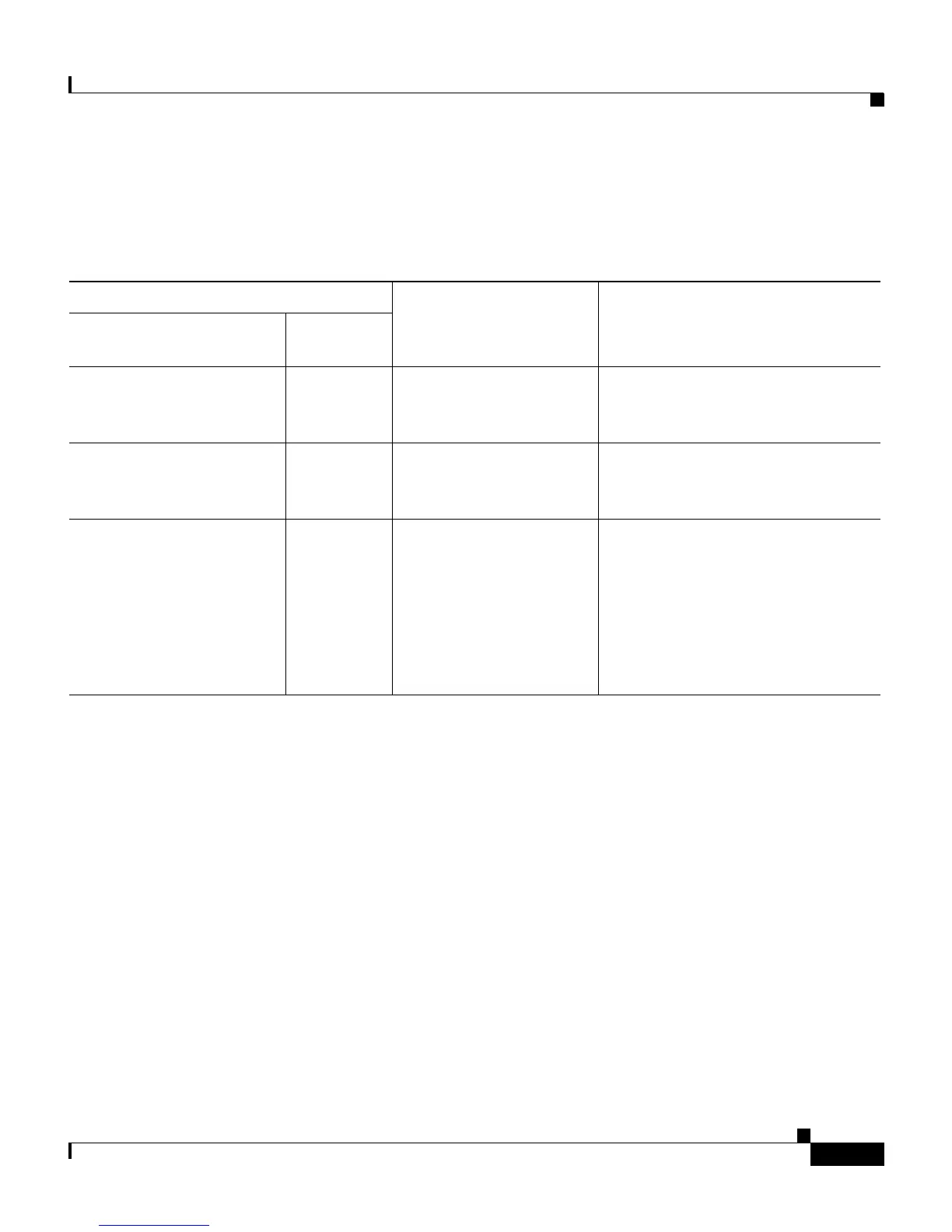
Table 2-14 describes these LEDs and provide suggestions for correcting
problems.
Table 2-14 LEDs of the CSS 11506 Power Supply
LED State
Possible Problem Recommended Action
AC OK or
I/P OK (DC power supply)
DC OK
On On There is no problem
with the power source
and the power supply.
Not applicable.
Off Off There is no power to the
power supply.
Ensure the supply has power.
Check the power switch, power
cord, and power source.
On Off The power supply failed. Remove and replace the power
supply. Refer to the reference
sheet that comes with the
replacement supply.
After you install the power supply,
the CSS automatically brings the
power supply into service.









 To Next Page