2-25
Cisco 11500 Series Content Services Switch Hardware Installation Guide
78-16421-01
Chapter 2 Cabling and Troubleshooting the CSS
Connecting the Chassis to Ground
Attaching the Grounding Cable
The following procedure describes how to attach:
• The grounding lug to the grounding cable
• The grounding cable to the chassis
Warning
When you install or replace the unit, the ground connection must always be
made first and disconnected last.
1. Power off the chassis by setting the power switch (or switches) to the O (off)
position.
2. Strip the covering from the end of the grounding wire (Figure 2-10). The
amount of covering to be stripped varies depending on the type of lug you
plan to attach to the wire.
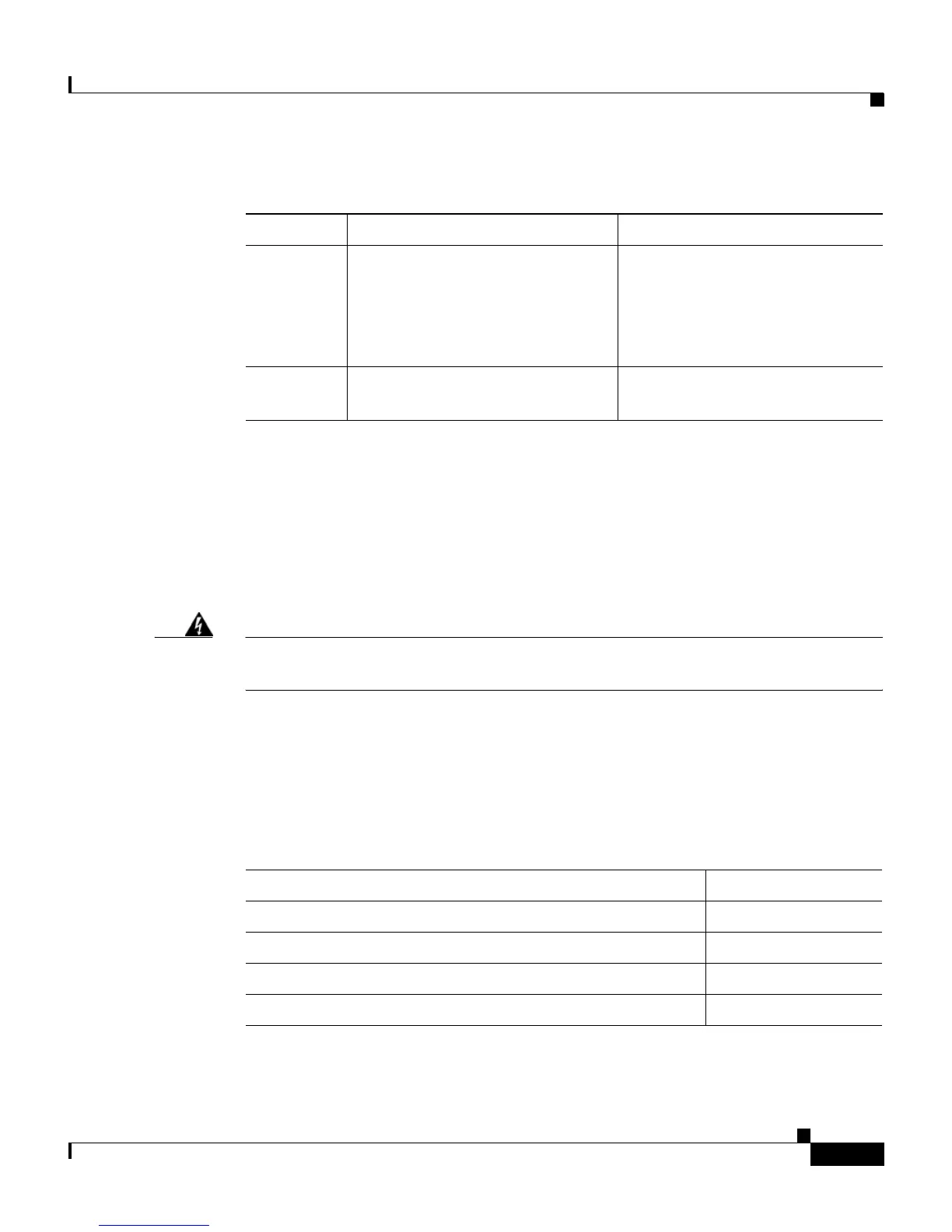
1 Crimping tool Must fit diameter of grounding
lugs. Cisco Systems
recommends that you use a
crimping tool recommended by
the lug manufacturer.
2 M5 screws with captive, locking
washers
Included in accessory kit
shipped with the CSS.
Table 2-8 Tools and Supplies (continued)
Quantity Description Comments
Lug Strip Length
Panduit no. LCD6-10A-L (supplied in accessory kit) 13/16 inch (2 cm)
Panduit no. LCC6-10A-L (long barrel) 1 1/16 inch (2.7 cm)
Thomas & Betts no. 256-30695-1183(*4*) 3/4 inch (1.9 cm)
Burndy no. YA6CL2TC10 7/8 inch (2.2 cm)









 To Next Page