72 Copyright © 2024 Cisco Systems, Inc. All rights reserved.D15519.02 | 2024 JANUARY | Cisco Room Kit EQX Installation Guide
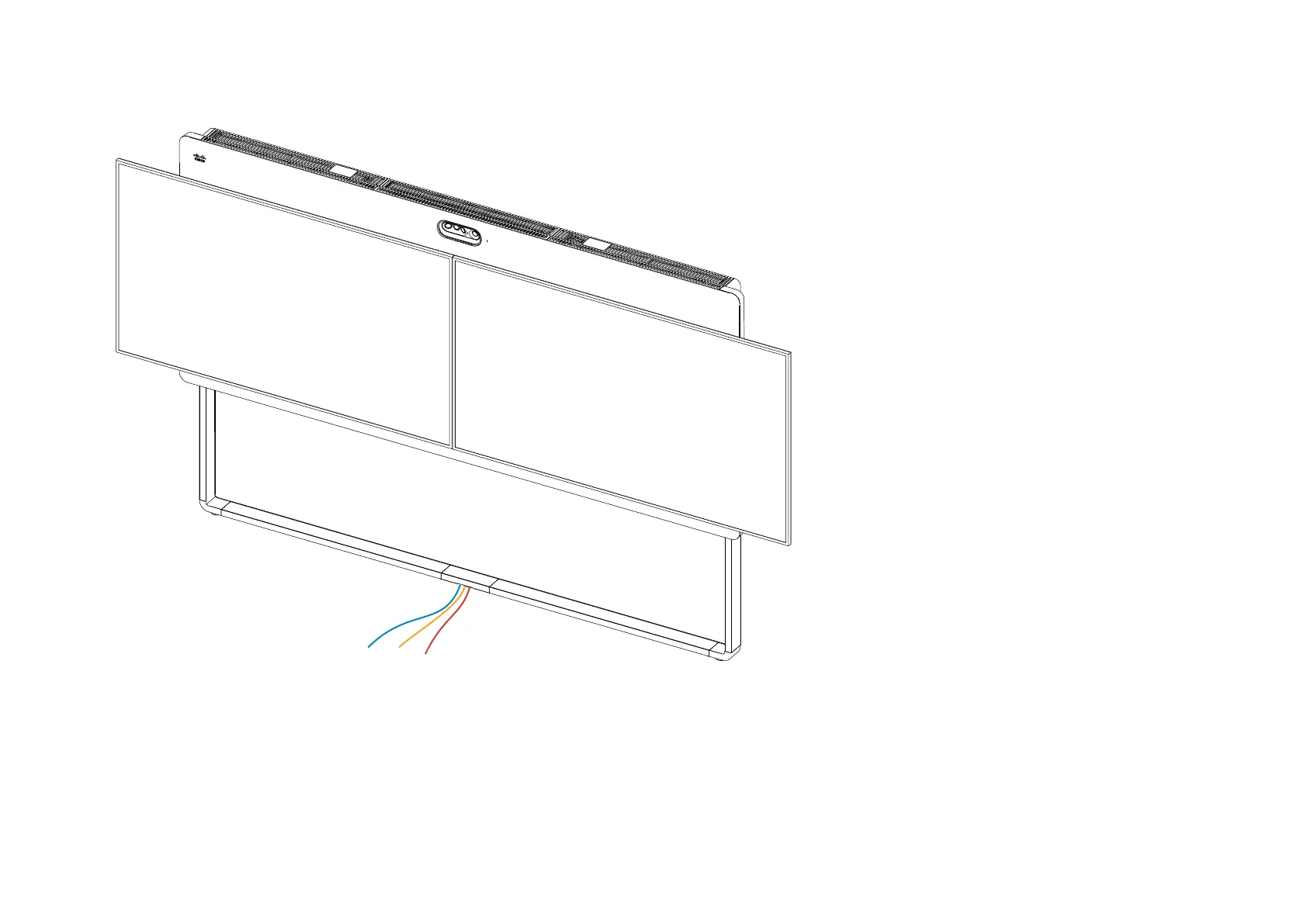
28. Finish-up
1. Remove protection foils from the screens.
2. Connect the HDMI (S1, S2) and power (S3, S4) cables to
the screens.
3. Also connect the screen power cables (S3, S4) to a wall
socket outlet.
4. Connect the system to the Ethernet (E1) and power (E3)
outlets.
• The power switches on the camera, codec, and 24 V
PSU must be ON.
5. Follow the instructions on-screen
• Choose product type “Room Kit EQX” when
prompted.
If choosing the wrong product type, the system will
not work as expected. You will have to factory reset
the codec and run the set-up wizard again to fix the
issues.


 To Next Page