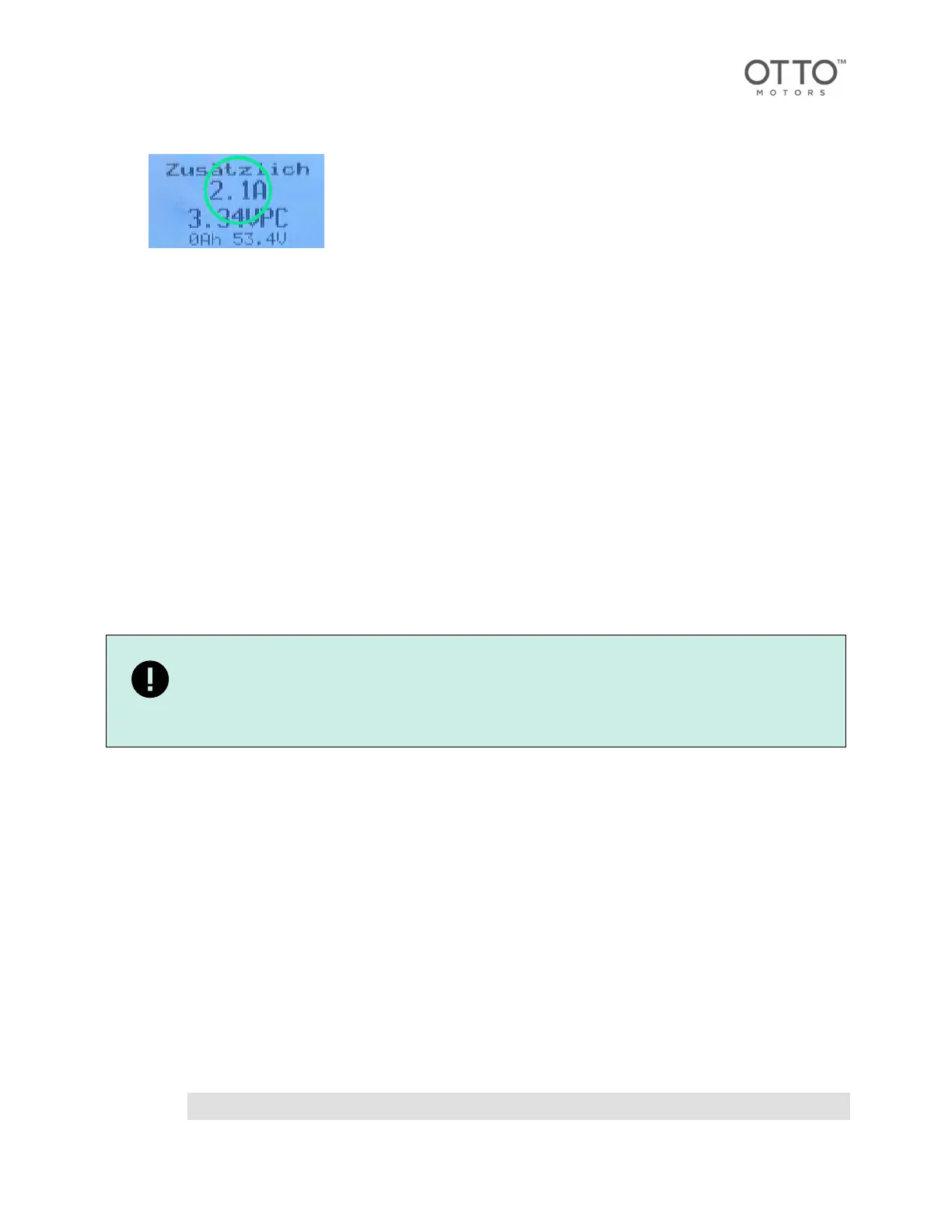
9. Confirm the AMR is charging by verifying the manual charger is drawing current using the manual
charger display.
10. When charging is complete, turn the key completely to the left, and remove the key.
11. Disconnect the manual charger from the battery.
12. Remove the lock-out/tag-out.
13. Start up the AMR [38].
11.5.Storing the AMR
The system must be properly stored for subsequent reuse.
• Do not expose to direct sunlight.
• Do not expose to direct rain, water, or condensation.
• For further conditions, see system specifications [24].
1. Fully charge the battery. The battery discharges approx. 3 - 5 % per month when not in use.
2. Shut down the AMR [38].
3. Check the battery charge level every 3 months.
4. Recharge the battery every 3 months.
5. Keep a record of proof of proper storage.
IMPORTANT
Further information and detailed descriptions on storing the battery can be found in the
battery documentation.
11.6.Connecting to an AMR using an Ethernet cable
OTTO AMRs can be interfaced with using acomputer with an Ethernet port and an Ethernet cable.
The Ethernet port on the OTTO 600 autonomous mobile robot (AMR) is located with the front controls.
1. Connect one end of an Ethernet cable to the AMR.
2. Connect the other end of the Ethernet cable to the Ethernet port on a computer.
3. Set the computer's netmask to the following:
255.0.0.0
4. Set the computer's IP address to the following:
10.255.255.200
5. Test the connection to the AMR.
Testing the connection to an AMR
• Confirm the AMR can be pinged from a terminal window by entering the following command:
ping 10.255.255.1
OTTO 600 - OMM-000117-A
© Clearpath Robotics Inc. 2024. All rights reserved. CLEARPATH and OTTO are trademarks of Clearpath Robotics Inc.
All other product and company names listed are trademarks or trade names of their respective companies. 40



 To Next Page