Chapter 4: Using the web interface
98-129217-D Uploading software 97
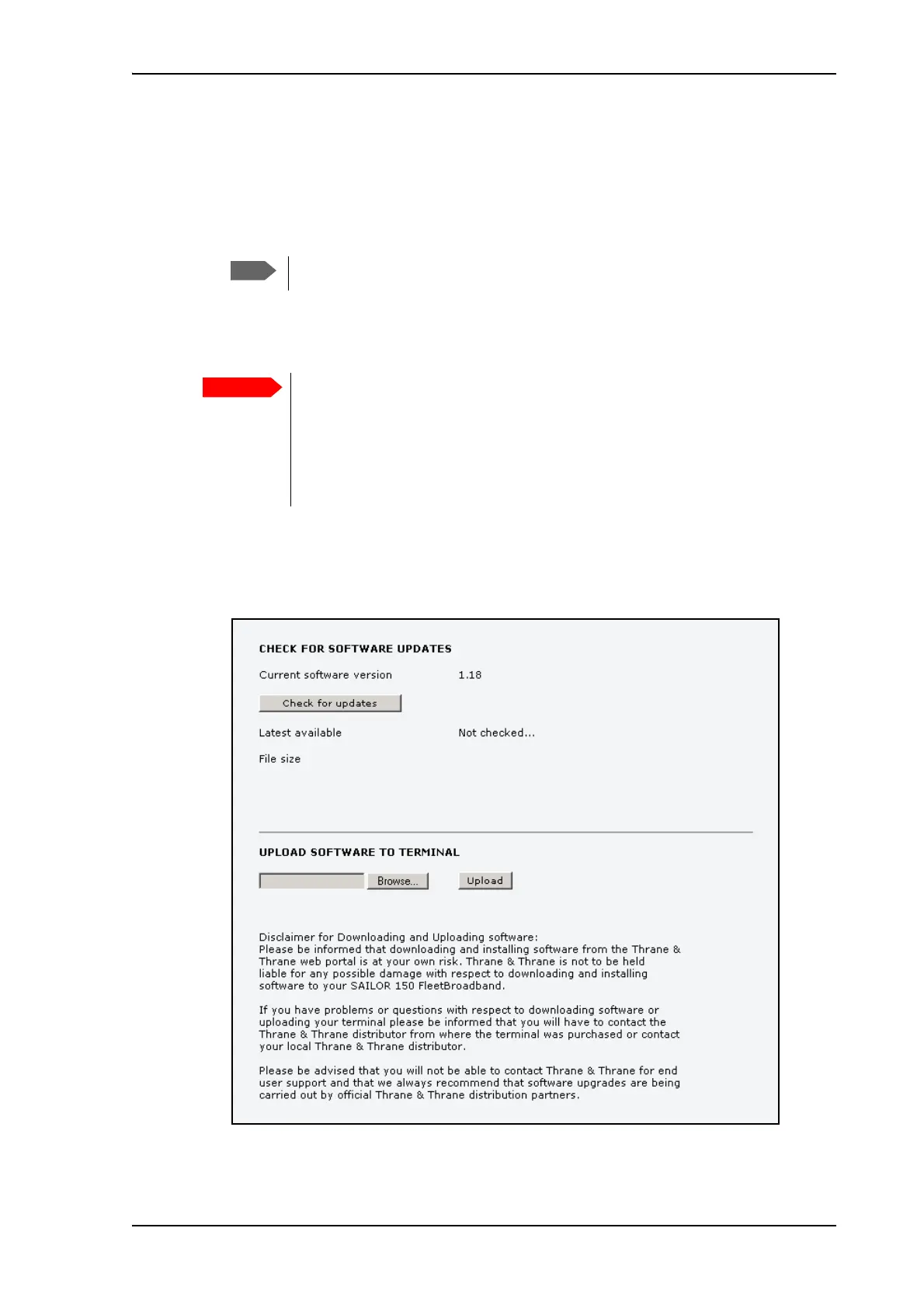
3. In the field UPLOAD SOFTWARE TO TERMINAL, click Browse...
4. Browse to the new software version and accept it.
5. Click the Upload button.
Note that the upload procedure takes a couple of minutes.
Downloading software from the Internet
To download the latest software from the Internet to the terminal, do as follows:
1. Make sure you have a connection to the Internet from your terminal.
2. Open the web interface and select SETTINGS > Upload from the left navigation pane.
3. Click Check for updates.
When upload is done, your terminal automatically restarts with the new software.
The terminal uses your BGAN airtime subscription to download the new software
from the Internet. Note that it can take several minutes to download the
software.
If you don’t want to use airtime you can acquire the software from Thrane &
Thrane, save it on your computer and then connect the computer to the
terminal.











 To Next Page