Chapter 4: Using the web interface
98-129217-D Uploading software 96
Uploading software
Introduction
The next pages describe how to upload software from your computer to the terminal and how
to download the latest software version from the Internet to your computer.
You can upload software from your computer to the terminal without entering the PIN.
However, if your SIM card requires a PIN and the PIN is not entered, you must enter the
Administration user name and password.
Uploading software from your computer
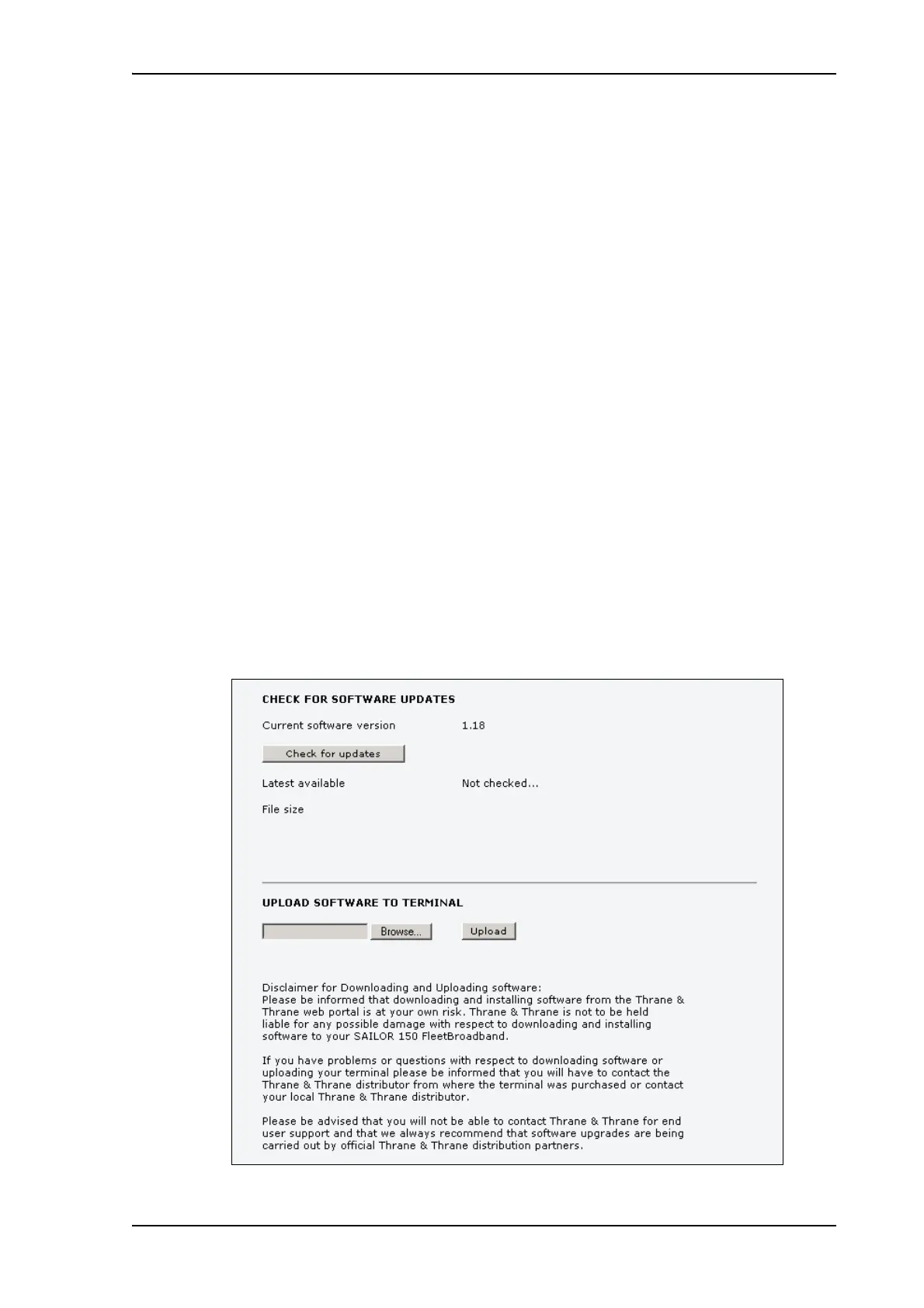
To upload software from your computer to the terminal, do as follows:
1. Download the new software as described in the next section, or acquire the software from
Thrane & Thrane A/S and save it on your computer.
2. Open the web interface and do one of the following:
• If the PIN has been accepted (or a PIN is not required), select SETTINGS > Upload
from the left navigation pane.
• If a PIN is required and the PIN has not been entered, select ADMINISTRATION, enter
the Administration PIN and password and click Logon.
The default user name is admin and the default password is 1234.
Then select Upload from the left navigation pane.
The UPLOAD page opens.











 To Next Page