Chapter 4: Using the web interface
98-129217-D Administration 111
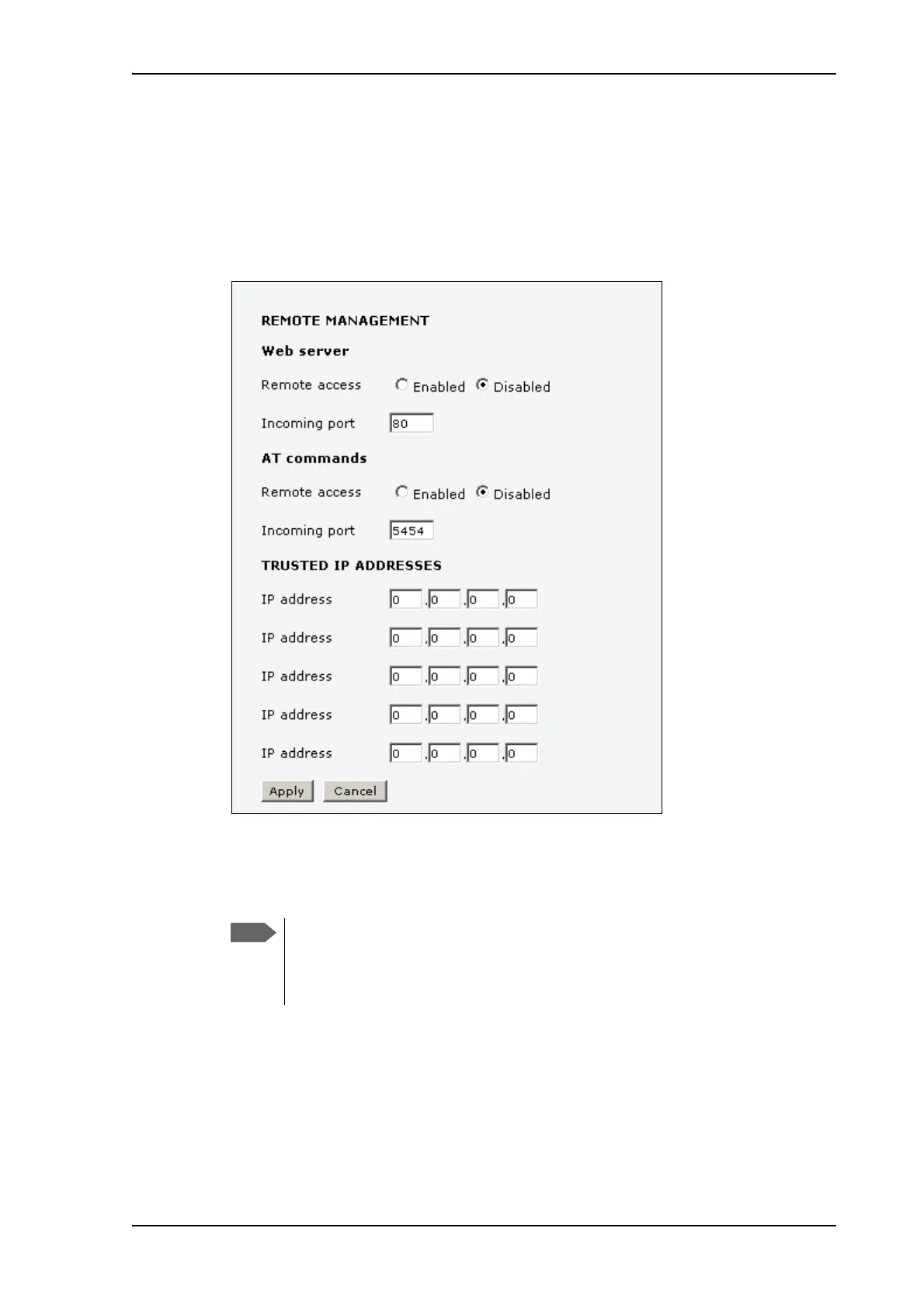
Remote management
You can set up the terminal so that it can be controlled from a remote location, either using the
web interface or AT commands.
To set up the terminal for remote management, do as follows:
1. From the left navigation pane, select ADMINISTRATION > Remote management.
2. Select whether remote access should be Enabled or Disabled for the web server and/or
for AT commands.
3. Type in the Incoming port numbers to use for the web server and for AT commands.
4. Under TRUSTED IP ADDRESSES, type in the IP addresses of the devices you want to
give access to the terminal.
5. Click Apply.
If Static IP is included in your airtime subscription, we recommend using this static public IP
address for the terminal in order to provide easy access to the terminal.
The port number must be available at your service
provider. For AT commands, use 5454 if available. If
5454 is not available you must use port forwarding to
the port number you are using.











 To Next Page